5-3
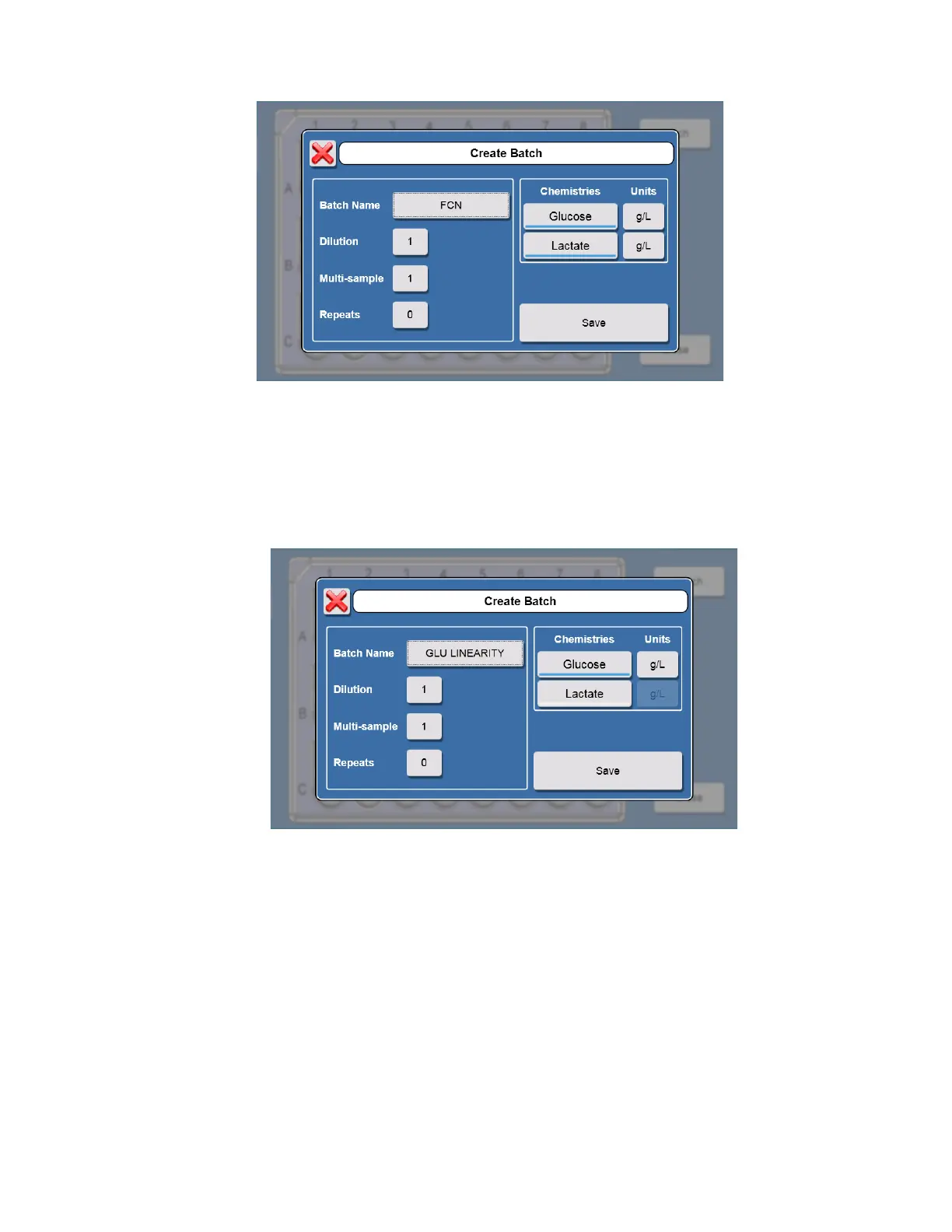
11. Touch [Save] to save the batch.
5.1.2 Linearity Test
12. Pour small amount of each linearity standard in a test tube or multi-well plate.
13. Touch additional sample locations and create new batches for the linearity tests.
14. For the daily linearity checks, select only the chemistry that corresponds to the linearity standard in that sample
location.
15. Touch [Save] to save the batch.
16. Create batches for each linearity solution.
17. Touch [Close] when all batches are created.
18. Load the plate/rack in the sampling station 1.
19. Touch (Start) to run the FCN and the linearity standards as samples.
The analyzer will calibrate as required and run the batches.














 To Next Page