6-33
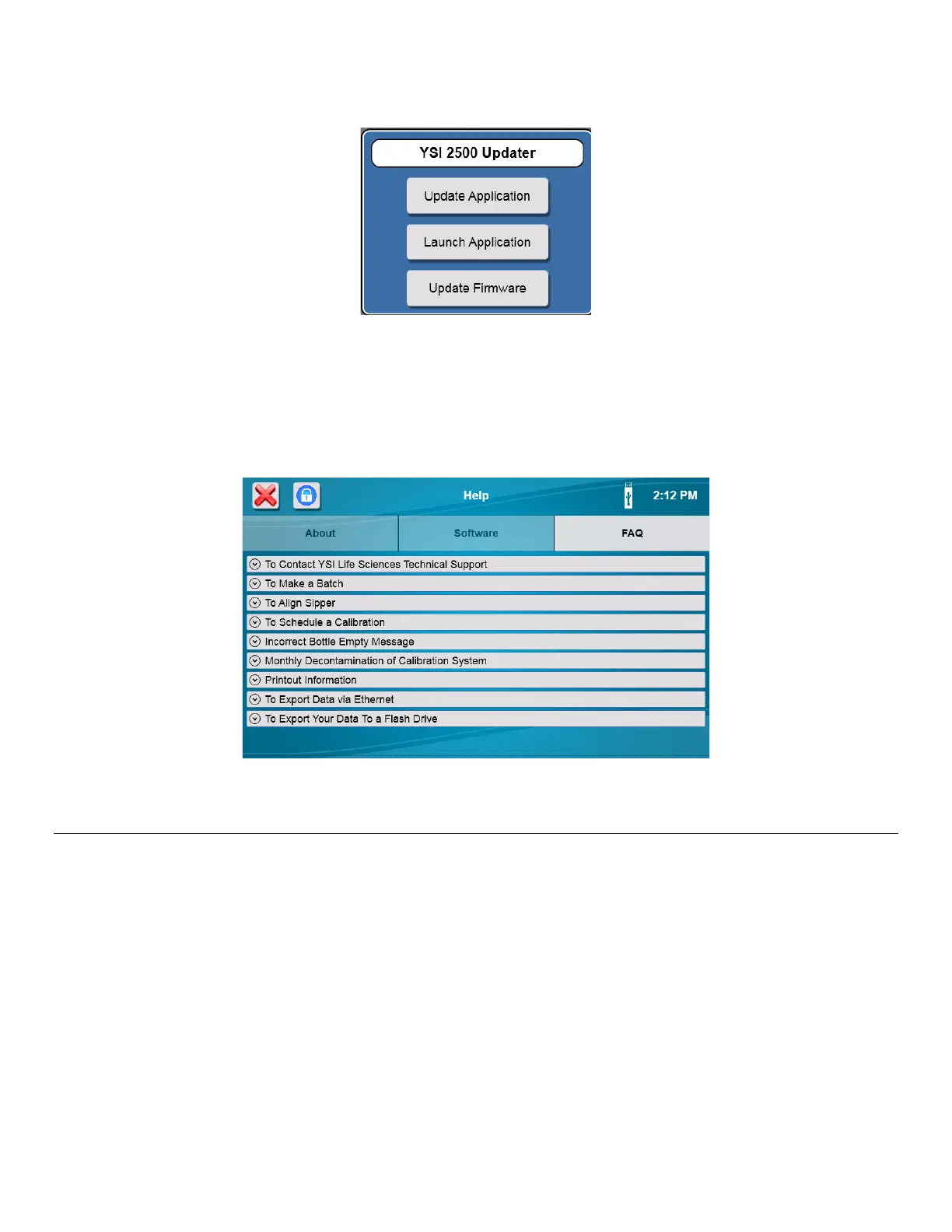
The YSI 2500 Updater will be displayed.
Touch the [Update Application] button to install the new software.
When the Installation is complete, the analyzer will reboot. Remove the flash drive.
NOTE: Updating the software will clear all sample data. After updating the software, the sipper must be aligned
with all positions.
FAQ
From the Help menu, touch the [FAQ] tab to display frequently asked questions and answers.
Connectivity 6.5
6.5.1 Ethernet Port
Connect one or more 2500 Analyzer instruments to a LAN or router via the RJ45 Ethernet port.
LAN (Shared Network Connection)
Connect one or more 2500 Analyzer instruments to a LAN via the RJ45 Ethernet port.














 To Next Page