6-32
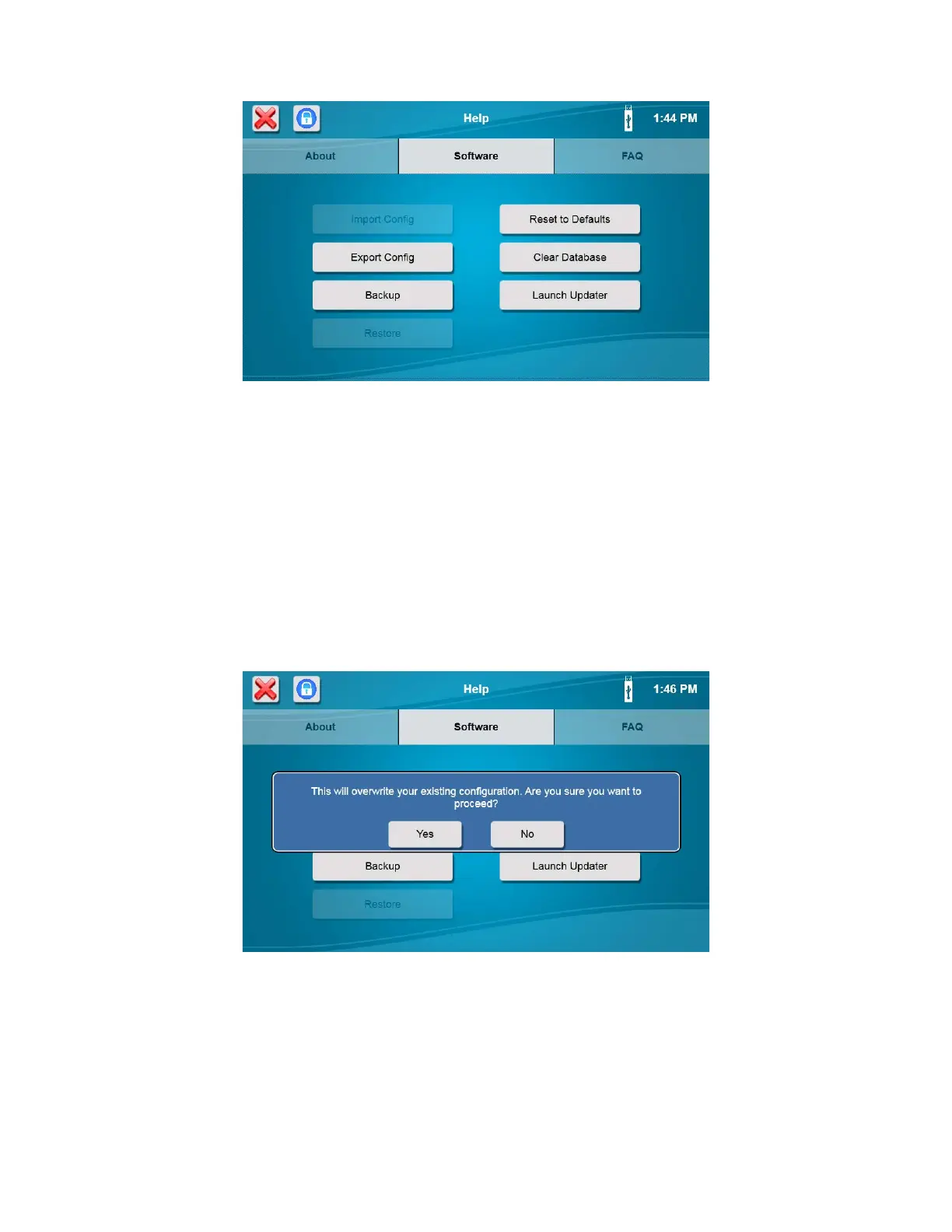
Press [Export Config] to save the current instrument configuration to the flash drive.
NOTE: The configuration file can be imported at a later date to restore the instrument configuration.
6.4.2.2 Backup
Press [Backup] to backup the current instrument setup, database, and log files to the flash drive.
6.4.2.3 Restore
Press [Restore] to restore a previous backup file for this analyzer from a flash drive.
6.4.2.4 Default
To default all instrument settings to the factory values, touch [Reset to Defaults].
NOTE: After resetting the instrument to default settings, the sipper must be realigned with ALL locations to
prevent sipper damage.
6.4.2.5 Clear Database
NOTES: Make sure all sample data and calibration data have been exported before clearing the database!
Press [Clear Database] to clear all saved sample and calibration data. Clearing old data from the database will reduce the
amount of time required to export and save sample data.
6.4.2.6 Update Software
From the Help screen, Software tab, insert the flash drive containing the software update in the instruments’ USB port.
After the Flash Drive icon appears, touch the [Launch Updater] button.














 To Next Page