6-12
6 Advanced Functions
Settings 6.1
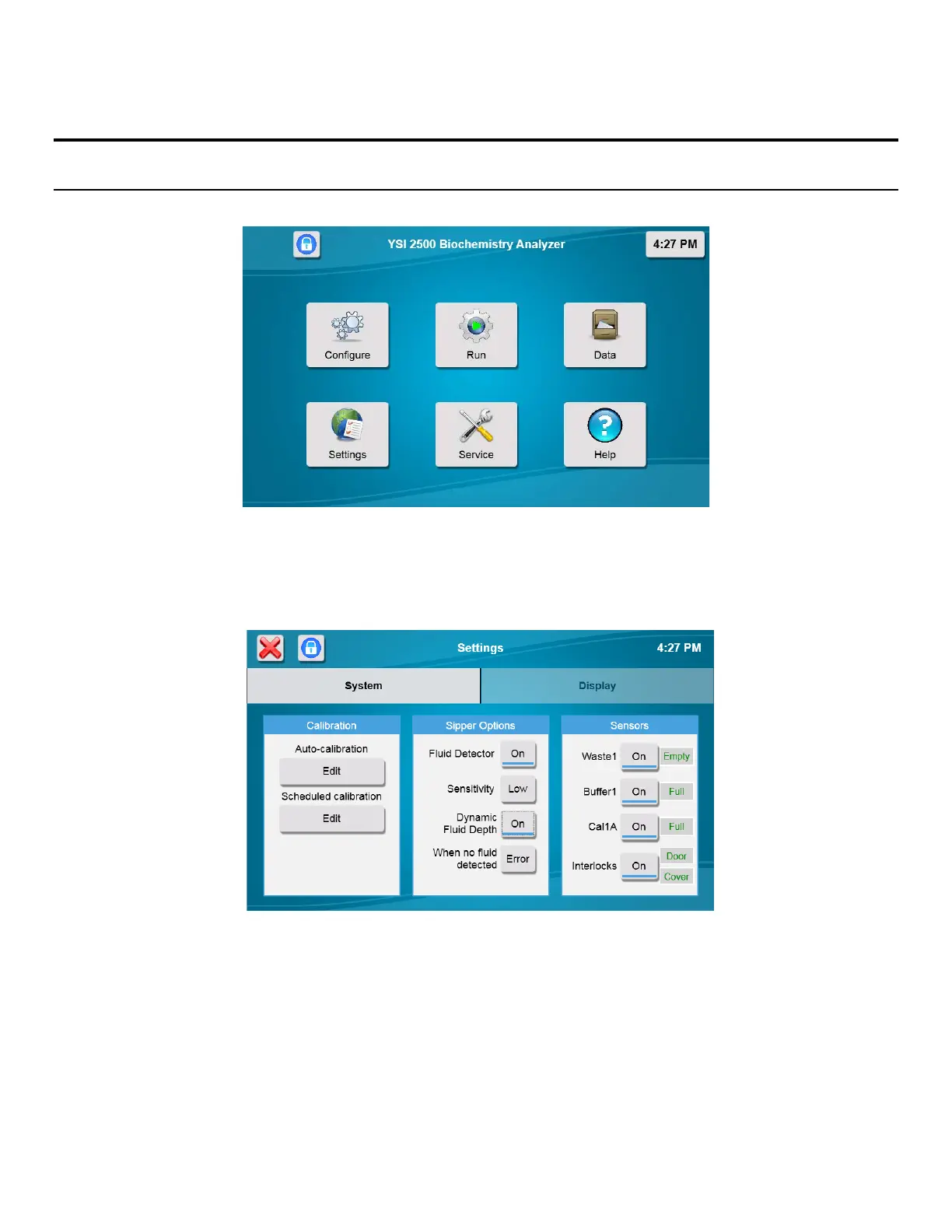
Touch [Settings] to display the settings screen as shown below.
The Settings screen includes System and Display tabs.
6.1.1 System
Touch the [System] tab (if not already selected). The System tab is used to adjust calibration settings, enable sipper and
bottle fluid detection, and interlocks.
6.1.1.1 Calibration
Auto-Calibration
Touch the Auto-calibration [Edit] button to display the Calibration settings.














 To Next Page