5-7
13. You may also create one or more batches for samples. Alternatively, you may create a separate rack for sample
batches.
14. Touch [Close] when all batches are created.
5.3.2 Export
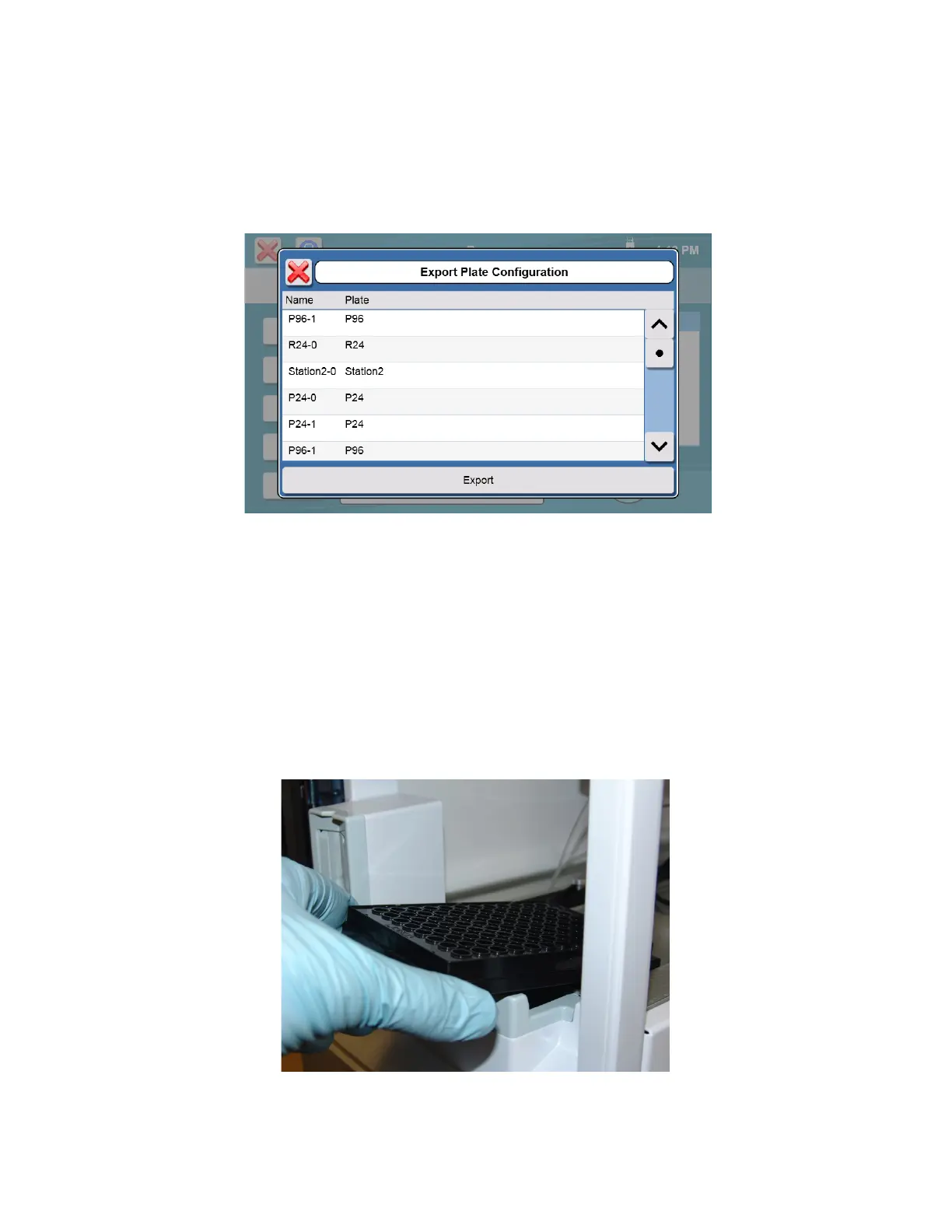
1. To save your plate configurations to a flash drive, touch [Export].
2. Select the plates you want to export, and then touch [Export].
3. Previously exported plates can be imported later using the [Import] button.
NOTE: Importing a plate with the same name overwrites an existing plate.
5.3.3 Load Samples
5.3.3.1 R24 and P6-P96 Racks/Plates
1. Open the front door of the instrument
2. Insert the plate/rack (end marked A1 first) into the instrument. Slide the front edge of the plate/rack in until it
stops.
Figure 5-1
3. Gently lower the rear of the plate/rack and push it down into position.














 To Next Page