6-22
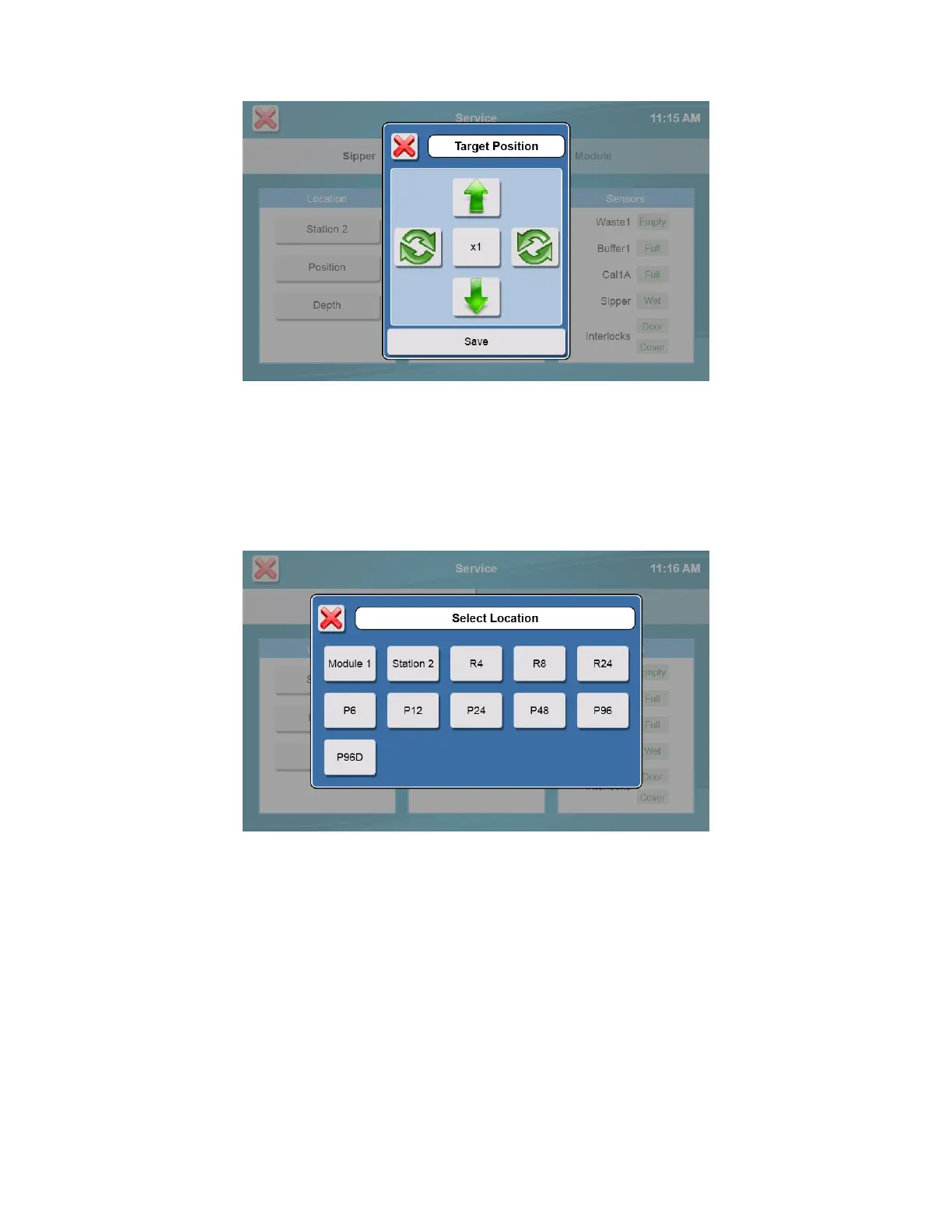
Touch [Save] to save the position.
Touch [Inject] to lower the sipper and test the alignment, then touch [Retract] to raise the sipper back up. If necessary,
touch [Position] and repeat the adjustment.
6.2.1.2 Depth
Touch [Depth] and select the location. The sipper will move to the selected location.
Sample Module: use the up and down arrows to set the tip of the sipper even with the top of the Module. Refer to Section
4.4 Align Sipper for details.
Sample Locations: use the up and down arrows to set the maximum depth the sipper will travel at that sample location.
Note that your sample fluid level must be above the maximum depth setting.














 To Next Page