6-24
necessary, touch the [Flush] button to flush the sample module again. Note that when the instrument is first powered up, it
may take several hours for the baseline currents to drop below 6 nA.
6.2.2.3 Calibrate
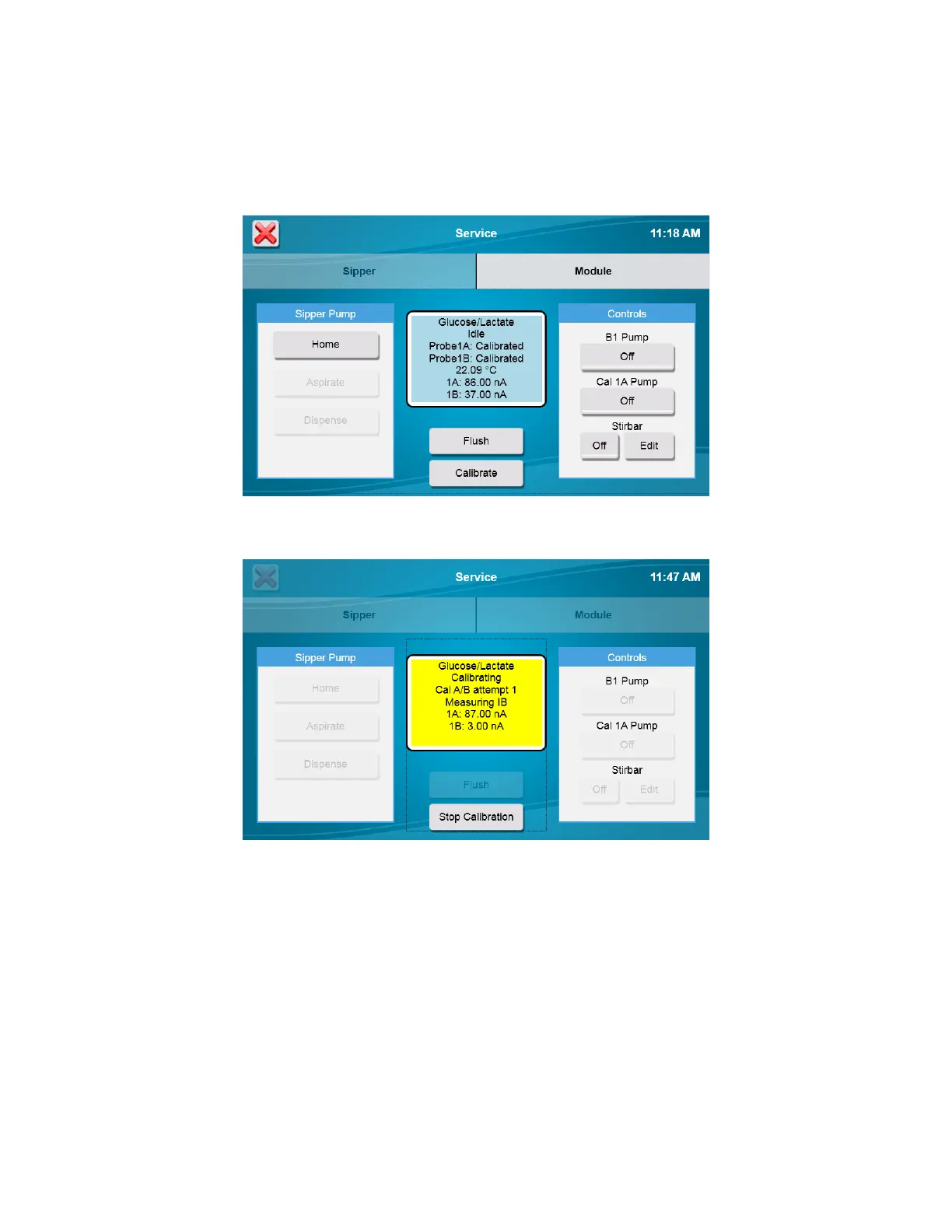
The 2500 Analyzer will automatically calibrate before running a sample batch. You may initiate manual calibration from
the [Modules] tab of the Service screen by touching the [Calibrate] button.
Calibration status is displayed on the screen.
The instrument attempts to calibrate each active probe up to 5 times before aborting calibration. If calibration fails, see
Section 10 Troubleshooting.














 To Next Page