6-14
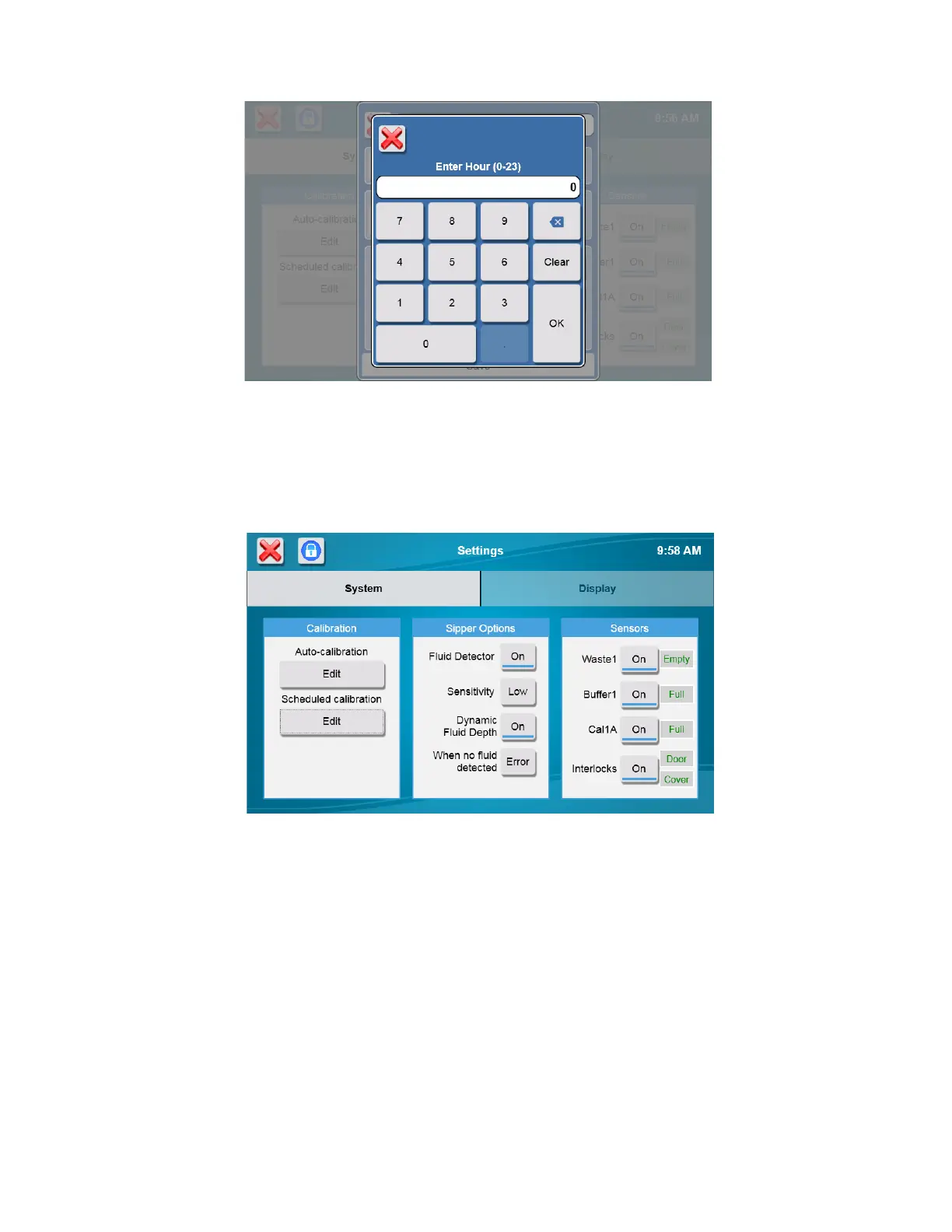
Enter the Hour each day that the instrument should calibrate in 24 hour format (0–23), then touch [OK].
Touch the Minute button [0] and enter the Minutes. Touch [OK].
After you have finished making your changes, touch the [Save] button.
6.1.1.2 Sipper Options
Touch the Sensitivity [High] button and change it to [Low] for samples with high conductivity.
Touch the Fluid Detector [On] button and change it to [Off] to completely disable sipper fluid detection at all locations,
including the calibrator wells.














 To Next Page