6-16
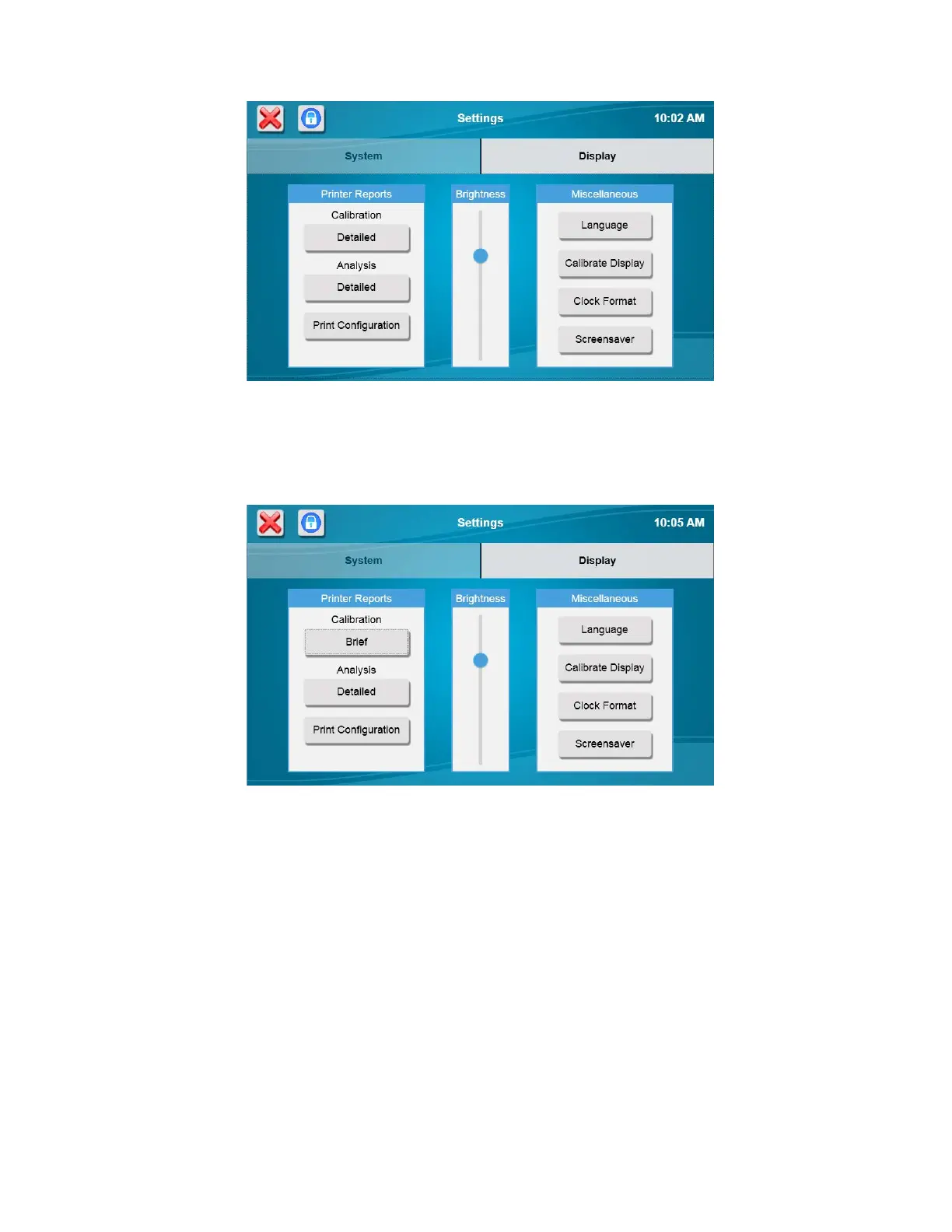
The Display tab is used to select the type of sample and calibration reports, print the configuration, adjust the display
brightness, select your language, calibrate the touch screen, select the clock format, and enable/disable the screensaver.
6.1.2.1 Printer Reports
To change the Analysis or Calibration Reports, touch the button below it to cycle through the selections— Brief, Detailed,
or None.
6.1.2.2 Print Configuration
Touch the [Print Configuration] button to send the current instrument configuration to the printer. The configuration is also
sent to the virtual printer displayed on the Run screen, Status tab.
6.1.2.3 Brightness
Adjust the display brightness moving the slider up or down.
6.1.2.4 Language
To change the displayed language, touch the [Language] button.














 To Next Page