6-17
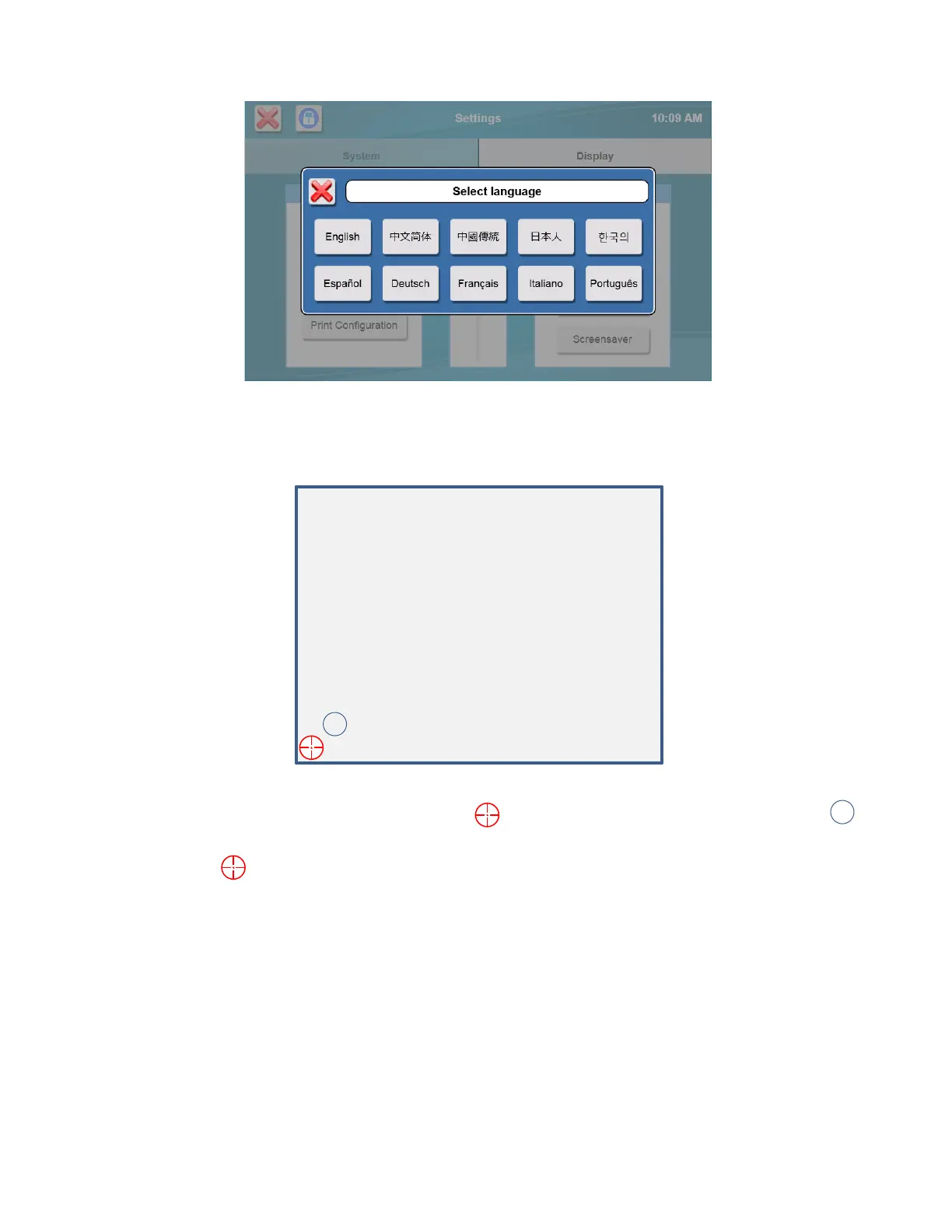
Select your language from the available choices.
6.1.2.5 Touch Screen Calibration
The touch screen is calibrated at the factory and should not require user calibration.
Touch the [Calibrate Display] button to enter touch screen calibration.
Using a stylus, touch and hold the center of the red flashing
that appears at each corner of the display until
appears.
After you have held the in all four corners, the touch panel is calibrated.
Touch screen calibration can also be initiated by touching anywhere on the Initialization screen while the instrument is
initializing.














 To Next Page