6-18
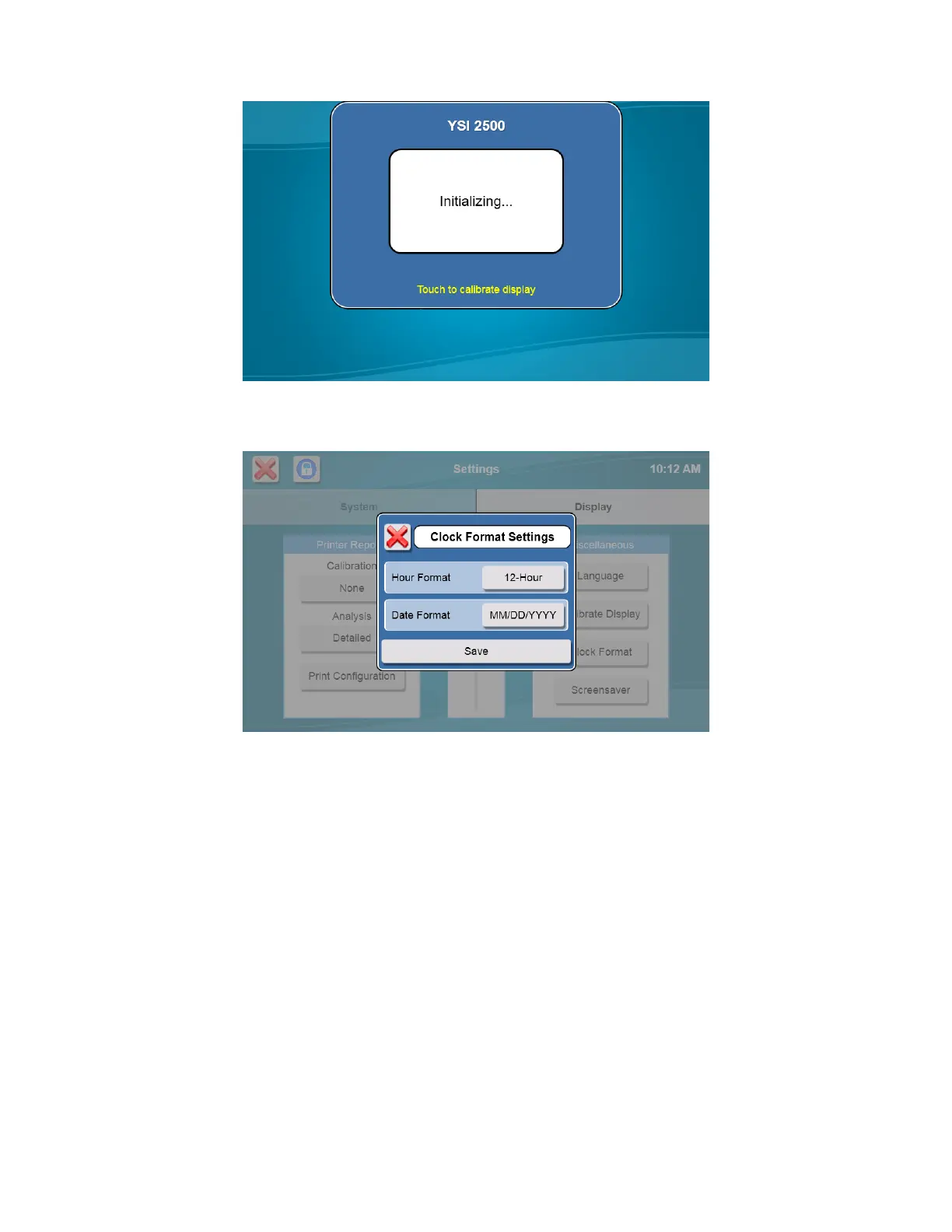
6.1.2.6 Clock Format
Touch the Clock Format button.
Touch the Hour Format button and select [12-hour] or [24-hour] clock format.
Touch the Date Format button and select [DD/MM/YYYY] or [MM/DD/YYYY] date format.
Touch the [Save] button to save your changes.
6.1.2.7 Screensaver
Touch the [Screensaver] button.
Enable the Screensaver function by touching the [OFF] button and changing it to [ON].
NOTE: The Screensaver must be enabled (On) to allow the analyzer to conserve reagents by only calibrating
every 4 hours (performing a maximum of 3 calibration attempts each time).
If the Screensaver is disabled (Off), the analyzer will continue to calibrate at the Autocal time interval (default value of
every 30 minutes) indefinitely, unless the Screensaver is activated manually (Lock button is pressed) and the analyzer
has been idle for 2 hours.














 To Next Page