22
Receive Battery Saver Setup
An important feature of the
FTA-310
is its Receive Bat-
tery Saver, which “puts the radio to sleep” for a time
interval, periodically “waking it up” to check for activ-
ity. If somebody is talking on the channel, the
FTA-310
will remain in the “active” mode, then resume its “sleep”
cycles. This feature signicantly reduces quiescent bat-
tery drain, and you may change the amount of “sleep”
time between activity checks using the Menu System:
Press the
[
F
]
key, then press downward on the
VOL-
UME
knob to activate the Menu (“SET”) mode.
Rotate the
DIAL
selector
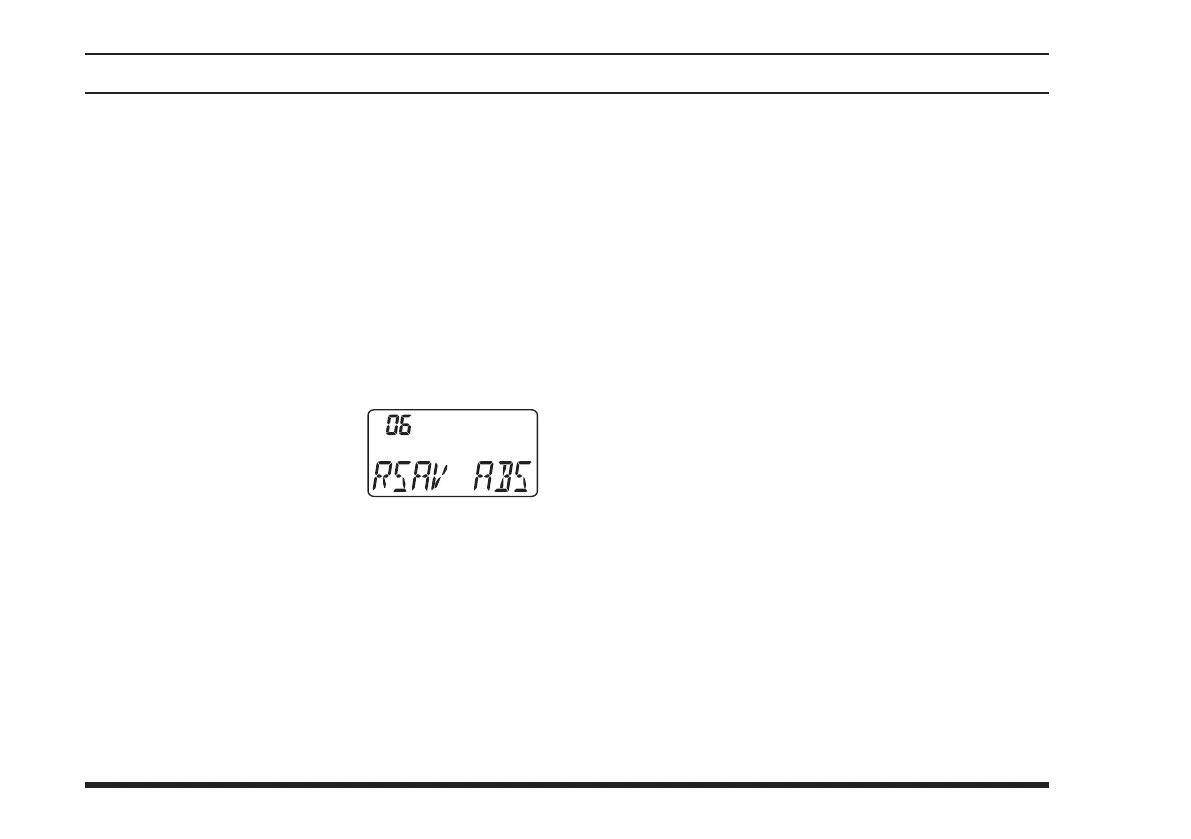
knob to select Menu Item 06
“
RSAV
.”
P r e s s down w a r d o n t h e
VOLUME
knob to enable adjustment of this Menu
item.
Rotate the
DIAL
selector knob to select the desired
“duty cycle” (receive:sleep). The selections avail-
able are
1:1
,
1:2
,
1:3
,
1:4
,
1:5
, and
ABS
or
oFF
.
The default value is 1:1.
When you have made your selection, press down-
ward on the
VOLUME
knob to save the new set-
ting, and then press the
PTT
key to exit to normal
operation.
advanced operatIon
ABS: Automatic Battery Saver, based on activity on
the receiver.
The setting of
1:5
will promote the greatest conserva-
tion of battery capacity, but the receiver’s response time
to incoming calls will be slowed somewhat.
Note: This feature does not operate during Scan or Dual
Watch.



 To Next Page