27
advanced operatIon
Rotate the
DIAL
selector
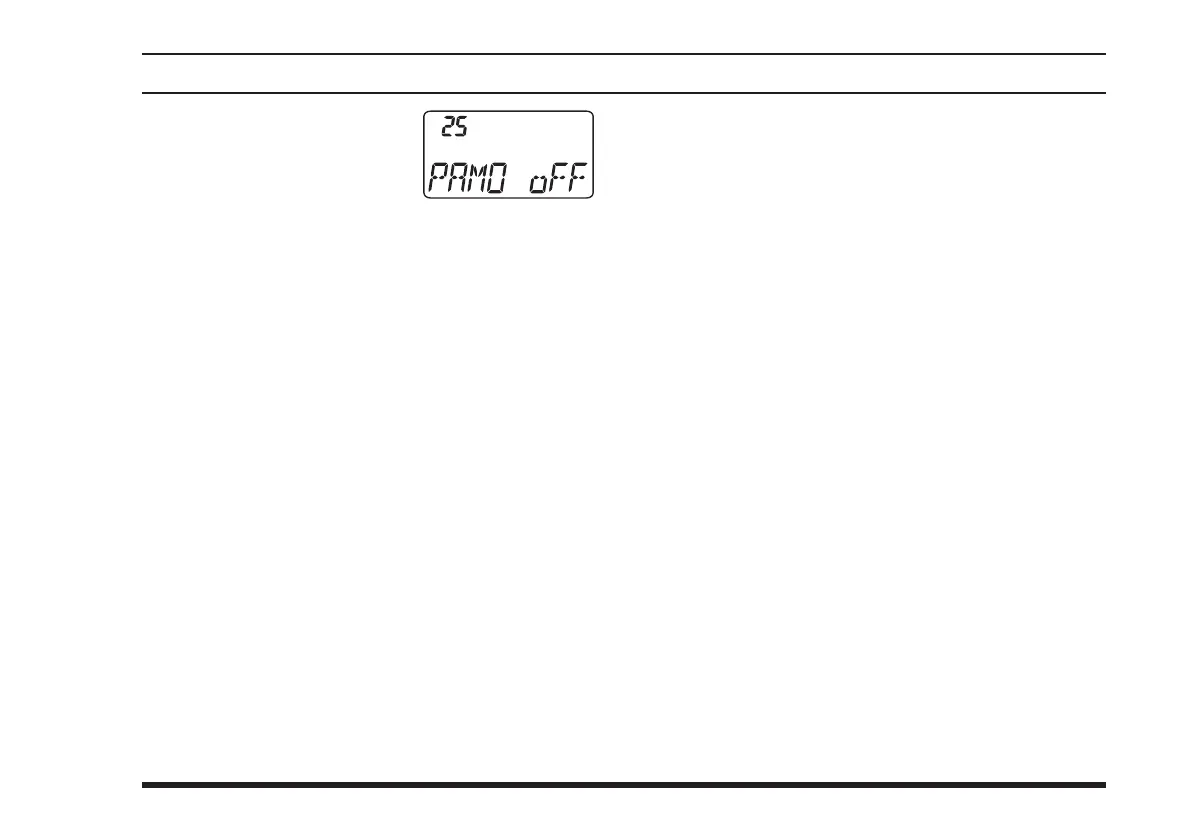
knob to select Menu Item 25
“
PAMO
.”
P r e s s d o w n w a r d o n t h e
VOLUME
knob
to enable adjustment of this Menu
item.
Rotate the
DIAL
selector knob to select the desired
monitor mode.
oFF
: Disables the monitor function at all times.
PA
: Feeds back your voice to the headset while
you’re pressing the
PTT
switch.
ALL
: Feeds back your voice to the headset while
you’re pressing the
PTT
switch. When the
PTT
switch is off, you may monitor the sound
around the transceiver (the monitor will pick
up the background sound using the
FTA-310
’s
internal microphone).
When you have made your selection,
press down-
ward on the
VOLUME
knob
to save the new setting,
and then press the
PTT
switch to exit to normal op-
eration.
Note: Do not activate the voice monitor feature while
using with the optional
MH-44
B4B
Microphone. The
voice monitor feature will tend to produce “howling”
due to feedback.



 To Next Page