33
Note: When scanning upward in frequency, when the
frequency reaches the COM Band (118.000 ~ 136.975
MHz) via manual scanning, the
FTA-310
will switch to
the automatic scanner mode.
Channel-Skip Scanning
Continuous-carrier stations like ATIS (Automatic Ter-
minal Information Service) or Weather Broadcast sta-
tions inhibit scanner operation. Since these stations are
always active, the scanner will be halted repeatedly on
their channels. Such channels can be set to be “skipped”
during Memory scanning (MR, Book or WX modes), if
you like, so as not to interfere with automatic channel
scanning:
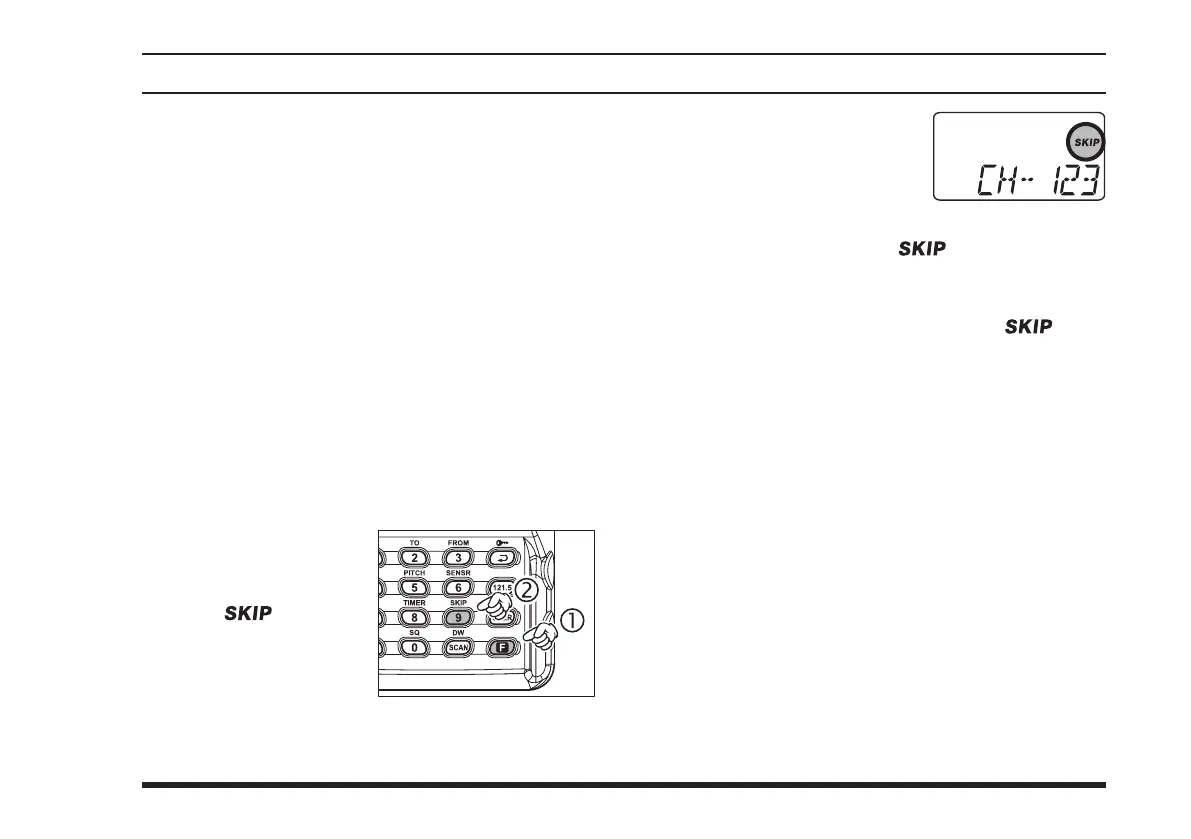
Recall the Memory Channel to be skipped during
scanning.
Press the
[
F
] key mo-
mentarily, then press
the
[
9
(
SKIP
)]
.
The “ ” icon will
appear at t he u pper
right of the channel
number, indicating that
the channel is to be ignored during scanning.
You can also designate a
channel to be skipped while
scanning. When the receiver
is halted on a channel that
you wish to skip, press and hold the
[
SCAN
(
DW
)]
key for 2 seconds (the “
” icon will appear
next to the channel to be skipped).
Later, to re-enable the memory channel for scan-
ning, repeat the first two steps. The “ ” icon
will disappear by the channel you have just re-en-
abled.
Note: A memory set to be “skipped” is still accessible
for manual memory selection using the
DIAL
selector
knob.
scannIng operatIon



 To Next Page