45
English
SET MENU Items
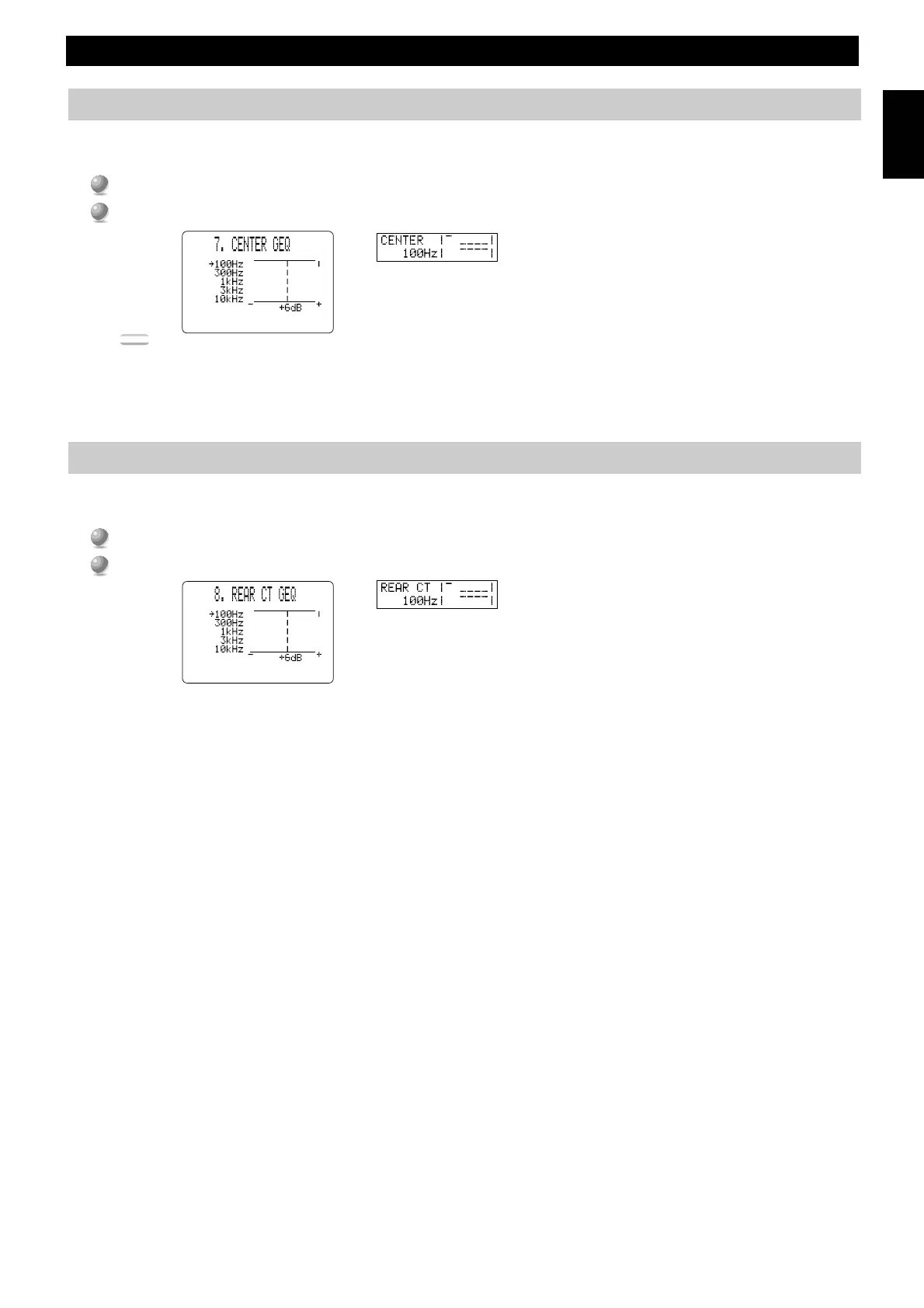
7. CENTER GEQ (Center Graphic Equalizer)
Use this feature to adjust the built-in five band graphic equalizer so the Center speaker tone matches that of the left and right Main speakers.
You can select the 100 Hz, 300 Hz, 1 kHz, 3 kHz, or 10 kHz frequencies.
1
1
Use
%
to select a higher frequency and
%
to select a lower frequency.
2
2
Press + or – (or SET MENU + or –) to adjust the level of that frequency.
Note:
• You can monitor the Center speaker sound while adjusting this item using the Dolby Surround test tone generator. Press TEST before starting the
procedure above. “TEST DOLBY SUR.” appears, and the test tone starts alternating among the speakers. Once you begin the procedure above,
the test tone remains at the Center speaker and you can hear how the sound changes as you adjust the various frequency levels. To turn off the test
tone generator, press TEST repeatedly until the current DSP program appears (see page 28).
8. REAR CT GEQ (Rear Center Graphic Equalizer)
Use this feature to adjust the built-in five band graphic equalizer so the Rear Center speaker tone matches that of the left and right Main
speakers.
1
1
Use
%
to select a higher frequency and
%
to select a lower frequency.
2
2
Press + or – (or SET MENU + or –) to adjust the level of the selected frequency.



 To Next Page
 Loading...