Edit Search Utility Live SetPerformance
MODX Reference Manual
Uitlity
Settings
Sound
Quick Setup
Audio I/O
MIDI I/O
Advanced
System
Contents
Load
Store / Save
Data Utility
Library Import
Tempo Settings
Effect Switch
Other Info
Shift Function
Legal Notices
205
Reference
Page (Page Select)
When Files in “File Select” are displayed in multiple pages, you will need to use this button to scroll through
the pages.
You can select a desired Performance in the Library file which is loaded to the User Memory and copy the
Performance to the User Bank.
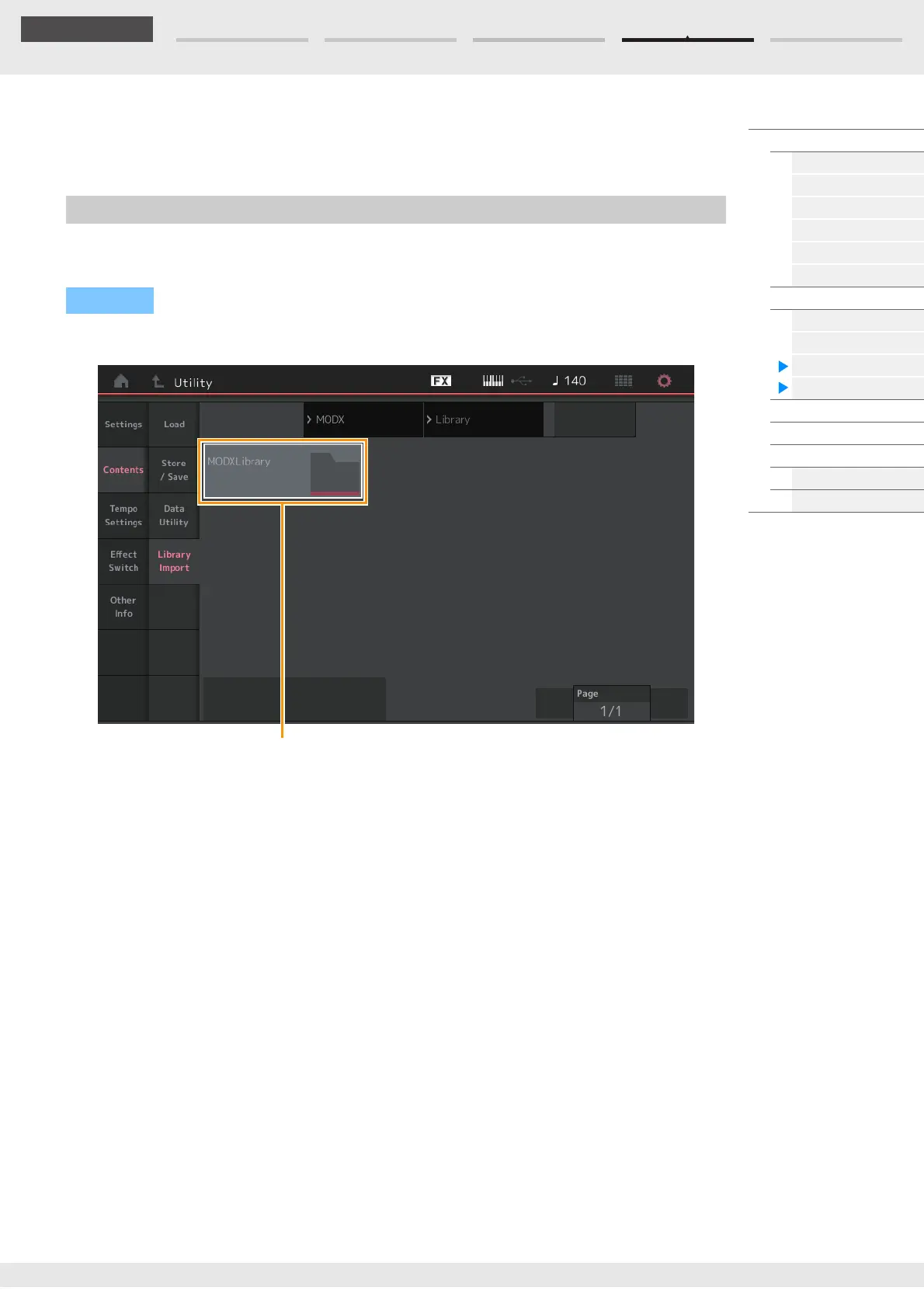
Library Folder List
Library Folder Select
Indicates the Libraries as folders. Touching the Folder opens it. These folders are displayed only when
Library files are loaded in the Load display.
Library Import
Operation
[UTILITY] [Contents] [Library Import]



 To Next Page