Edit Search Utility Live SetPerformance
MODX Reference Manual
Performance
Home
Motion Control
Overview
Quick Edit
Arpeggio
Motion Seq
Super Knob
Knob Auto
Mixing
Scene
Play / Rec
MIDI
Audio
42
Reference
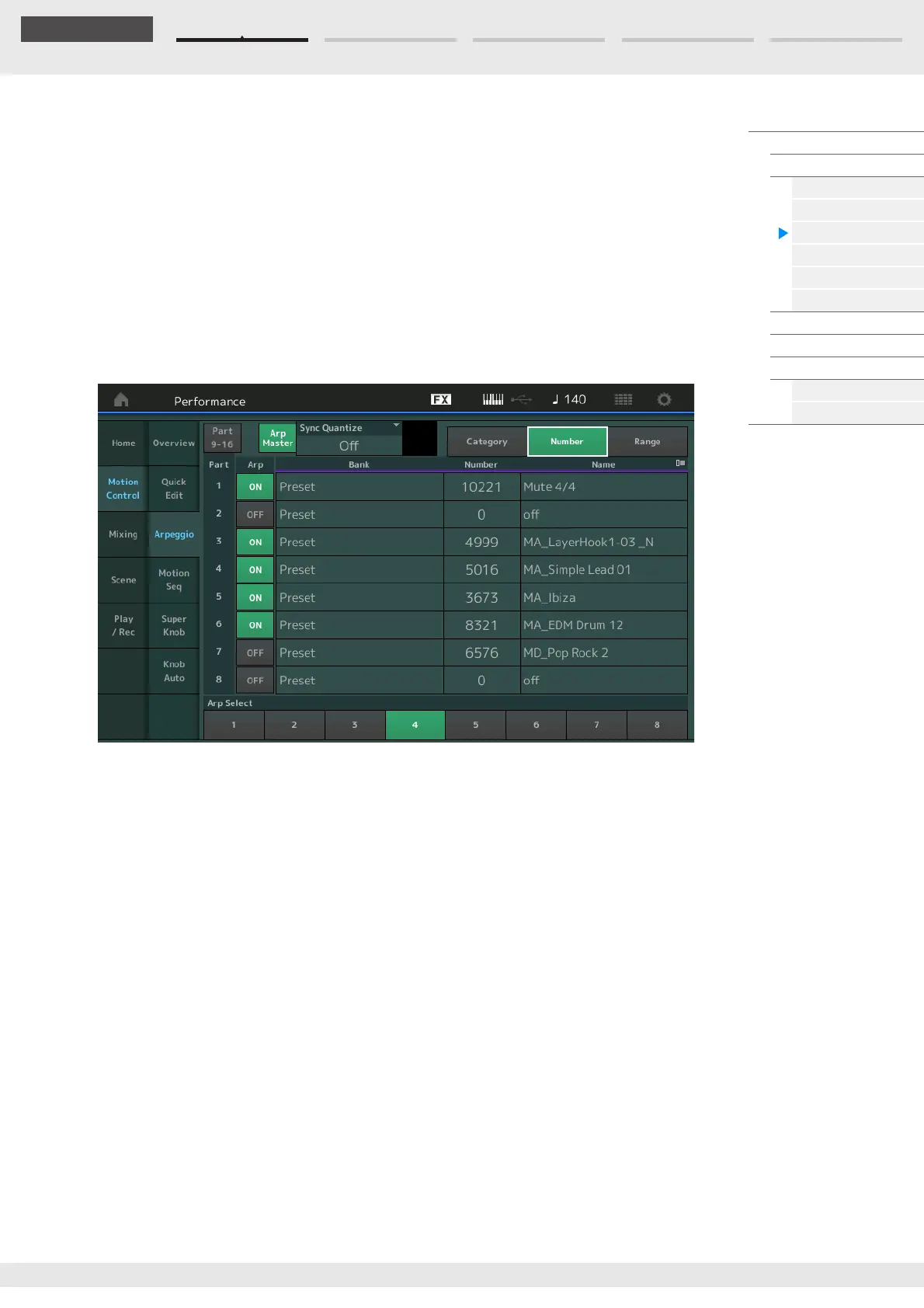
View
Determines which information regarding Arpeggio Type is displayed.
Settings: Category, Number, Range
When “View” is set to “Category”
Category (Arpeggio Category)
Settings: See the Arpeggio category list (page 11).
Sub (Arpeggio Sub Category)
Settings: See the Arpeggio sub category list (page 11).
Name (Arpeggio Name)
Settings: See the Data List PDF document.
When “View” is set to “Number”
Bank (Arpeggio Bank)
Settings: Preset, User, Library 1–8
Number (Arpeggio Number)
Settings: See the Data List PDF document.
Name (Arpeggio Name)
Settings: See the Data List PDF document.



 To Next Page