Edit Search Utility Live SetPerformance
MODX Reference Manual
Performance
Home
Motion Control
Overview
Quick Edit
Arpeggio
Motion Seq
Super Knob
Knob Auto
Mixing
Scene
Play / Rec
MIDI
Audio
48
Reference
Loop (Super Knob Motion Sequencer Loop)
Determines whether the Motion Sequence is played only once or repeatedly.
Settings: Off, On
Velocity Limit (Super Knob Motion Sequencer Velocity Limit)
Determines the minimum and maximum Velocity values over which the Motion Sequence responds.
Settings: 1–127
Cycle (Super Knob Motion Sequencer Cycle)
Selects the desired step length for the Motion Sequence.
Settings: 1–16
Load Sequence
Loads Motion Sequence data in the User Memory. For details about Loading, see “Load” (page 198).
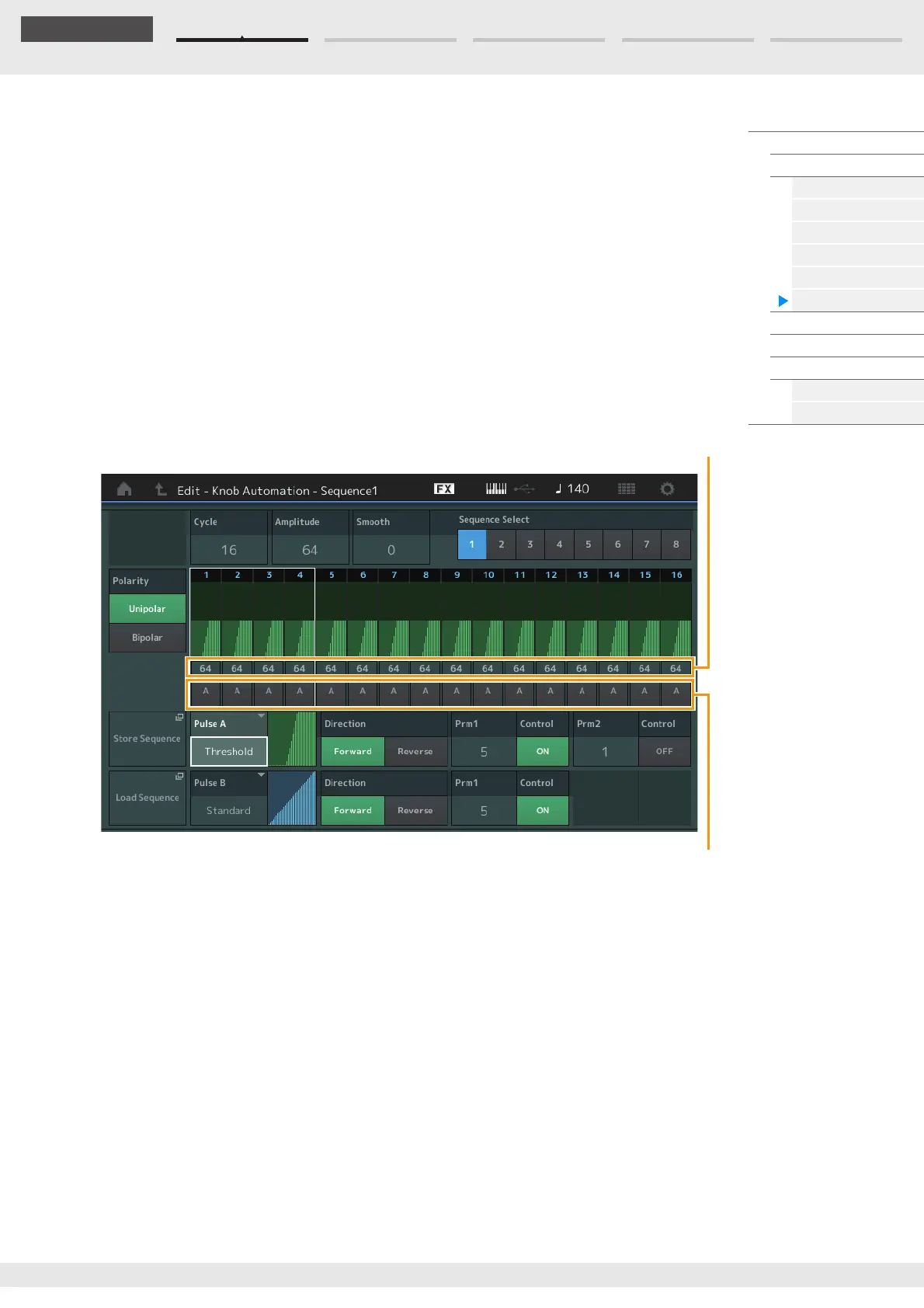
Edit Sequence
Calls up the Motion Sequence Setting display. You can create a custom Sequence consisting of up to
sixteen steps.
Cycle (Super Knob Motion Sequencer Cycle)
Selects the desired step length for the Motion Sequence.
Settings: 1–16
Amplitude (Super Knob Motion Sequencer Amplitude)
Determines how the entire Motion Sequence changes.
Settings: 0–127
Smooth (Super Knob Motion Sequencer Smoothness)
Determines the smoothness of the time change of the Motion Sequence.
Settings: 0–127
Sequence Select (Super Knob Motion Sequence Select)
Determines the Motion Sequence Type.
By selecting a type and pressing [SHIFT] + [EDIT], you can copy or exchange Motion Sequences. For
details, see “Copying or Exchanging Motion Sequences” (page 95).
Settings: 1–8
Motion Seq Step Value
Motion Seq Step Type



 To Next Page