99
11
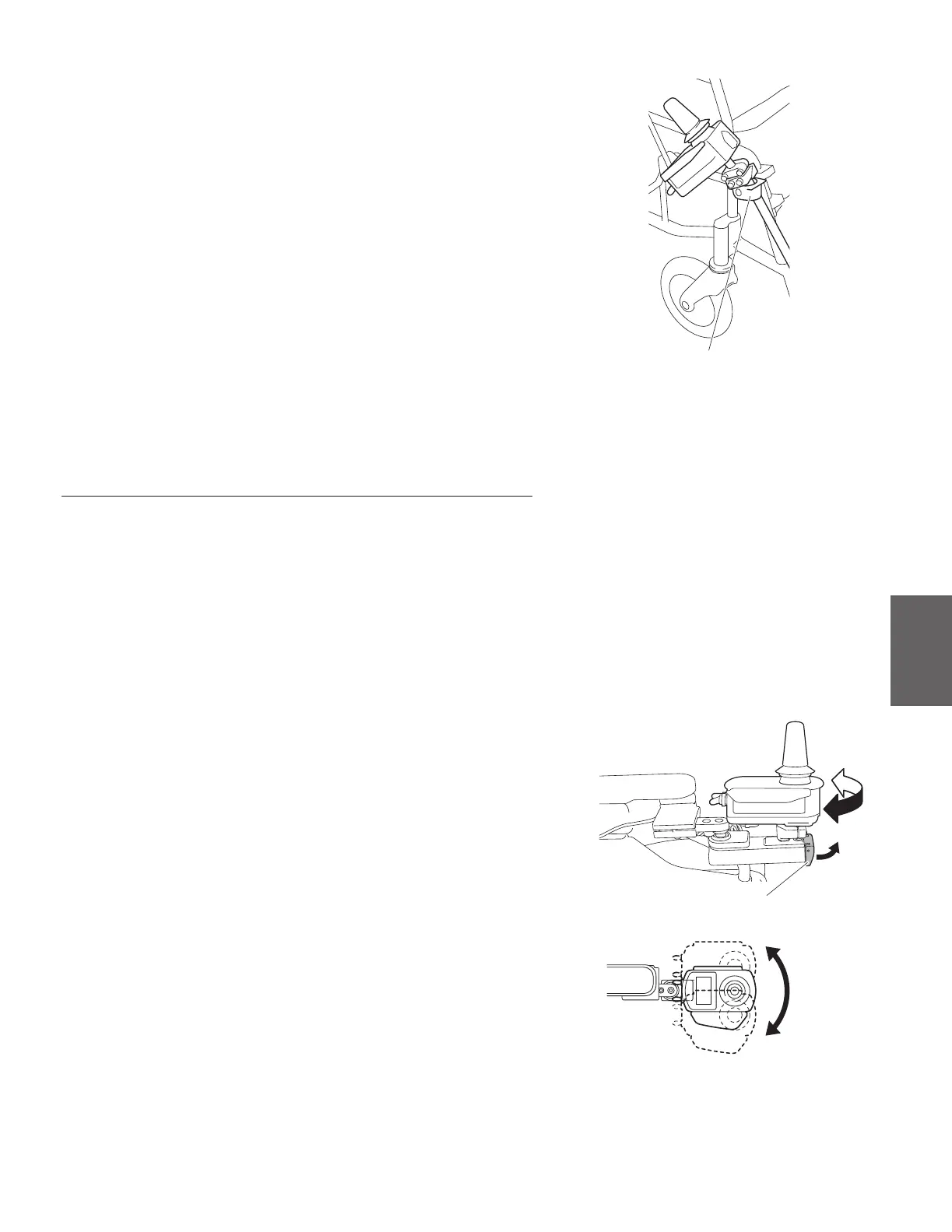
(4) Insert the controller into the lower holder.
Lower holder
(5) To return the controller to its original position, reverse the procedure.
11.4.2. Parallel arm type controller holders (Optional)
Adjusting the mounting position of the controller
• Adjusting the Horizontal position
The Mounting position can be adjusted for 3 positions of Center, inner and outer side.
(1) Turn o the power switch.
(2) Adjusting the position of controller while the lock lever of
the holders is pulled up.
(3) After release the lock lever, the controller position is xed
with lock position.
Inner side
Outer side
Lock lever



 To Next Page