68
8
Tips on charging
• It is recommended that you charge the battery while you are sleeping.
• Since the refresh charging process recharges after discharging all of its remaining elec-
tricity, it will take a long time if you perform it on a battery with a high residual capacity. It is
recommended that you perform a refresh charging on a battery that is drained as much as
possible.
• Standby mode may be activated, and the charge indicator lamp may ash green once per
second if the ambient temperature changes while the charger is charging. When the tem-
perature is suitable for charging, the charge indicator lamp will stop ashing and remain on
green, and the charging operation will automatically re-start.
• If standby conditions continue for a long time, the charge indicator lamp will start ashing
green rapidly (ve times per second) and the charging operation will be terminated.
If this happens, unplug the charging plug and the power plug. Re-locate the charger in ac-
cordance with “8.4. How to Charge the Nickel Metal Hydride Battery (JWB2)”, and try to
charge the battery again.
• The charger protection function may be activated by a change in the ambient temperature
even while charging is in progress. In this case, the charge indicator lamp will ash red and
the charger will stop charging.
If this happens, unplug the charging plug and the power plug. Re-locate the charger in ac-
cordance with “8.4. How to Charge the Nickel Metal Hydride Battery (JWB2)”, and try to
charge the battery again.
TIP
TIP
8.6. Charger (ESC3) Indicator Lamps
The charger (ESC3) for the nickel metal hydride battery has two types of lamps: the charge lamp (green)
and refresh lamp (orange). Each lamp comes on or ashes to indicate the battery and charging condi-
tions.
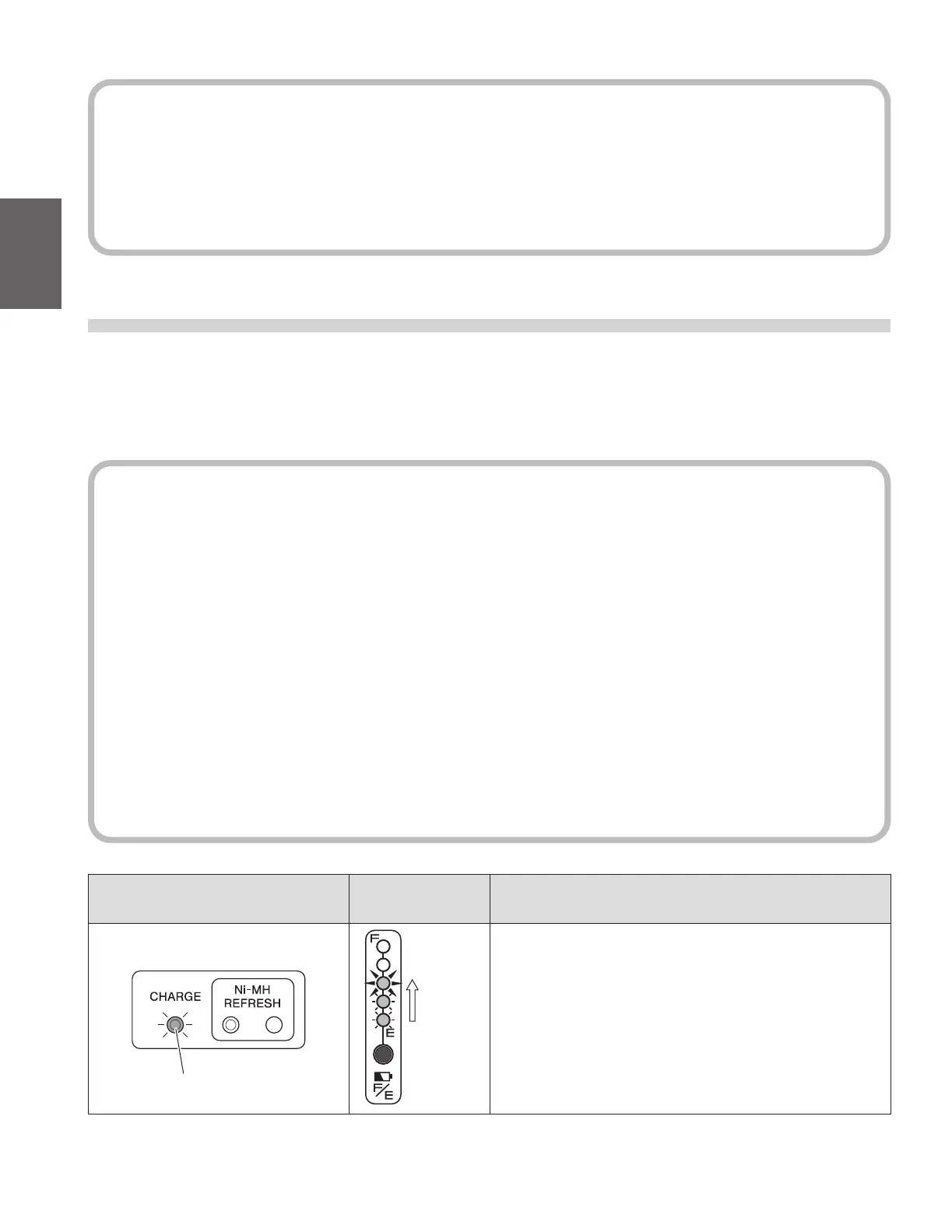
The lamp indications are explained in the following table.
Charger lamp indication
Battery capacity
indicator lamps
Description
Charge lamp (green) is on
Charge lamp (green)
Turn on
succes-
sively
Indicates normal charging.
The charge lamp will turn o after charging is completed.



 To Next Page