Try Playing a Variety of Instrument Voices
PSR-E433 Owner’s Manual
18
Quick Guide
The instrument features a built-in metronome (a
device that keeps an accurate tempo), convenient for
practicing.
1
Press the [METRONOME] button to start
the metronome.
2
Press the [METRONOME] button again
to stop the metronome.
Adjusting the Metronome Tempo
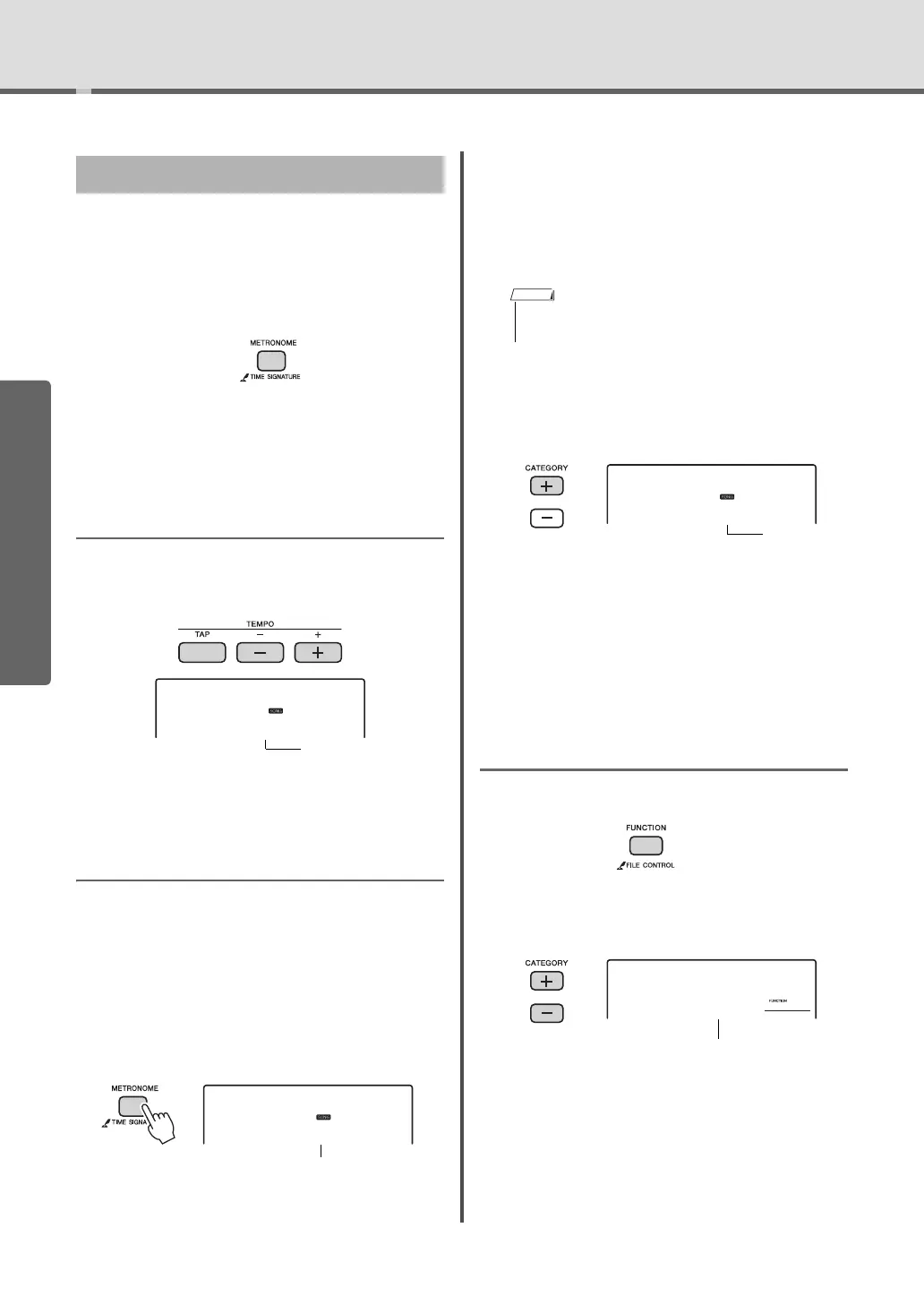
Press the TEMPO [TAP] button to call up the Tempo
value, then use the TEMPO [-] and [+] buttons to
adjust the Tempo value.
The dial and the Number buttons can also be used to
set the Tempo.
Setting the Time Signature
Here, we’ll set a time signature of 5/8 as an example.
1
Hold down the [METRONOME] button
for longer than a second to call up
“TimeSigN” (Time Signature Numera-
tor).
The number of beats per measure is shown on the
display.
2
Rotate the dial to select the number of
beats per measure.
A chime will sound on the first beat of each mea-
sure while the other beats will click. If “0” is
selected, all beats will simply click with no chime.
Select 5 for this example.
3
Press the CATEGORY [+] button to call
up “TimeSigD” (Time Signature Denom-
inator).
The length of one beat is shown on the display.
4
Rotate the dial to select the length of
one beat, from 2
nd
, 4
th
, 8
th
and 16
th
note.
Select “08” (8
th
note) for this example.
5
Confirm the setting by playing the Met-
ronome.
Setting the Metronome Volume
1
Press the [FUNCTION] button.
2
Press the CATEGORY [+] or [-] buttons
repeatedly until “MtrVol” appears.
3
Rotate the dial to set the Metronome Vol-
ume.
Using the Metronome
Tempo
090
Number of beats
per measure.
Hold for longer
than a second.
• This parameter cannot be set during playback of a Style,
Song or Pattern.



 To Next Page