USB Flash Memory Operations
PSR-E433 Owner’s Manual
55
Reference
Saving a User Song as SMF to a
USB Flash Memory
A User Song can be converted to SMF (Standard
MIDI File) format 0 and saved to a USB flash mem-
ory.
1
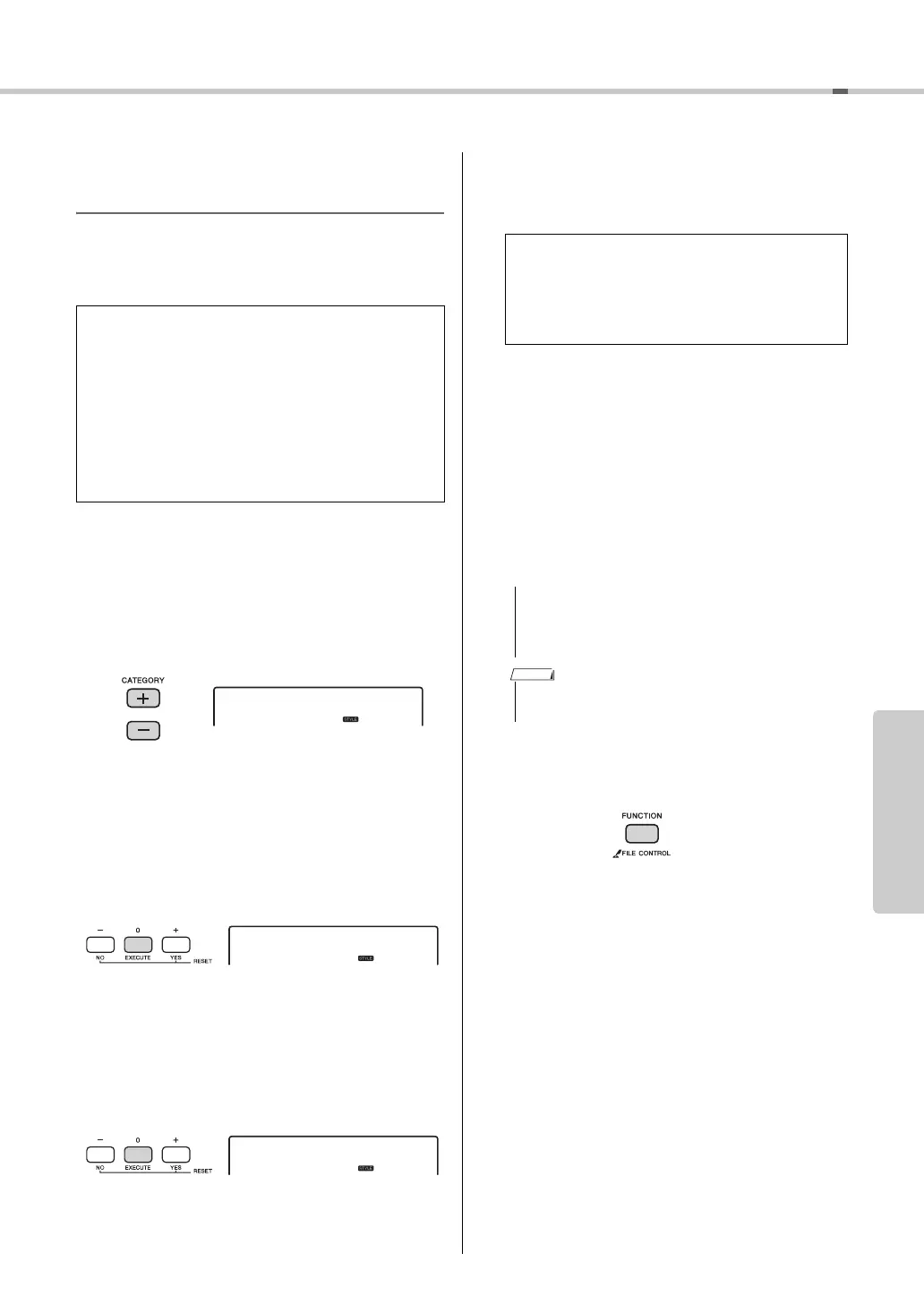
Hold the [FILE CONTROL] button for
longer than a second to call up the File
Control display.
2
Use the CATEGORY [+] and [-] buttons to
call up “Save SMF.”
3
Press the [0/EXECUTE] button.
As the target User Song, “USER**” (**: number
1–10) appears on the display. If desired, rotate the
dial to select a different User Song from
“USER01”–“USER10” then press the [0/EXE-
CUTE] button.
4
Press the [0/EXECUTE] button again.
As the target file name on the USB flash memory,
“SONG***” (***: number 1–100) appears on the
display. If desired, rotate the dial to select the dif-
ferent file.
5
Press the [0/EXECUTE] button again.
A confirmation message will appear. To cancel the
operation, press the [-/NO] button.
6
Press the [0/EXECUTE] button again, or
the [+/YES] button to execute the Save
operation.
After a while, a message indicating completion of
the operation appears, and a User Song will be
saved as the SMF format 0 in a “USER FILES”
folder which will automatically be created on the
USB flash memory.
7
Press the [FILE CONTROL] button to exit
from the File Control display.
SMF (Standard MIDI File) format
With this format, various events via the keyboard
performance such as note on/off and Voice selec-
tion will be recorded as MIDI data. The SMF For-
mat 0 and Format 1 are available. A large number
of MIDI devices are compatible with SMF For-
mat 0, and most commercially available Song file
(MIDI file) is provided in SMF Format 0.
Overwriting existing files
If a file that already contains data is selected,
an overwrite confirmation message will
appear.
• The Save operation cannot be cancelled during exe-
cution. Never turn off the power or disconnect the
USB flash memory during the operation. Doing so
may result in data loss.
• The amount of time required for this operation may vary
depending on the condition of the USB flash memory.



 To Next Page