USB Flash Memory Operations
PSR-E433 Owner’s Manual
57
Reference
Loading a Style File
Style data created on another instrument or a com-
puter can be loaded to the Style numbers 187–191,
and you can play them like the internal preset Styles.
The following two Load operations are available.
Loading of a Style file (.sty) saved on the root
directory on the USB flash memory
Loading of a Style file (.sty) transferred from a
computer via the Musicsoft Downloader and stored
in the internal memory of this instrument
1
Hold the [FILE CONTROL] button for
longer than a second to call up the File
Control display.
2
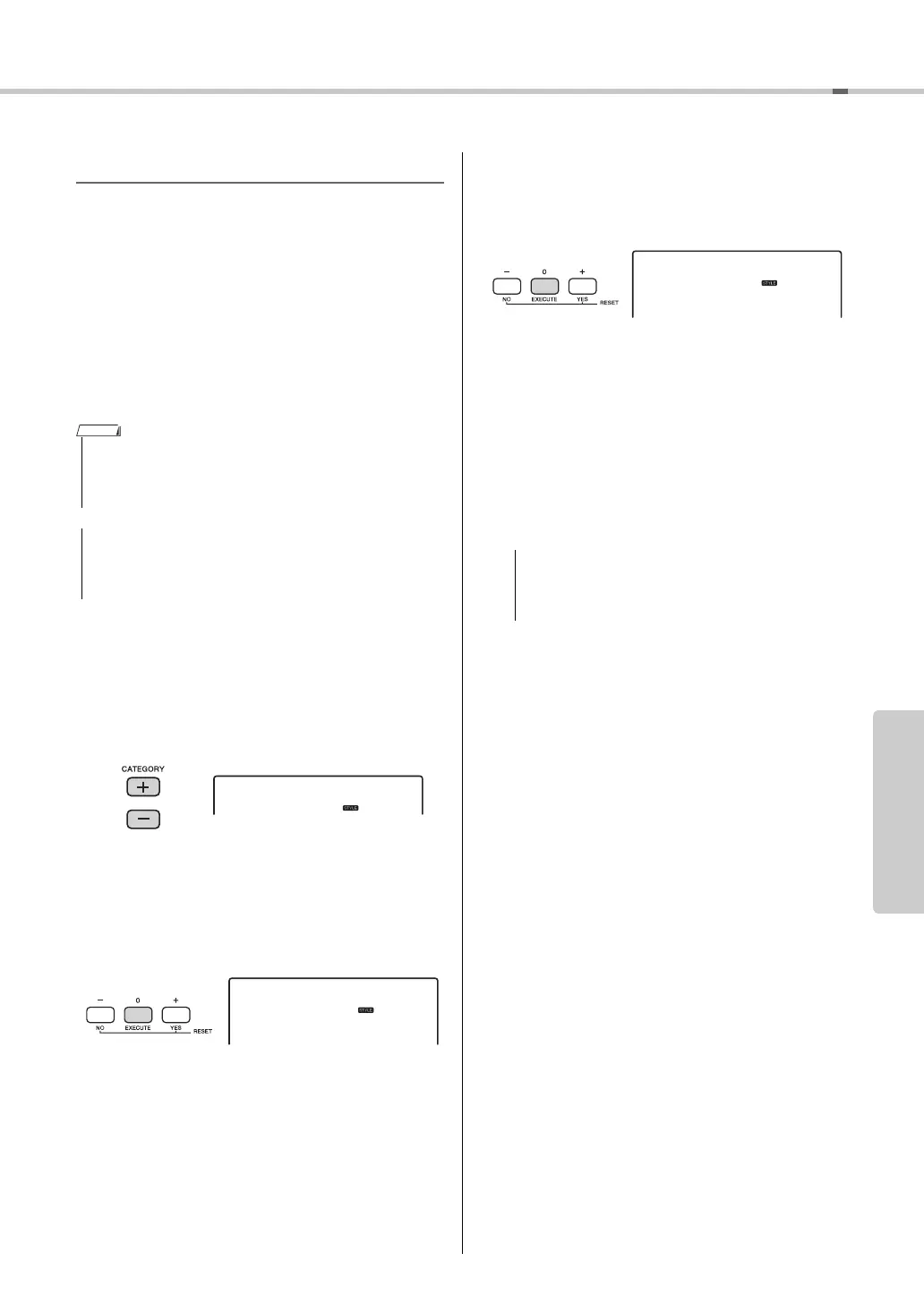
Use the CATEGORY [+] and [-] buttons to
call up “Load STY.”
3
Press the [0/EXECUTE] button.
A name of a Style file in the USB flash memory or
internal memory of this instrument will appear on
the display. As desired, rotate the dial to select a
different Style file.
4
Press the [0/EXECUTE] button again.
As the Load destination, “Load To? ***” (***:
187–191) appears on the display. If desired, rotate
the dial to select a different number.
5
Press the [0/EXECUTE] button again.
A confirmation message will appear. To cancel the
operation, press the [-/NO] button.
6
Press the [0/EXECUTE] button again, or
the [+/YES] button to execute the Load
operation.
After a while, a message indicating completion of
the operation appears.
7
Press the [STYLE] button, rotate the dial
to select a Style from 187–191, then try
playing it back.
• For instructions on transferring a Style file from a computer via
the Musicsoft Downloader, refer to “Computer-related Opera-
tions” (page 9). After data transfer, load the Style data to one
of the Style numbers 187–191 to enable playback.
• Loading a Style file will overwrite and erase the existing
data of the destination number. Save important data you
want to keep to a separate USB flash memory before load-
ing.
NOTE
• The Load operation cannot be cancelled during exe-
cution. Never turn off the power or disconnect the
USB flash memory during the operation. Doing so
may result in data loss.



 To Next Page