WH6X Frequently Asked Questions
13
For UC version:
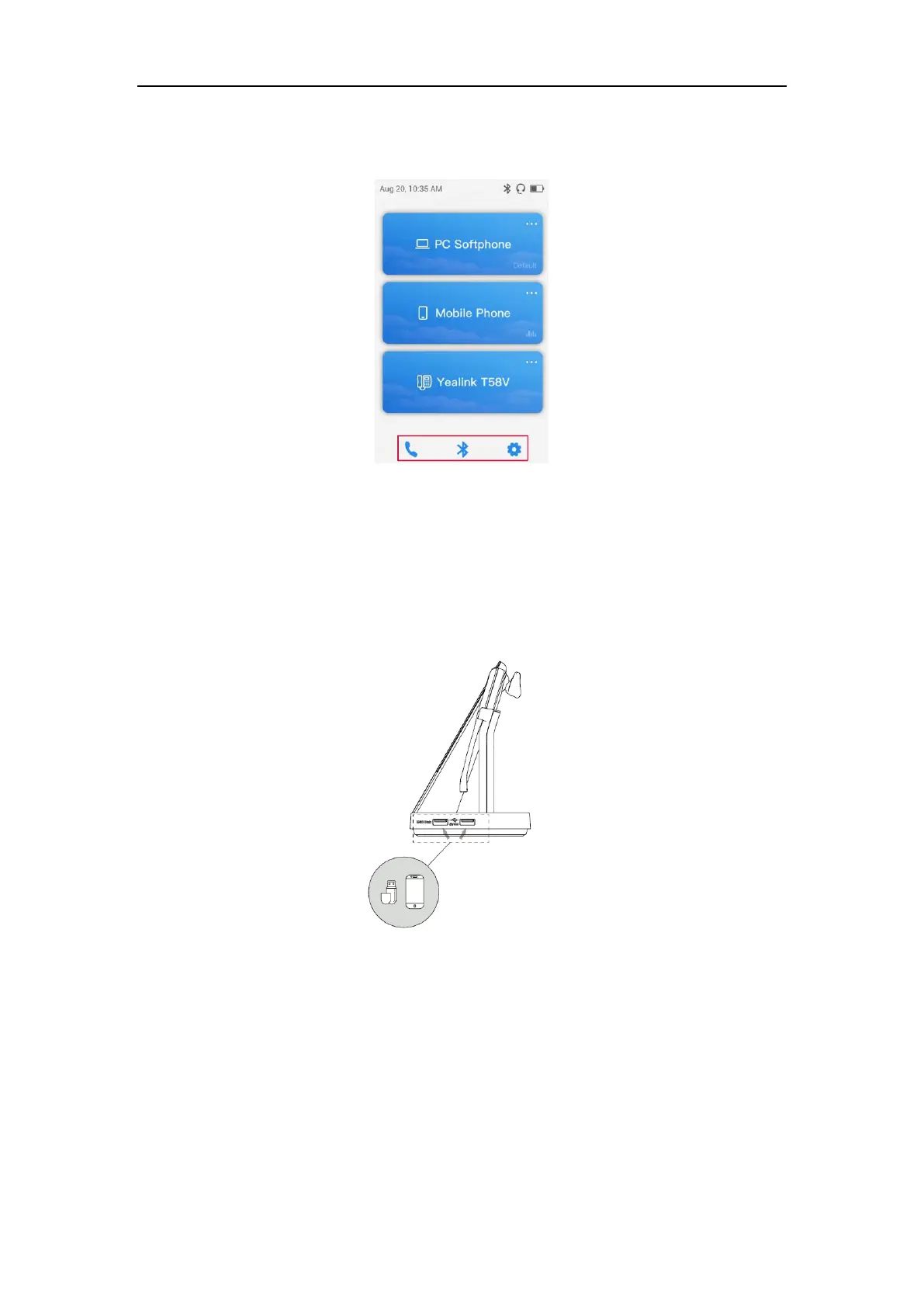
Tap the desired icon on the idle screen.
19.What are the functions of the USB ports on the right side of
the base?
They serve as a USB hub, through which you can connect the USB flash drive or mobile device to PC.
You can transfer data from the USB flash drive or mobile device to your PC, or charge the mobile device.
20.What is the function of the LED on the top of the base
screen?
It is the power LED, indicating whether the base is powered on.



 To Next Page
 Loading...











