WH6X Frequently Asked Questions
33
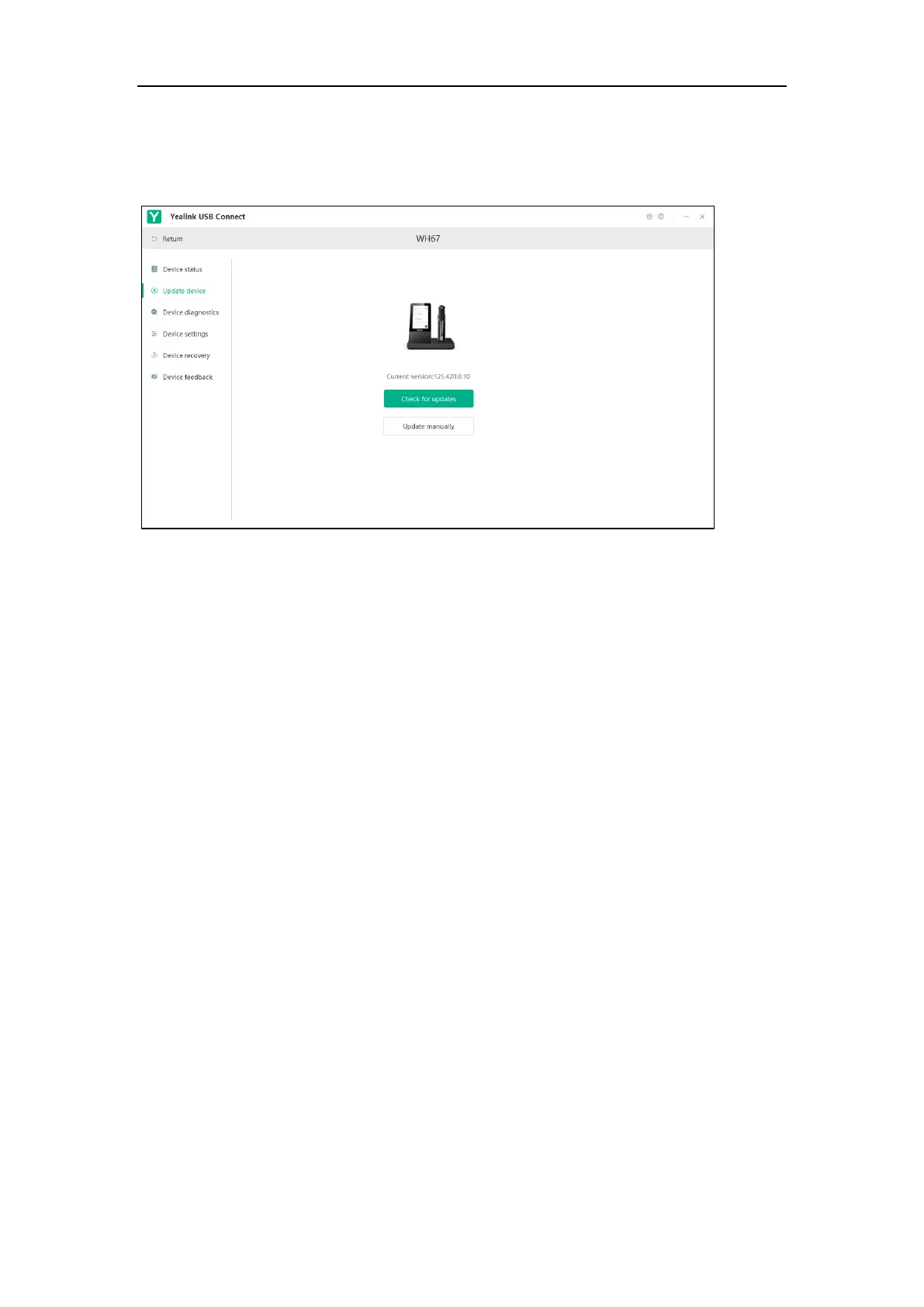
Click Check for updates to automatically update the firmware to the newest version.
Click Update manually to manually update the firmware to the specific version.
You need to download the firmware on the product documentation page first.
4. Confirm the action.
Note: The above screenshot is for guidance purposes only. Actual text may vary depending on your
headset model.
57.How to find the firmware version of my Yealink device
using Yealink USB Connect?
Prerequisites
The firmware version of Yealink USB Connect should be 0.32.69.0 or later.
Procedure
1. Run Yealink USB Connect.
2. Go to Device status to check the firmware version.



 To Next Page
 Loading...











