WH6X Frequently Asked Questions
28
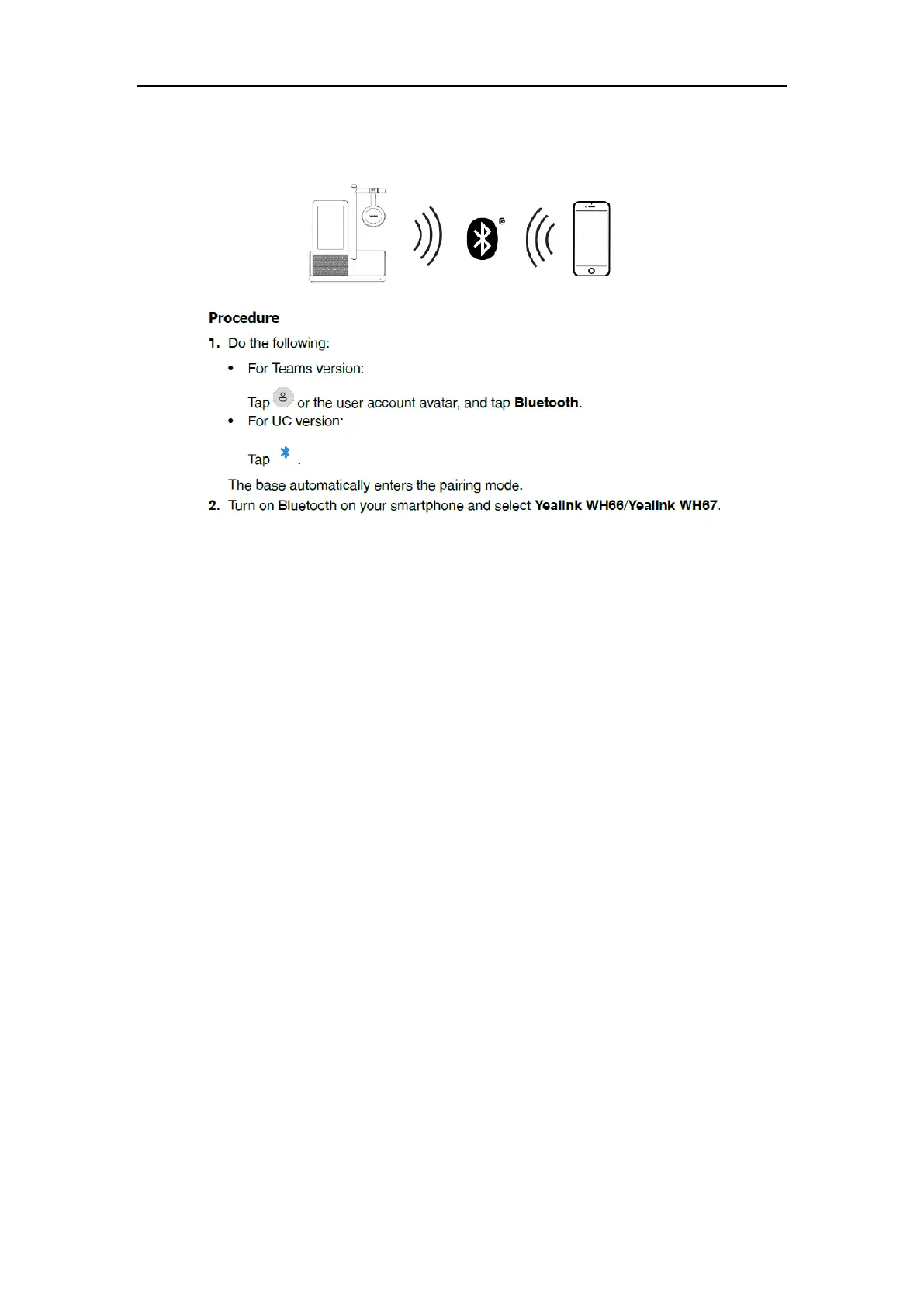
44.How to pair the WH66/WH67 with my mobile device?
Note: The Yealink WH66/Yealink WH67 is the default device name. You can edit the base's Bluetooth
device name. For more information on compatible mobile devices, refer to the specific compatible guide.
Related Question:
Why do I search so many WH66/WH67 devices in my office area? Which one should I connect via
Bluetooth?
45.Why can’t the WH66/WH67 device pair with my mobile
device?
The WH66/WH67 supports connecting to only two Bluetooth devices at the same time. Therefore,
there may already be two Bluetooth devices connected to WH66/WH67 when pairing with the
mobile phone. You can disconnect one connected devices and then pair WH66/WH67 with your
mobile device.
Try to turn Bluetooth off and on.
46.Can I connect WH6X to the PC and desk phone at the same
time?
Yes.
For WH62/WH63, you can connect them to the PC and desk phone via the included USB cables; for
WH66/WH67, you can connect them to PC using the included USB cable and desk phone via Bluetooth.



 To Next Page
 Loading...











