WH6X Frequently Asked Questions
15
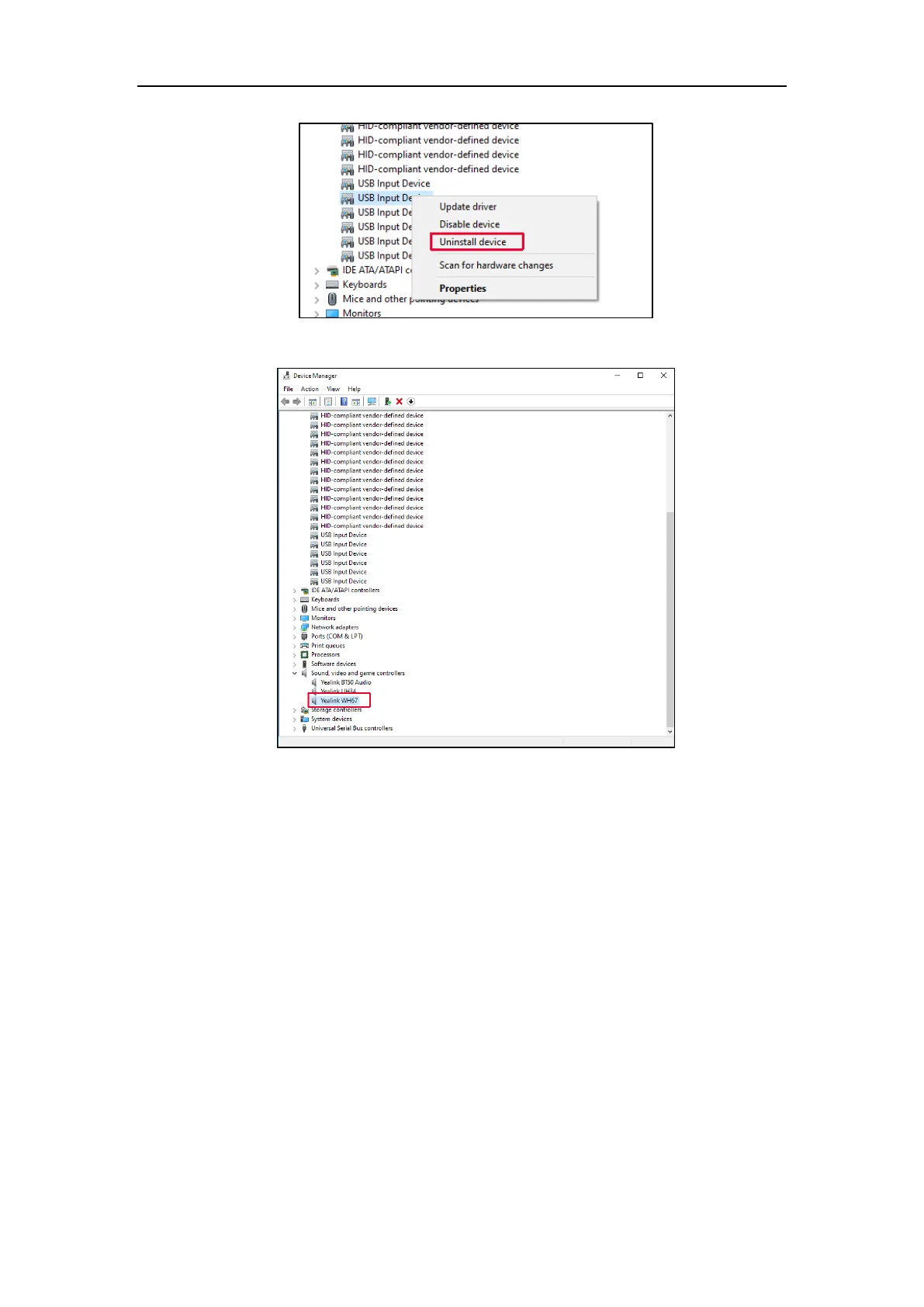
3. Uninstall the WH6X device.
4. Disconnect and reconnect WH66/WH67 to your PC.
22.Why does the “USB device connected”, “USB device
disconnected”, or “USB installation failed on the PC”
repeatedly appear on the WH66 screen?
The USB device failed enumeration in Windows. You need to disconnect and reconnect the WH66 to PC.
Audio and Call Issues
23.Why can't I hear the other party's voice?
The playback volume is too low. Press the Volume Up button on the headset.



 To Next Page
 Loading...











