WH6X Frequently Asked Questions
24
Connection & Pair Issues
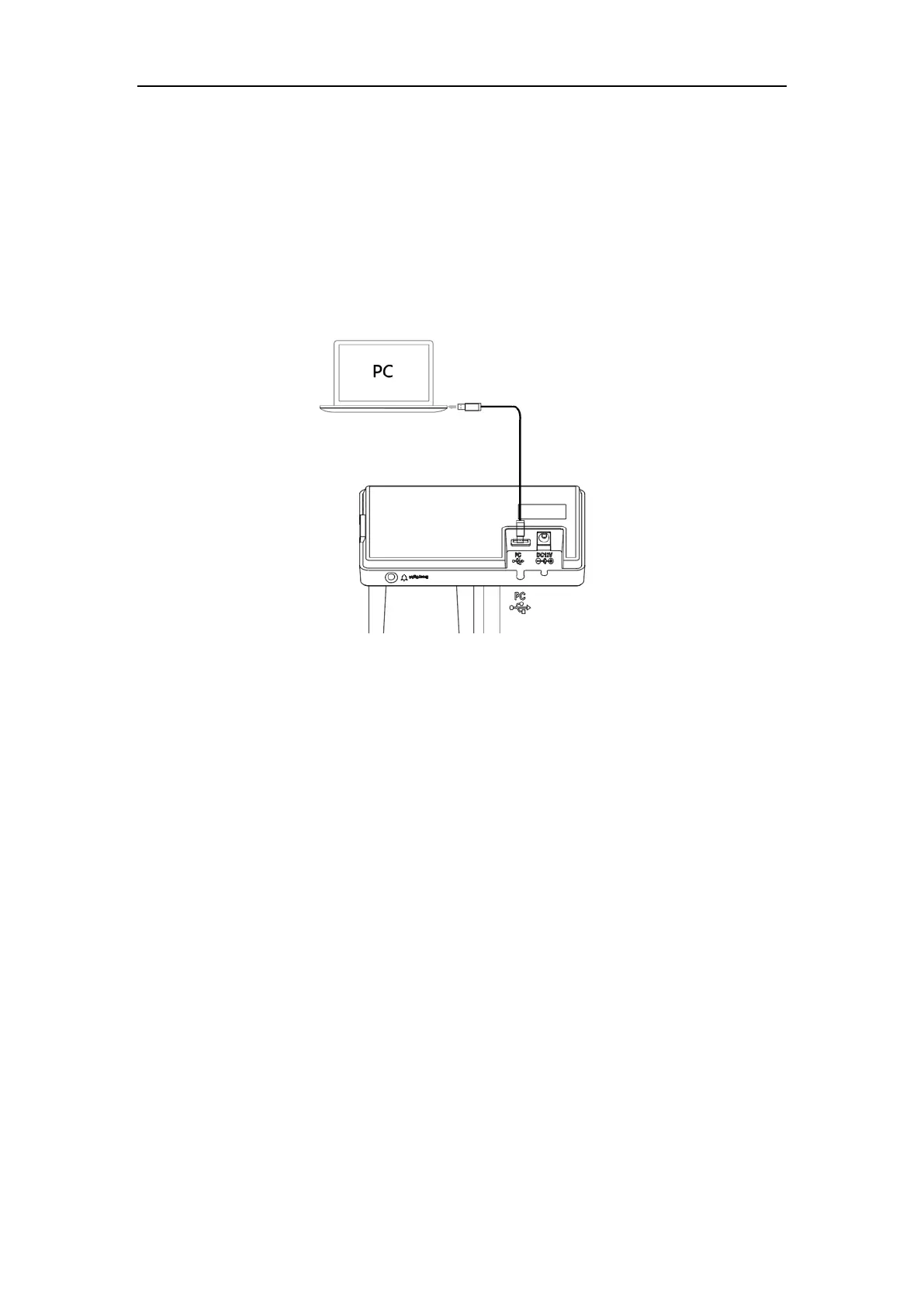
36.How to connect my base with my PC?
Procedure
1. Insert one end of the supplied USB cable into the port marked “PC” on the base, and the other end
into an available USB port on your PC.
Note: For more information on compatible PC, refer to the specific compatible guide.
37.Why does my PC/desk phone with Type-C port not
recognize my WH66/WH67?
You need to use the original USB-A to USB-C cable, which is specially provided for connecting the
wireless charger WHC60, and connecting WH66/WH67 to a PC or to the compatible Yealink desk phone.
38.Why can't WH66/WH67 connect to PC via BT50?
The WH66/WH67 and BT50 are not pre-paired. Manually pair them using Yealink USB Connect.



 To Next Page
 Loading...











