WH6X Frequently Asked Questions
14
21.Why does the WH66/WH67 display “PC Device” or “PC
softphone” instead of the name and number of the other
party for a Skype for Business incoming call?
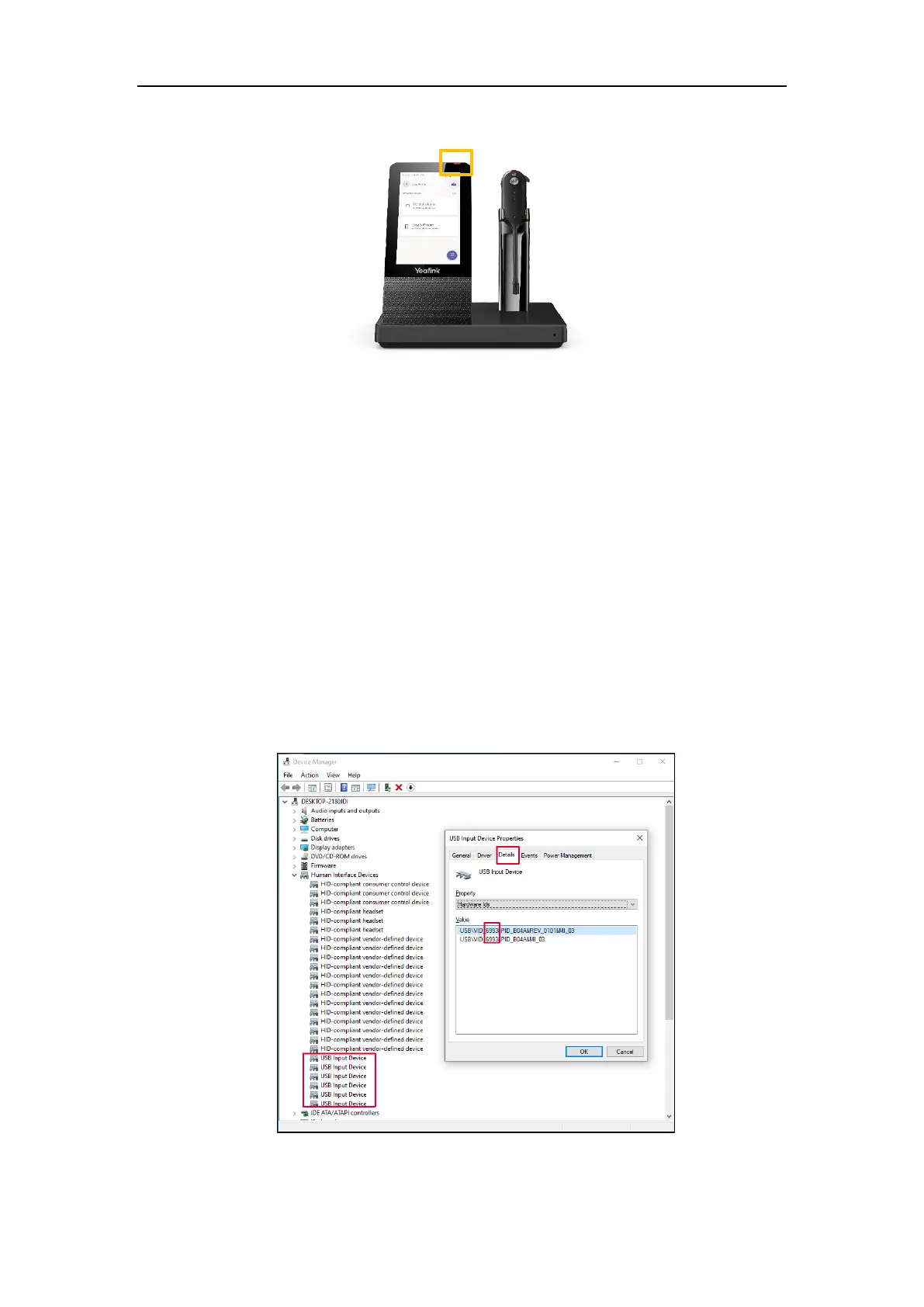
The WH66/WH67 driver for Windows may be abnormal. You need to reinstall the driver in the Windows
Device Manager, and then disconnect and reconnect the WH66/WH67 to PC.
Procedure
1. Open Device Manager.
2. Delete the USB input devices with the hardware ID “6993”.
You can right-click the USB Input Device and check the hardware ID in Details tab.



 To Next Page
 Loading...











