WH6X Frequently Asked Questions
23
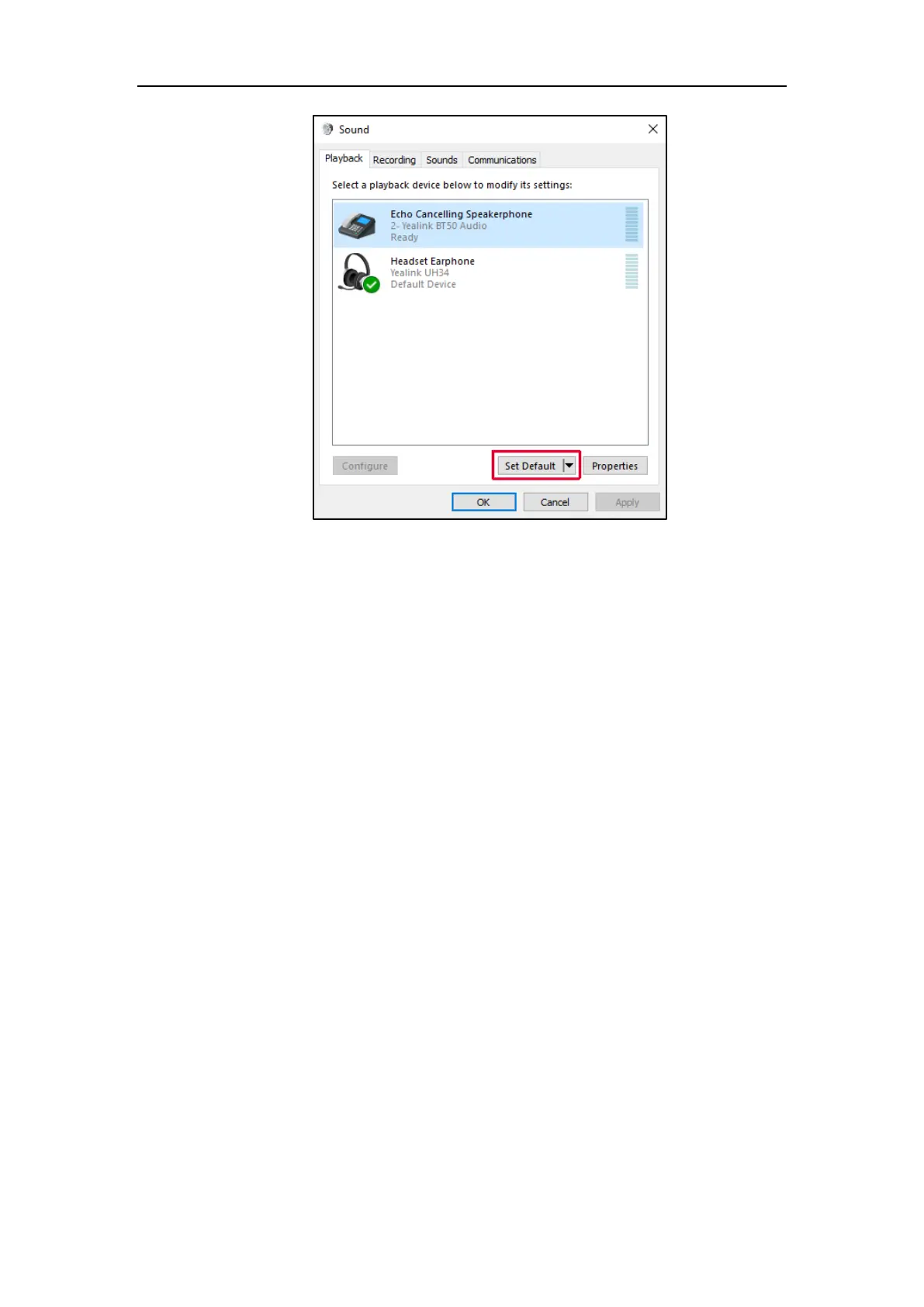
3) Confirm the action.
For MAC OS:
1) Go to your System Preferences -> Sound.
2) In the Output tab, select the BT50 as your Playback Device.
For more information, refer to web resources.
34.Why can't the call volume be synchronized after I connect
WH66/WH67 to my smartphone?
Try to enable Bluetooth absolute volume on your smartphone.
For more information, refer to the instruction manual for your smartphone.
35.Why can't I mute the microphone?
When the headset is in the idle state, the microphone is turned off by default, and the mute feature is
unavailable. During the call, the microphone will be turned on, and you can mute/un-mute the
microphone.



 To Next Page
 Loading...











