WH6X Frequently Asked Questions
37
64.How to set up my WH6X device to work with Skype for
Business?
Procedure
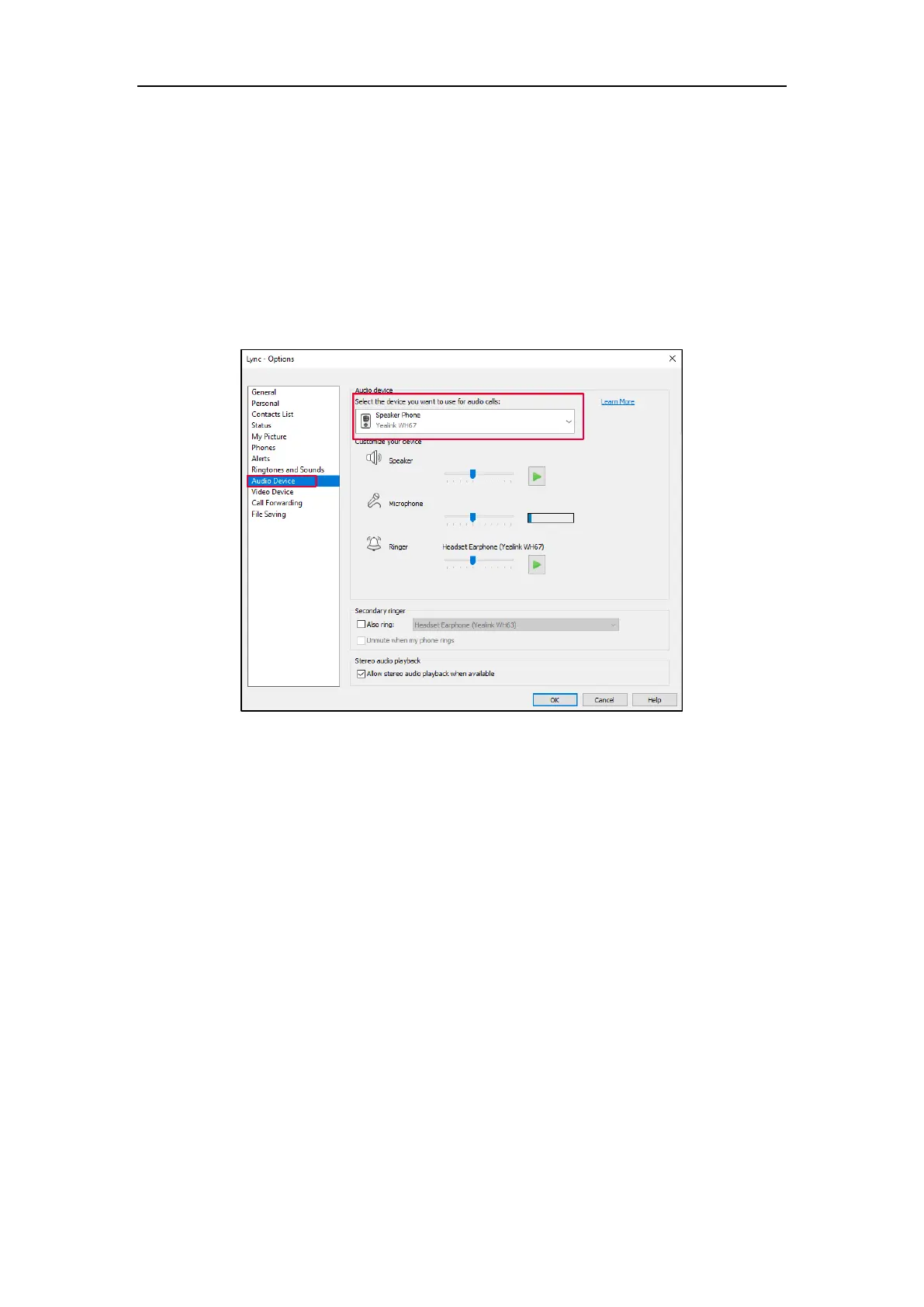
1. Click the Settings icon in the top-right corner of the Skype for Business window.
2. In the left-side options, click Audio Device.
3. In Audio Device, select your WH6X device.
65.How to set up my WH6X device to work with Yealink UME?
Procedure
1. Run UME.
2. Click on your profile picture at the top of the UME window.
3. Select Settings, and then select Device.
4. For each of the Speaker and Microphone settings, select your WH6X device.



 To Next Page
 Loading...











