| How to Connect WH62/WH63 | 11
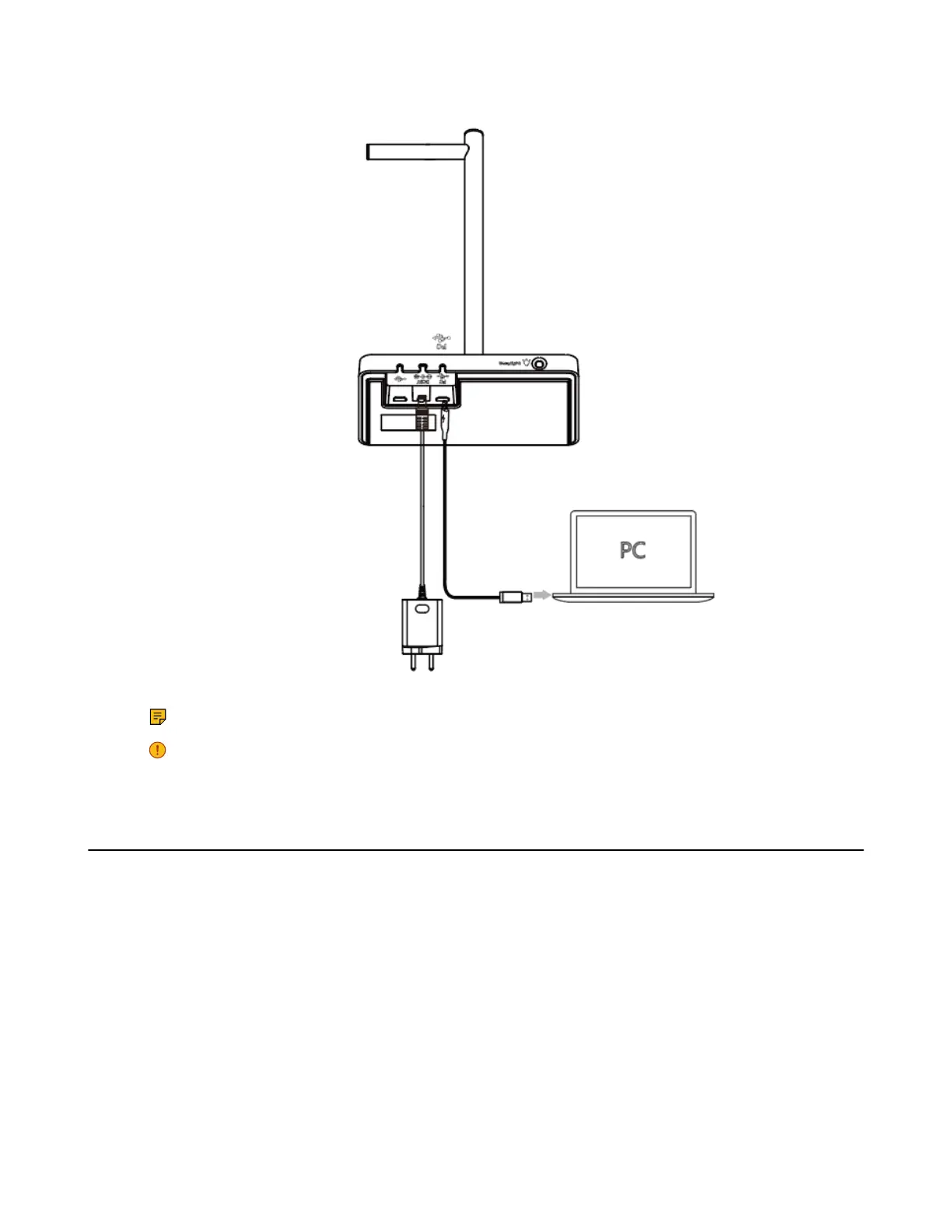
2. Connect the remaining end of the USB cable to the USB port of the PC.
Note: For more information on the compatible PC, refer to the specific compatible guide.
Important: You need to connect the PC to the micro USB port of the base marked with the text
"PC".
Connect to Desk Phone via USB Cable
Procedure
1. Connect one end of the USB cable to the USB port of the base.



 To Next Page
 Loading...











