| How to Wear | 23
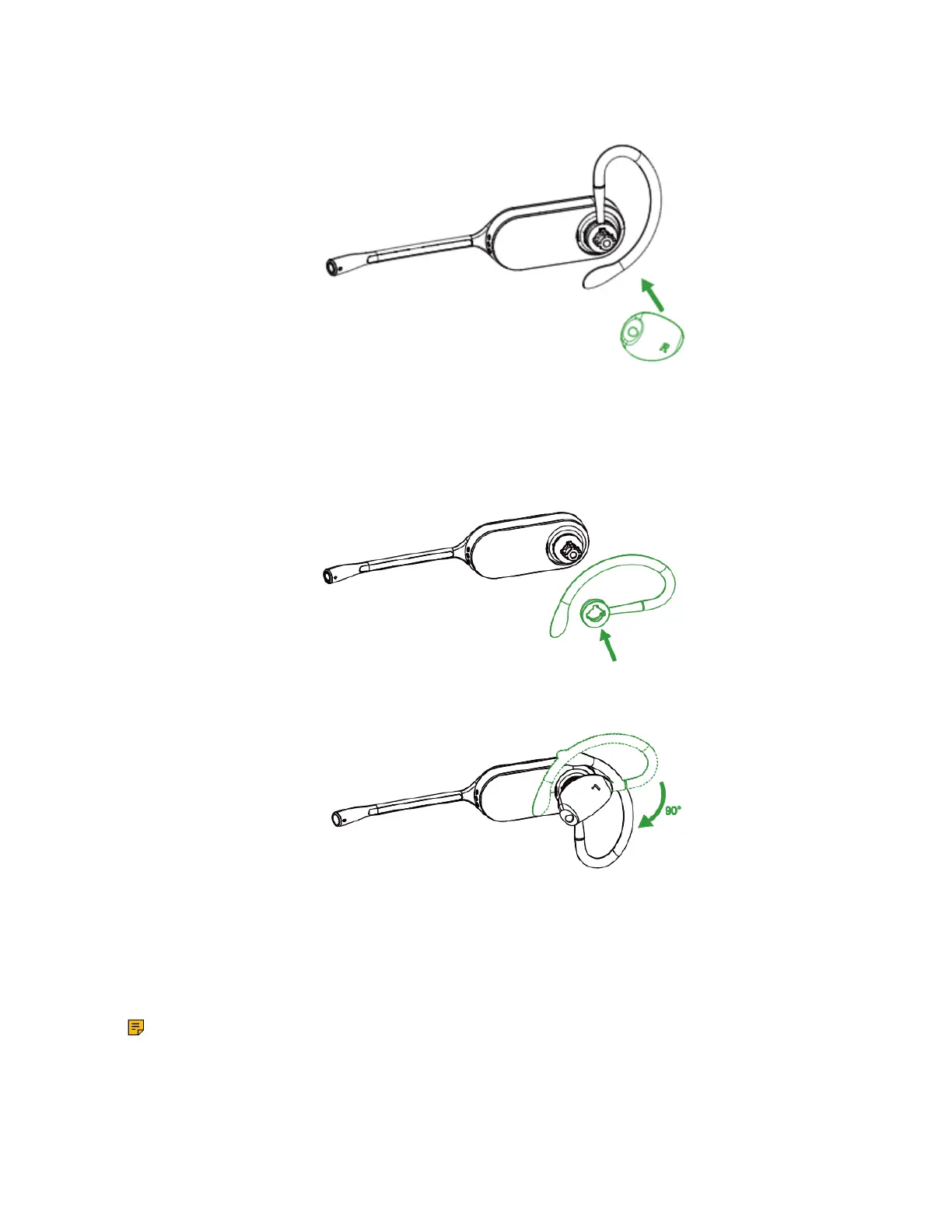
2. Choose the size of eartip that fits most comfortably. Align the eartip with the notch facing the
microphone as shown. Press on to attach.
The earhook is flexible, and can be bent to suit your ear for a secure and comfortable fit.
For left ear:
The difference between the right ear and the left ear assembly is that the direction of the earhook is
different.
Related information
Remove the Pre-installed Eartip from the Headset
Headband Assembly
The headset can be rotated for wearing on the left or right ear.
Note: Before installing the headband, remove the pre-installed eartip from the headset.
For Right ear:



 To Next Page
 Loading...











