| How to Wear | 24
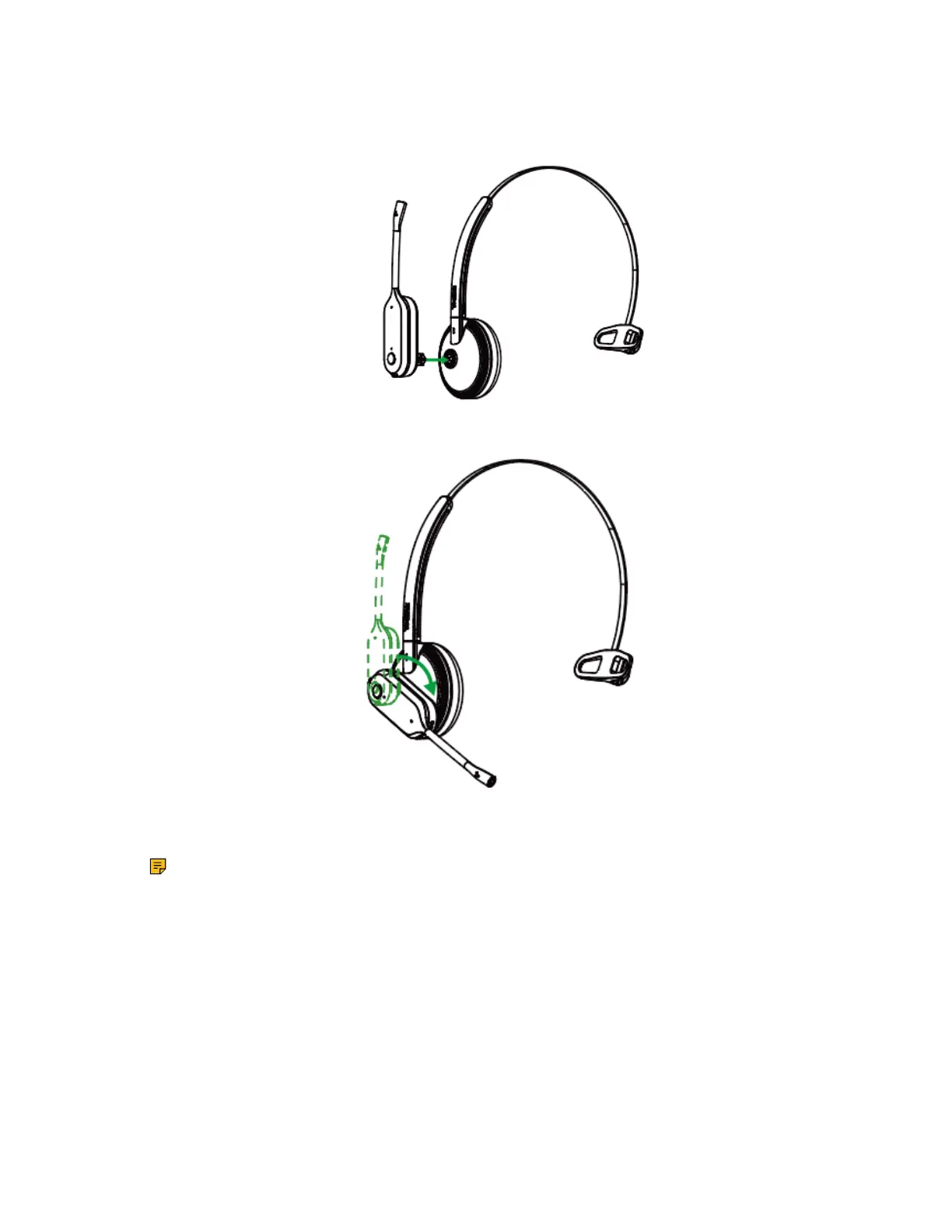
1. Hold the headband, so it is aligned to receive the headset as shown and insert the headset into the
headband.
2. Rotate the headset down.
3. To optimize the position of the headset, push the headset in so the microphone is close to the corner of
your mouth.
Note: The headband is adjustable, and can be adjusted to the most comfortable fit.
For Left ear:



 To Next Page
 Loading...











