| How to Wear | 21
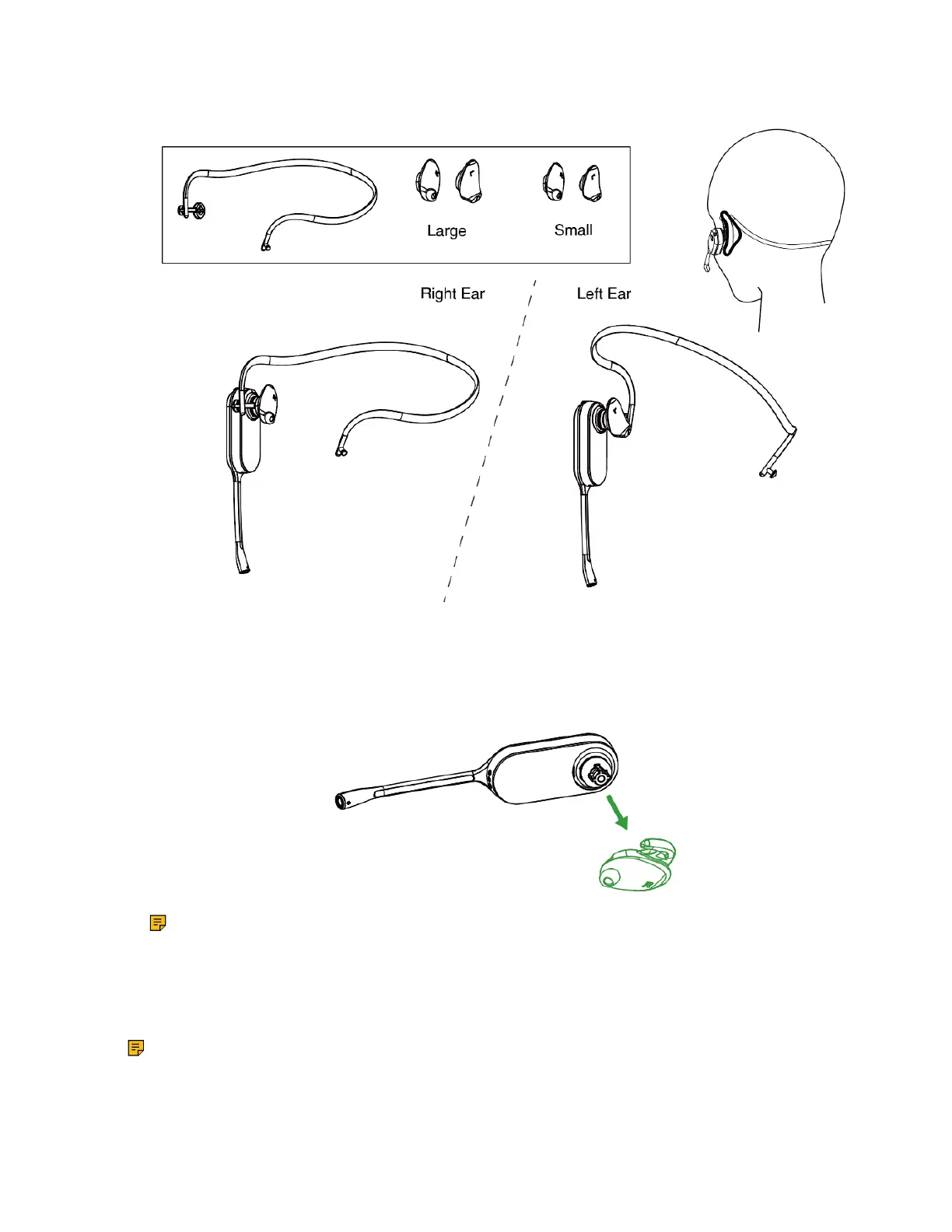
• Neckband wearing style: preserve your hairstyle
Remove the Pre-installed Eartip from the Headset
When you need to change the wearing styles, you can do the following:
1. Gently pull the eartip from the headset.
Note: To wear the headset on the right ear but with a different size eartip or wear the headset
on the left, select the size you want and reinstall in reverse order as shown.
Earhook & Eartip Assembly
The headset can be assembled for wearing on the left or right ear.
Note: Before installing the earhook & eartip, remove the pre-installed eartip from the headset.
For Right ear:



 To Next Page
 Loading...











