| Call History | 58
Call History
WH66/WH67 supports operations such as adding, editing, and outgoing call history, up to 300 histories can
be stored.
• Call History Icons
• View History Records
• Add a History Record to Local Contacts
• Add History Records to Local Contacts/Favorite/Blocklist
• Edit Call History before Calling
• Delete History Records
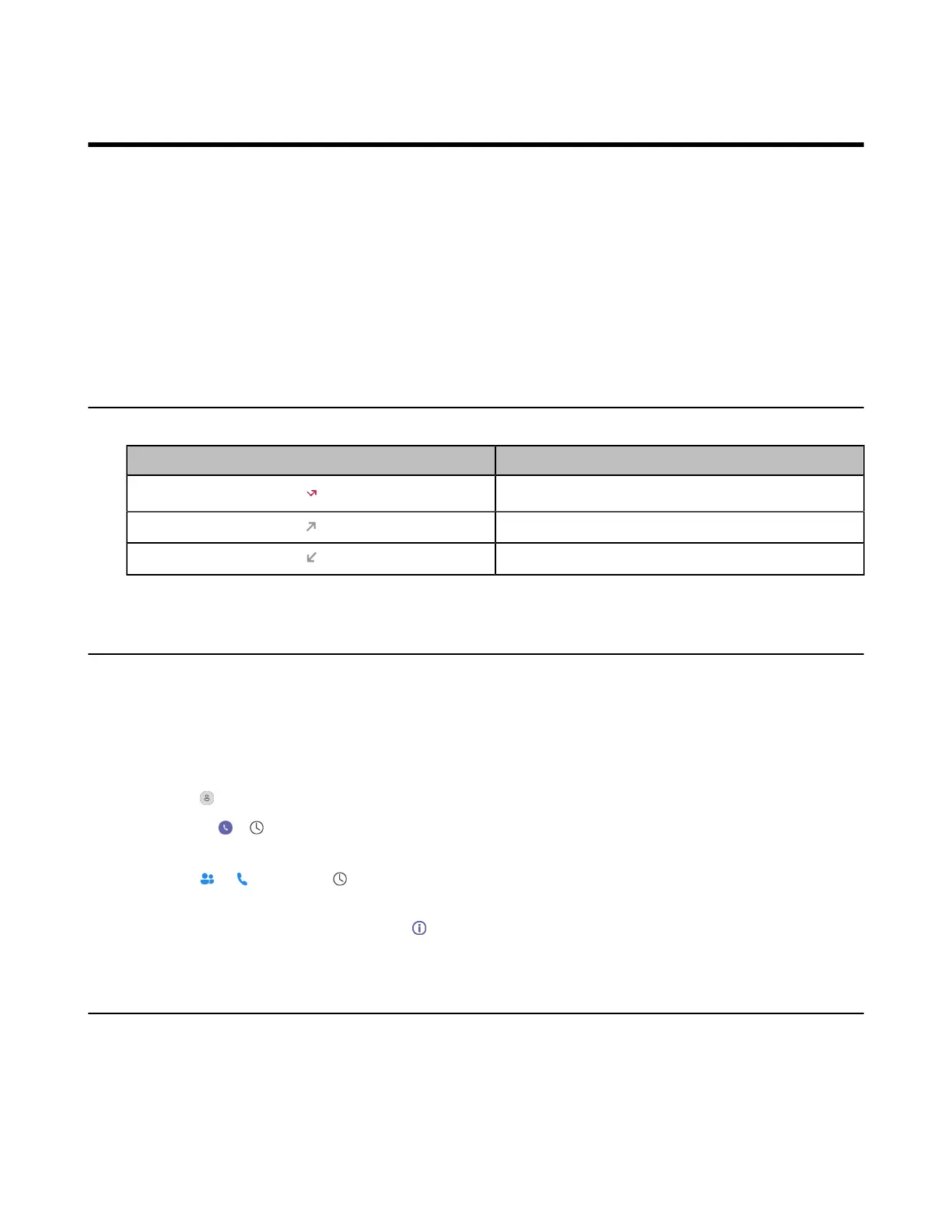
Call History Icons
Each icon in the Call History indicates the corresponding call history status.
Icons Description
Missed Call
Placed Call
Received Call
View History Records
The history record saves the call information such as the caller's name, number and call duration.
Procedure
1. Do the following:
• For Teams version:
Tap > History.
Or tap > .
• For UC version:
Tap or , and select .
2. Select the desired list to view the history.
3.
Select the desired call history and tap .
Add a History Record to Local Contacts
To identify someone's call the next time, you can save a history record to the Local Contacts.



 To Next Page
 Loading...











