| How to Manage Calls | 44
Basic Call Usage on WH66/WH67 Base
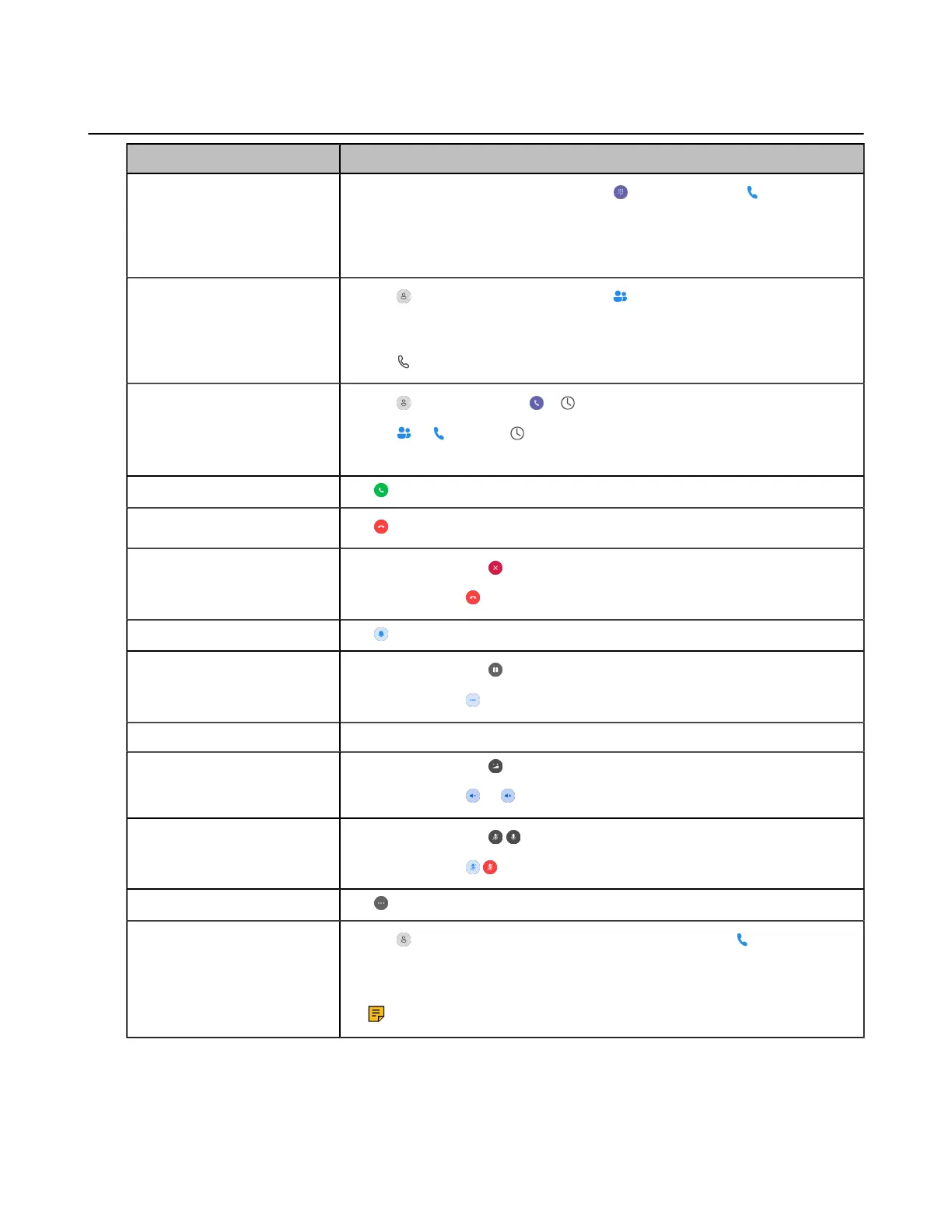
Function Action
Place a new call
1.
Tap the connected device CARD or (Teams version)/ (UC version).
2. Enter the desired number.
3. Select the desired outgoing dialing device.
4. Tap Call.
Place a call from the
directory
1.
Tap > Contacts (Teams version)/ (UC version).
2. Select the desired contact group and find the desired contact.
3. Tap the contact to enter the detail screen.
4.
Tap .
Place a call from the call
history
1.
Tap > History or tap > (Teams version).
Tap or , and tap (UC version).
2. Select the desired call record to place a call.
Answer call
Tap .
End call
Tap .
Reject call
(Teams version) Tap .
(UC version) Tap .
Silence a call (UC version)
Tap .
Hold call
(Teams version) Tap .
(UC version) Tap > Hold.
Resume call Tap Resume.
Adjust volume
(Teams version) Tap and drag the slider.
(UC version) Tap or .
Mute/un-mute microphone
(Teams version) Tap / .
(UC version) Tap / .
Place a new call during a call
Tap > New call.
Redial
1.
Tap or the user account avatar; for UC version, tap .
2. Tap Redial.
3. Select a device to redial.
Note: It is only available for Teams version.



 To Next Page
 Loading...











