| Local Directory | 49
1. Press and hold the Call Control button of the headset for 5 seconds and you can hear the voice prompt
"Power on, pairing mode".
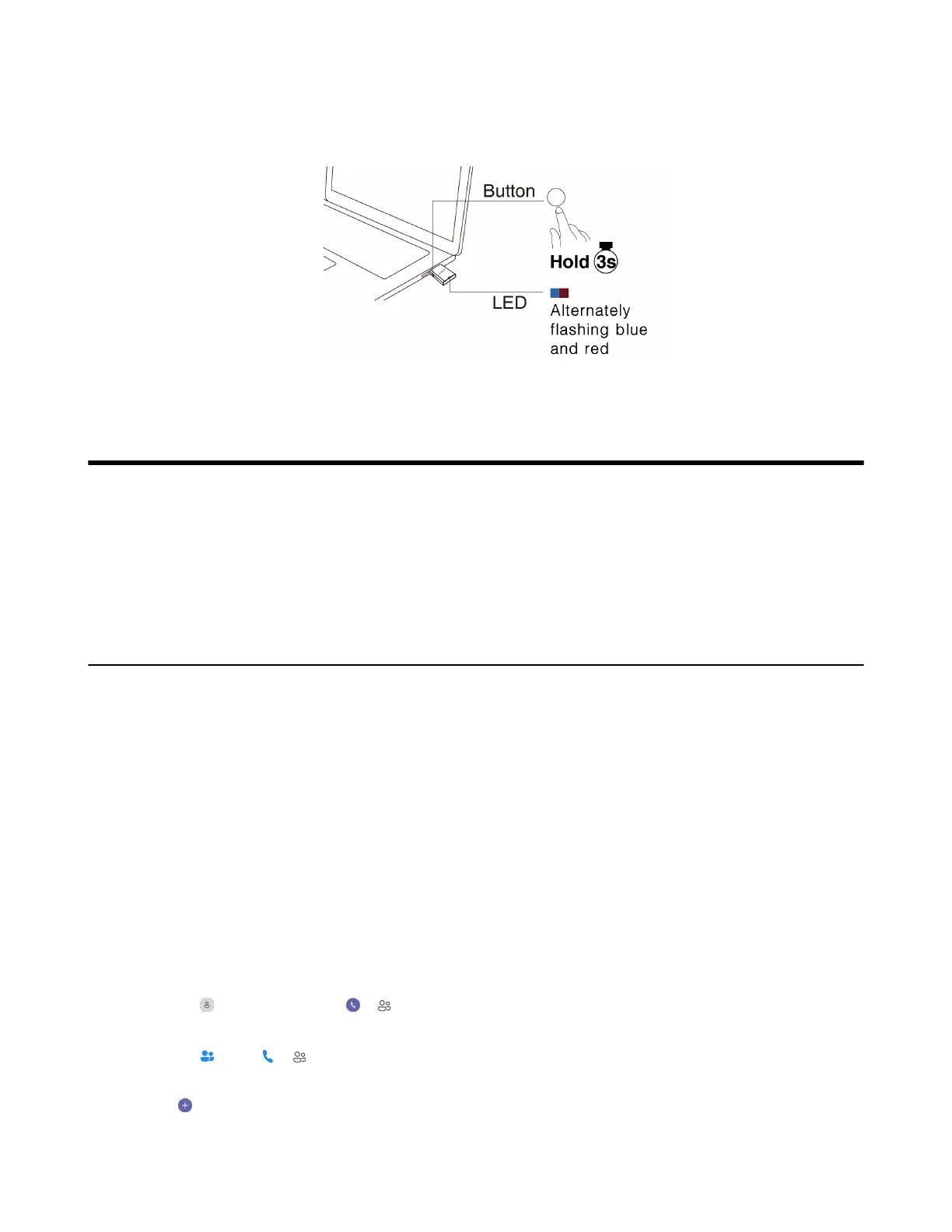
2. Connect the WDD60 to the PC and put it into pairing mode.
3. The headset and the WDD60 will pair automatically and the headset's LED indicator glows blue.
Local Directory
WH66/WH67 supports operations such as adding, editing, and deleting contacts through the screen.
• Local Contacts
• Mobile Contacts
• Favorite
• Blocklist
Local Contacts
You can store up to 1500 contacts in your Local Contacts.
• Add a New Local Contact
• View Local Contacts
• Search for Local Contacts
• Edit Local Contacts
• Delete a Local Contact
• Delete Multiple or All Local Contacts
• Move Local Contacts to the Favorite/Blocklist
Add a New Local Contact
Procedure
1. Do the following:
• For Teams version:
Tap > Contacts or tap > .
• For UC version:
Tap or tap > .
2. Select the Local Contacts list.
3.
Tap .
4. Enter your contact's information.



 To Next Page
 Loading...











