| Optional Accessories | 74
Procedure
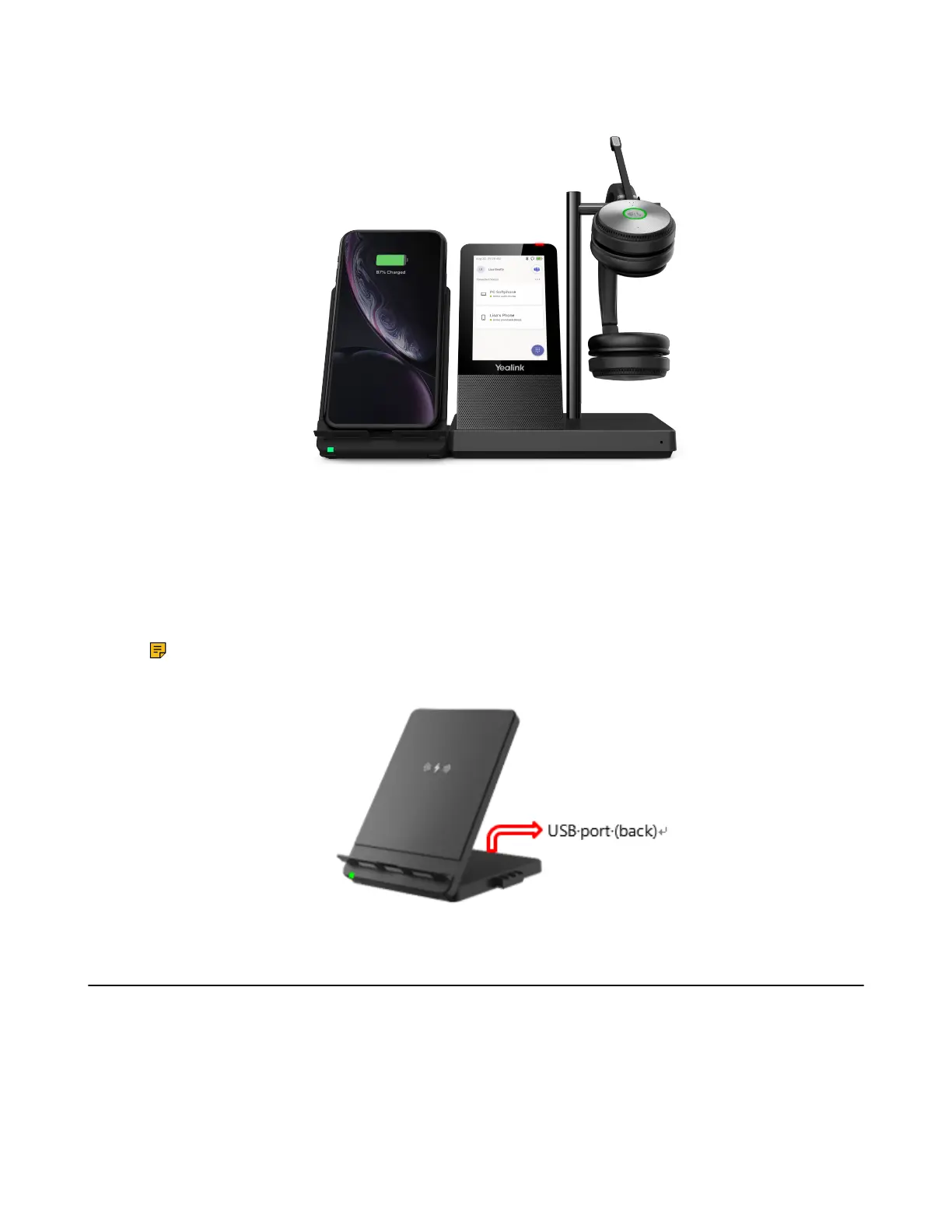
1. Connect the wireless charger to the base directly.
2. Place the mobile phone on the wireless charger.
Note: You can also connect the wireless charger to the USB charger adapter via a USB Type-C
cable.
Use the BT50
You can connect the WH66/WH67 base to PC via Bluetooth.
Procedure
Connect the BT50 into a USB port on your PC.
The WH66/WH67 and the BT50 are pre-paired and ready to use out of the box. You can also pair the base
and the BT50 via Yealink USB connect.



 To Next Page
 Loading...











