| Yealink USB Connect | 60
Delete History Records
Procedure
1. Do the following:
• For Teams version:
Tap > History or tap > .
• For UC version:
Tap or and select .
2. Select the desired list.
3. Long tap the history.
4. Choose the desired histories or choose all.
5.
Tap > Delete > Yes.
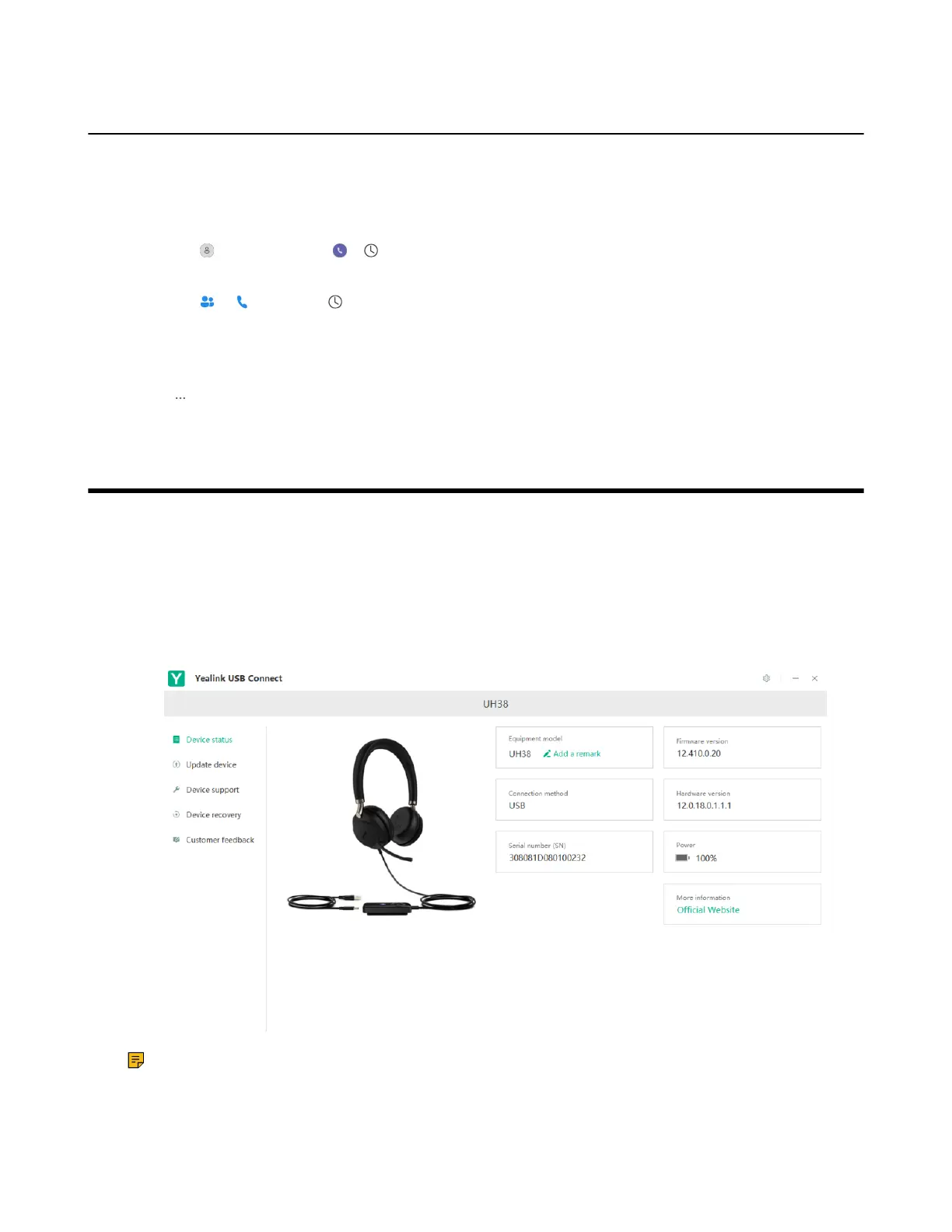
Yealink USB Connect
Yealink USB Connect is a computer software designed to manage Yealink USB devices.
With Yealink USB Connect, you can:
• Get an overview of connected Yealink USB devices
• Manage your Yealink USB devices
• Update your Yealink USB device to enhance its performance and features
• Give feedback on your Yealink USB device
Note: Download via support.yealink.com.
• Manually Pair the Base with the BT50
• Download and Install
• Firmware Update



 To Next Page
 Loading...











