TA410/810 User Manual
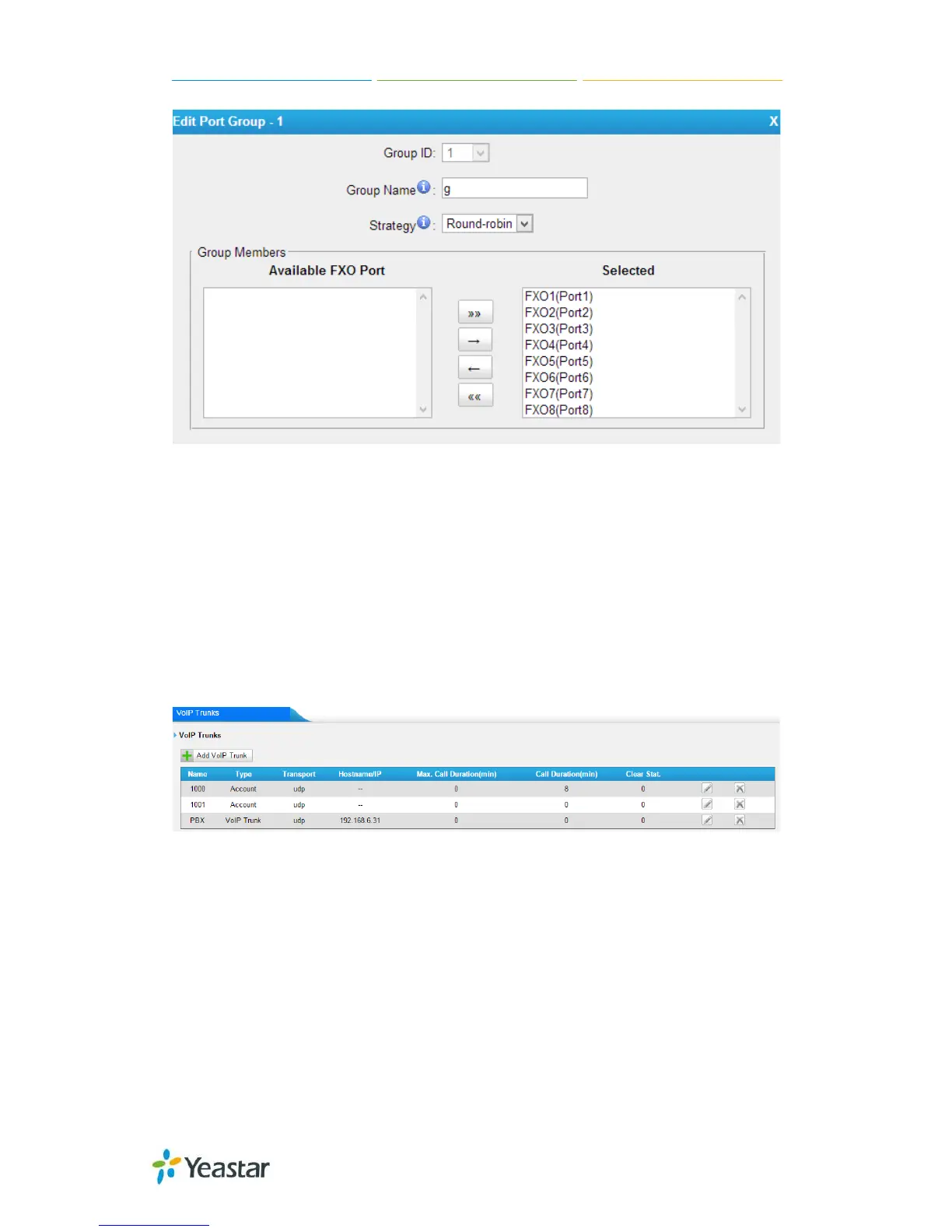
Figure4-1 Port Group
4.2 VoIP Settings
To integrate with other IPPBX, we need to configure the VoIP settings in TA410/810 to
setup VoIP trunk (SIP and IAX).
4.2.1 VoIP Trunk
There are 3 types of trunks listed in this page, Account, Trunk and Service Provider.
Figure 4-2 VoIP Trunk
1) Account
It’s an SIP account created in TA410/810 so that the other devices can register
SIP trunk at their side using these information.
38/55














 To Next Page