EasyManua.ls Logo

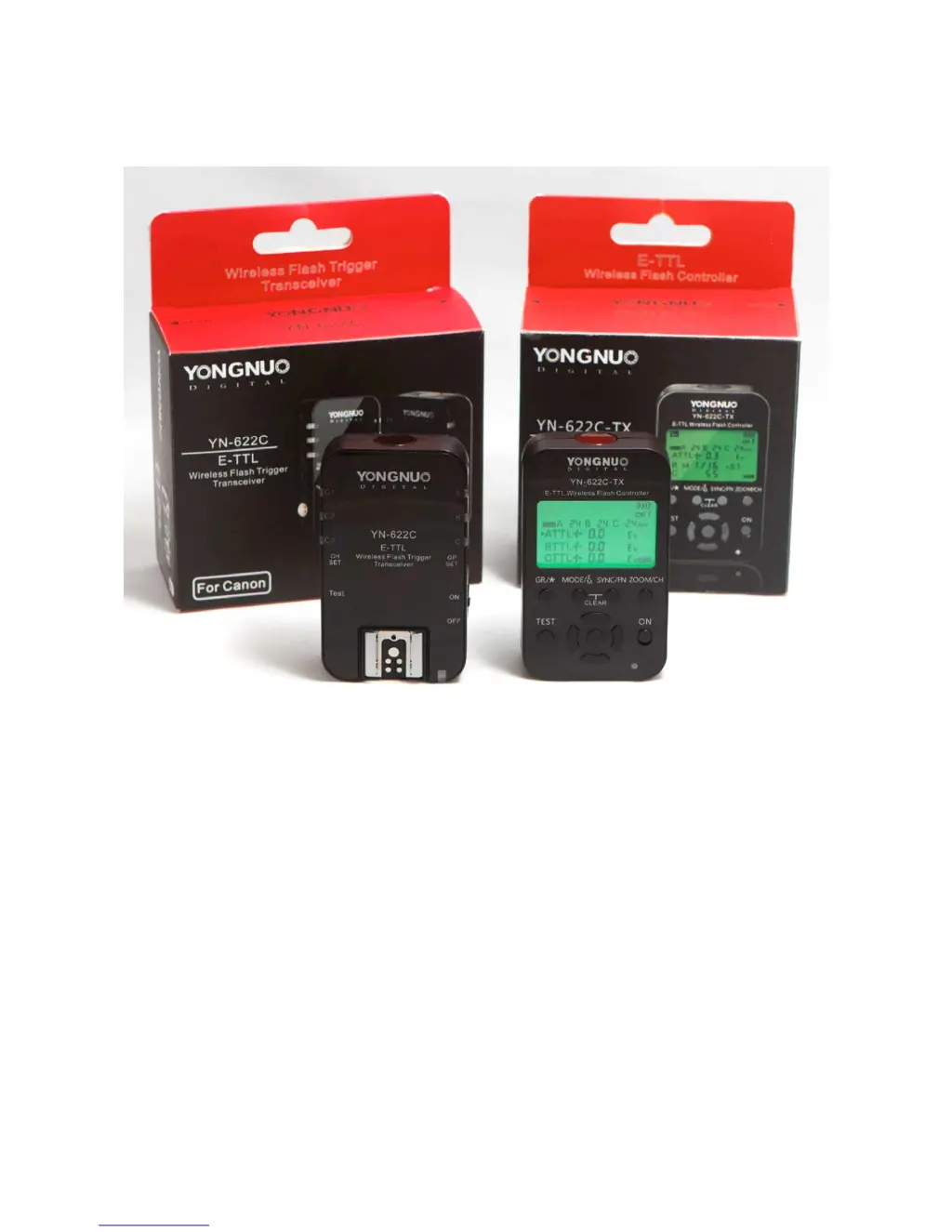
Yongnuo TOYUG YN-622C - User Manual

Yongnuo TOYUG YN-622C
64 pages
Print Icon
To Next Page IconTo Next Page
Loading...
The Other YN-622C User Guide v.4.09
11/12/2014 Page 1 of 64
“TOYUG”
The Other YN-622C User Guide
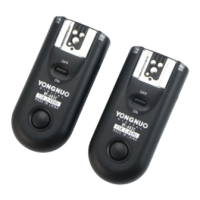
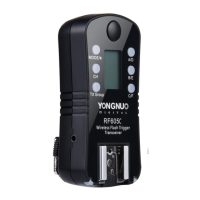
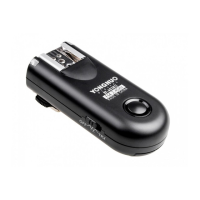
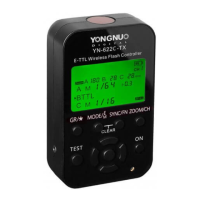
YONGNUO YN-622C FLASH CONTROLLER/ TRIGGER SYSTEM
FOR CANON DSLR CAMERAS
Version 4.09
© Clive D Bolton, 11 December 2014
Tauranga, New Zealand

Table of Contents

Questions and Answers

  • J
    Joshua GarrettAug 16, 2025
    What to do if Yongnuo Camera Accessories flash does not fire?
    • R
      Robert KaneAug 17, 2025
      If your Yongnuo Camera Accessories flash does not fire, ensure that the batteries of all devices are fully charged and that the flash has fully recycled. Check the connection between the 622C and the camera, and between the 622C and the flash. Also, ensure that the indicators show matching channels and Receiver groups. If the flash is disabled, check that it is not disabled by its overheating protection, is not in continuous zoom adjustment, or in sleep status. You can also use the Pilot button to test the flash.
  • A
    Alex MontoyaAug 19, 2025
    Why is the external flash function menu not available on my Yongnuo TOYUG YN-622C Camera Accessories?
    • E
      Eric RussellAug 19, 2025
      If the external flash function menu is not available for your Yongnuo Camera Accessories, ensure that the transmitter is installed correctly and fully re-seated. Clean the contacts of the hot shoe, including under the rails, if they are dirty. Replace both batteries if one or both are exhausted.
  • A
    Amanda WarnerAug 22, 2025
    What to do if Yongnuo TOYUG YN-622C fail to power on or automatically shuts down?
    • S
      Sharon JacobsonAug 22, 2025
      If your Yongnuo Camera Accessories fail to power on or automatically shut down, it might be due to incorrectly installed or exhausted batteries. Install fully charged batteries according to the battery compartment indicators. The device will power down automatically before the battery is fully depleted to avoid being over-discharged. If the voltage becomes low (total 2.2 volts), the 622C will turn off automatically, and the Status indicator will rapidly wink Red/Green, and the CH and GP indicators will dimly wink also.
  • D
    Daniel WalkerAug 25, 2025
    Why is there a gap between E-TTL pre-flash and main flash with Yongnuo TOYUG YN-622C Camera Accessories?
    • C
      charles76Aug 26, 2025
      If you experience a gap between the E-TTL pre-flash and the main flash with your Yongnuo Camera Accessories, it might be because you are using only Group A flashes but have all three firing groups (A:B C) set. The camera takes time to issue instructions to non-existent Group B and Group C flashes.
  • J
    Jenny LucasAug 28, 2025
    Why does my Yongnuo Camera Accessories flash emit an unwanted pre-flash?
    • J
      Jerry StoneAug 28, 2025
      If your Yongnuo Camera Accessories flash emits an unwanted pre-flash, it is likely because the flash’s mode is set to E-TTL. If you switch the flash’s mode to Manual or Multi, it won't emit a pre-flash.
  • D
    donna31Aug 30, 2025
    Why is my Yongnuo TOYUG YN-622C flash firing at full power?
    • J
      Jordan VegaAug 30, 2025
      If your Yongnuo Camera Accessories flash is firing at full power, it could be because the shutter release was fully pressed before the system had aligned every component. The Fire! command can over-ride any setting up in progress. On startup or on any major adjustment to remote flashes, press half-shutter and release to force system updating.
  • K
    Katherine LongSep 2, 2025
    How to set channel 5, 6, 7 via camera menu on Yongnuo Camera Accessories?
    • M
      Martha Jackson MDSep 2, 2025
      If you are unable to set channel 5, 6, or 7 via the camera menu on your Yongnuo Camera Accessories, it is because the camera can only set channels 1 to 4. You need to set the other channels using the [CH SET] button.
  • A
    Andrea KingSep 5, 2025
    Why flash zoom cannot be set via camera menu on Yongnuo Camera Accessories?
    • M
      Margaret WeissSep 5, 2025
      If the flash zoom cannot be set via the camera menu on your Yongnuo Camera Accessories, it may be because the Mixed Control mode has been set in the transmitter, or zoom locking has been set in the receiver. Additionally, the Zoom setting of the on-TX flash needs to be set separately.
  • R
    rosalesleahSep 7, 2025
    How to fix Yongnuo TOYUG YN-622C when on-TX flash doesn't fire?
    • E
      ebrownSep 8, 2025
      If your Yongnuo Camera Accessories on-TX flash doesn't fire, enable the Master Flash firing in the wireless menu setting.
  • I
    Isaiah GarciaSep 10, 2025
    Why firing groups cannot be disabled on Yongnuo TOYUG YN-622C Camera Accessories?
    • D
      Douglas QuinnSep 12, 2025
      With Canon cameras and Yongnuo Camera Accessories, you can only disable group C by selecting Firing Group = A:B. Groups A and B are always fired no matter whether you select 'ALL', 'A:B', 'A:B:C' or disable the Wireless function.

Summary

Terms and Definitions

Part I: The 622 C System

622 C Flash Controller;Remote Overview

Covers the 622C functions, specifications, and basic setups.

622 C-TX Flash Controller Overview

Details the C-TX controller's functions, specifications, and extra features.

Getting Started and Setup Procedures

Step-by-step guide for preparing, installing, and configuring the system.

Part II: 622 C Transceivers

E-TTL Mode Operations

Explains E-TTL metering, ratios, FEC, and camera-specific settings.

Part III: C-TX Controller

C-TX Control Modes and Interface

Explains control modes, buttons, and factory reset.

Useful Stuff and Scenarios

Troubleshooting and Servicing

Common Issues and Solutions

Addresses common problems like power failure, no flash, and exposure issues.

Yongnuo TOYUG YN-622C Specifications

General IconGeneral
TypeWireless Flash Trigger
Frequency2.4 GHz
Transmission RangeUp to 100m
Channels16
Groups3 (A, B, C)
Sync Speed1/8000s
Power Source2 x AA Batteries
Firmware UpgradeYes
CompatibilityCanon Cameras
ModesManual, Multi

Related product manuals