Accessories
130
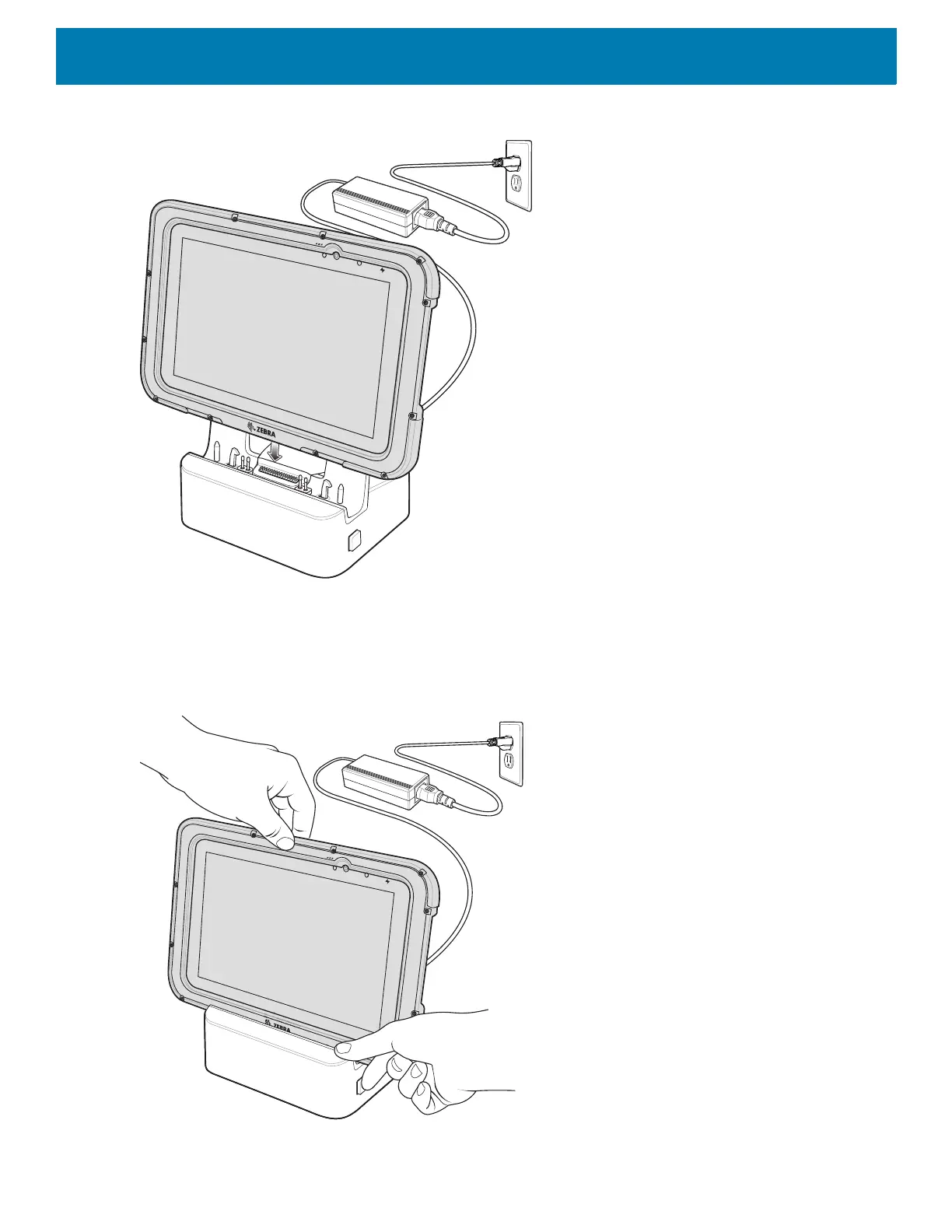
Figure 96 Insert Rugged Frame device and IO Adapter into Rugged Communication and Charging Cradle
3. The device Charging LED indicates charging.
4. To remove the device from the Rugged Communication and Charging Cradle, press the release button on
the right side of the cradle and lift the device. Use thumb to hold down the cradle.
Figure 97 Remove device from Rugged Communication and Charging Cradles



 To Next Page