Getting Started
29
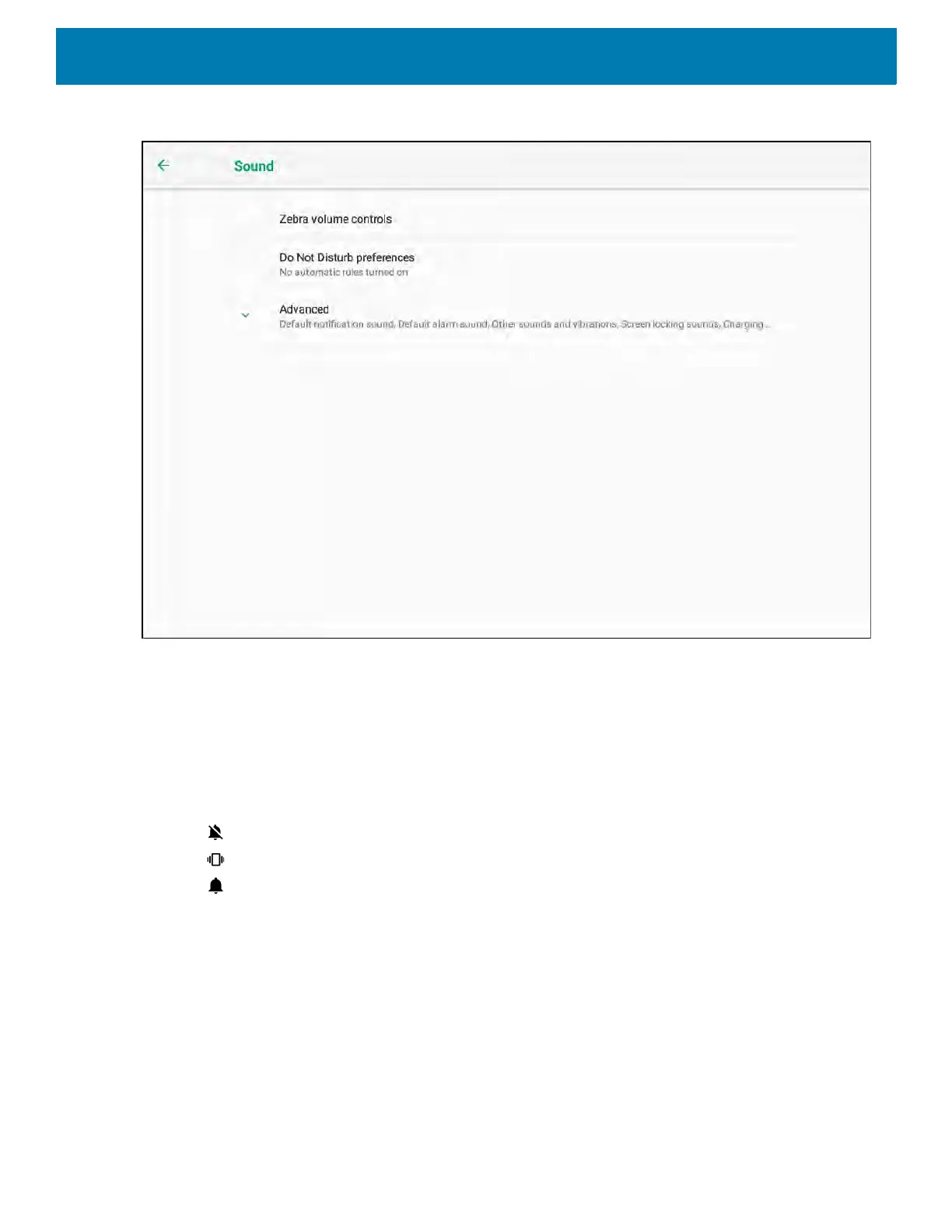
Figure 18 Sound Screen
• Zebra volume controls
• Ring volume - Controls the ringtone volume.
• Media volume - Controls the music, games, and media volume.
• Alarm volume - Controls the alarm clock volume.
• Notifications volume - Controls the notification volume.
• Scanner volume - Controls the scanner volume.
• Volume presets
• - Mutes the ring, notifications, and scanner so that the device does not make sounds or vibrate.
• - All sounds except media and alarms are silenced and vibrate mode is active.
• - Enables all sounds at the user defined levels.
• Do Not Disturb preferences - Mutes some or all sounds and vibrations.
• Priority only allows - Use to set the priorities for the following:
• Reminders - Switch on or off.
• Events - Switch on or off.
• Alarms - This is always enabled.
• Messages - N/A.
• Calls - N/A.
• Repeat callers - N/A.
• Block visual disturbances



 To Next Page