Applications
52
• Battery level - The current battery charge level as a percentage. Displays -% when level is unknown.
• Time until full - The amount of time until the battery is fully charged.
• Time since charging - The amount of time since the device began charging.
• Time until empty - The amount of time until the battery is empty.
• Battery status
• Not charging - The device is not connected to AC powercharging.
• Charging over AC - The device is connected to AC power and charging.
• Charging over USB - The device is connected to a host computer with a USB cable and charging.
• Discharging - That the battery is discharging.
• Full - That the battery is fully charged.
• Unknown - The battery status is unknown.
• Battery health - The health of the battery. If a critical error occurs, appears. Touch to view the error
description.
• Decommission - The battery is past its useful life and should be replaced. See system administrator.
• Good - The battery is good.
• Charge error - An error occurred while charging. See system administrator.
• Over Current - An over-current condition occurred. See system administrator.
• Dead - The battery has no charge. Replace the battery.
• Over Voltage - An over-voltage condition occurred. See system administrator.
• Below Temperature - The battery temperature is below the operating temperature. See system
administrator.
• Failure Detected - A failure has been detected in the battery. See system administrator.
• Unknown - See system administrator.
• Wear level - The health of the battery in graphical form. When the wear level exceeds 80%, the bar color
changes to red.
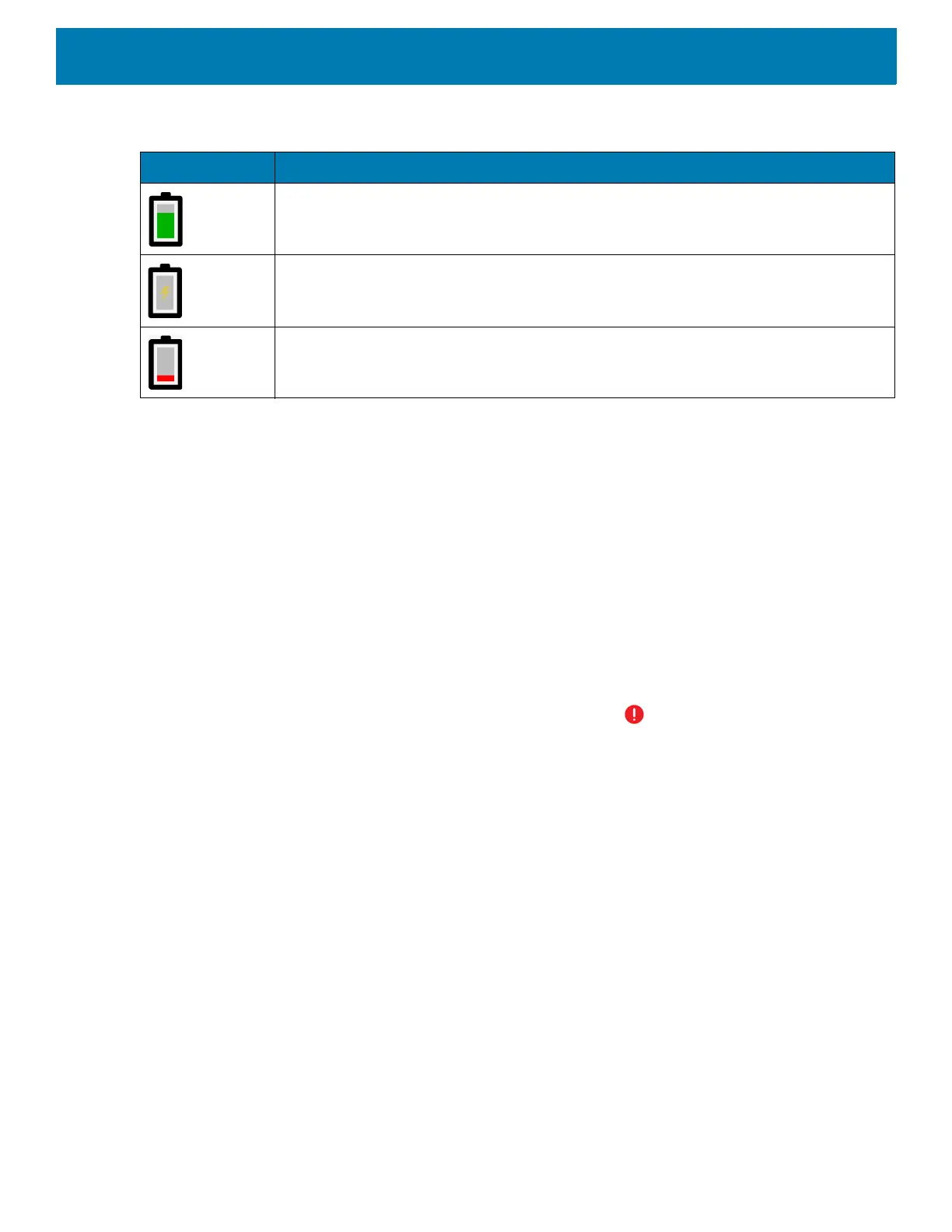
Table 8 Battery Icon Description
Battery Icon Description
Battery charge level.
Battery charging.
Battery charge level is below 20%.



 To Next Page