Getting Started
34
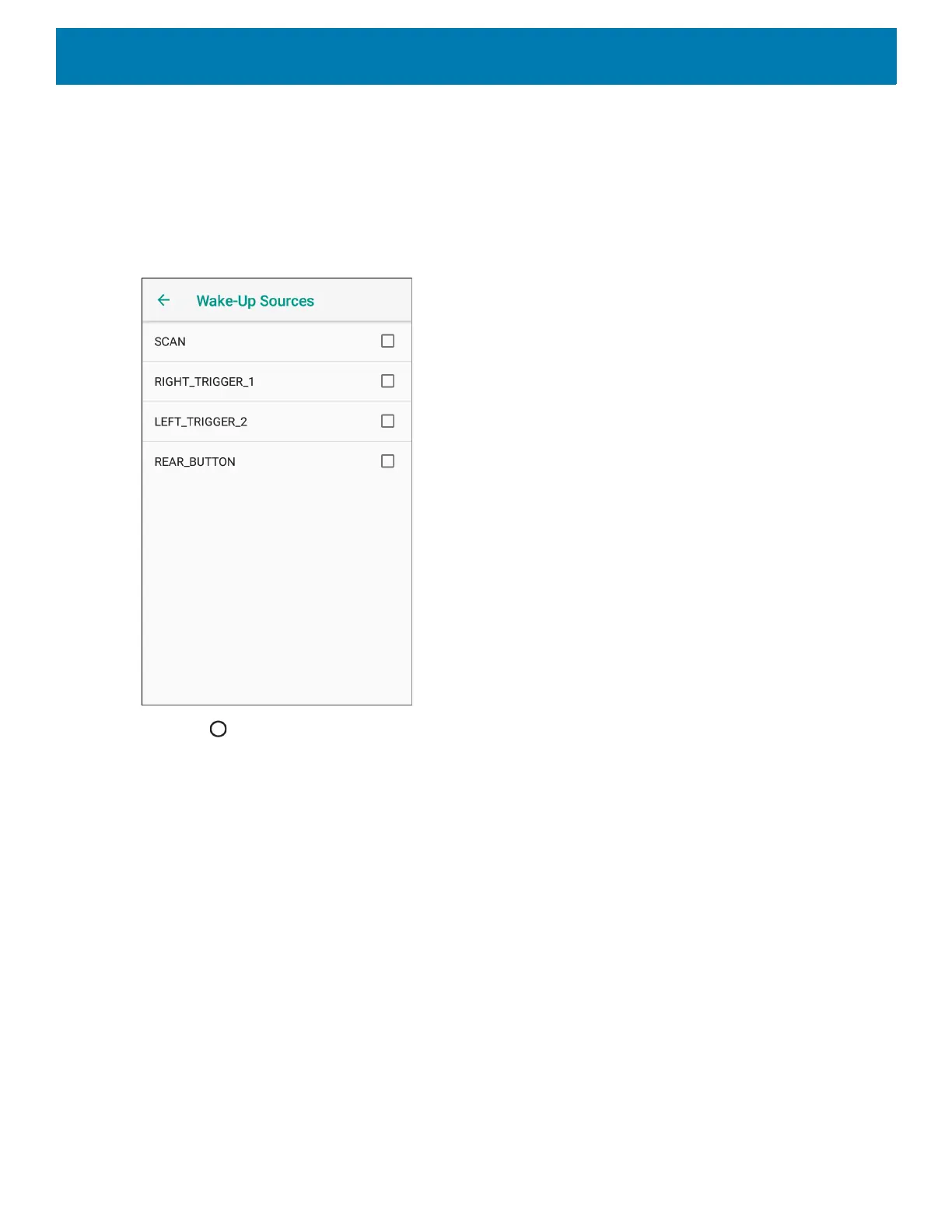
3. Touch one or more of the options:
• Touch SCAN checkbox to enable the left scan button. A check appears in the checkbox.
• Touch RIGHT_TRIGGER_2 checkbox to enable the right scan button. A check appears in the checkbox.
• Touch LEFT_TRIGGER_2 checkbox to enable the PTT button. A check appears in the checkbox.
• Touch REAR_BUTTON checkbox rear programmable button. A check appears in the checkbox.
Figure 23 Wake-Up Sources
4. Touch .



 To Next Page