OPERATION
Axio Observer TFT display touchscreen on the Axio Observer 7, 7 materials ZEISS
12/2016 431004-7244-001 119
The following controls are displayed on the right
side:
Load position button
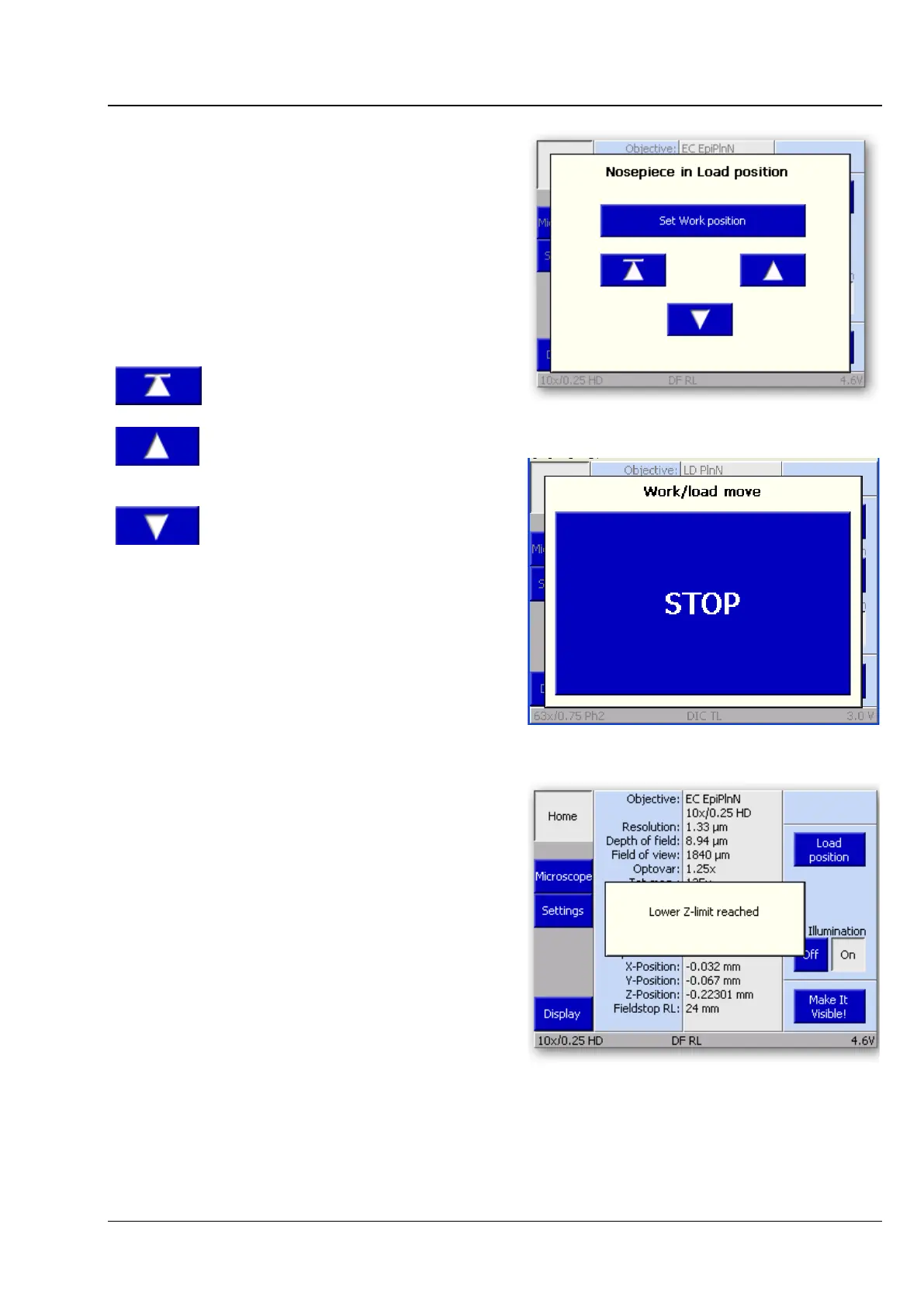
When the Load position button is pressed, the
nosepiece moves to the load position. Nosepiece
movement can be interrupted by pressing Stop
(Fig. 98). Once the loading position as been
reached, the Load position pop-up window
(Fig. 97) containing the following controls appears:
Moves the nosepiece back to
the working position.
Moves the nosepiece upwards
towards the working position
until the button is released.
downwards until the
button is
released (up to nosepiece
limit stop).
When the focusing drive is used in a regular way, a
pop-up window (Fig. 99) will appear as soon as the
upper or lower limit stop is reached.
Fig. 97 Nosepiece in load position
Fig. 98 STOP button
Fig. 99 Motorized focus drive reaches limit
switch








 To Next Page