2
1
3
Choosing the computer
input on the Source
menus
Source Selection
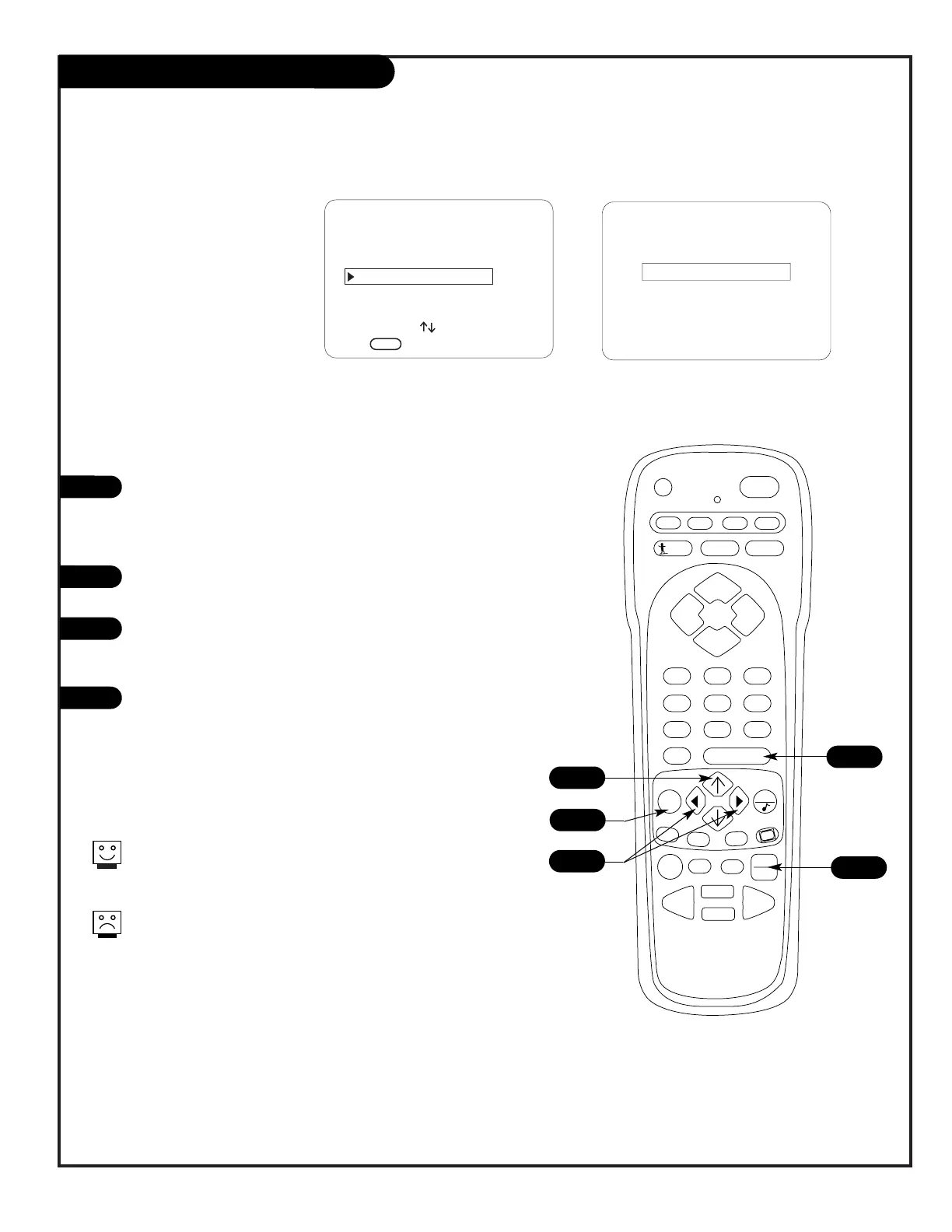
Press TV/VCR SOURCE on the remote repeatedly to cycle
through the available sources.
Source Selection using Source Menu
Press MENU on the remote repeatedly until the Source
menu appears.
Use the Up/Down arrow on the remote control, to select
the computer source that you want to to appear on your
screen.
Press Enter, or the Left/Right arrow on the remote, to
change to the new source, press ENTER again to
remove menu and return to TV viewing.
1
2
3
A
Selecting Viewing Sources Using
Onscreen Menus
Selecting Viewing Sources Pressing
TV/VCR Source Key on Remote
A
3
The front Computer In connector is an Auto Sense input. If you
connect a computer to this connector, it will override any other
selected source and show the computer display on the screen.
If the source you want to select does not appear as an option
on the Source menu, see the Troubleshooting pages.




 To Next Page