2
1
4
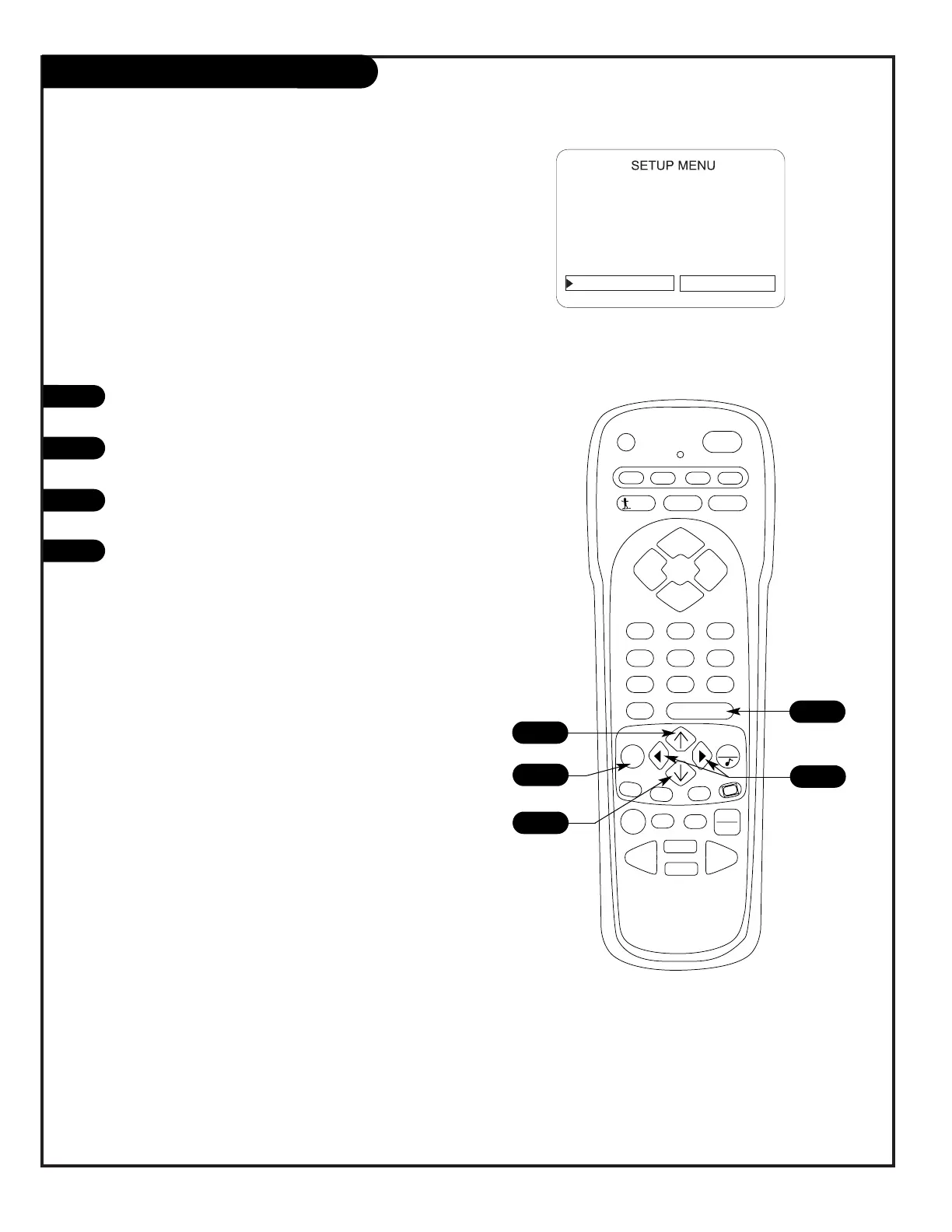
Choose the language for the on-screen menus
Press MENU on the remote repeatedly until the Setup
menu appears.
Use the Up/Down arrow on the remote control to high-
light Language on your screen.
Use the Left/Right arrow to choose one of the follow-
ing options: English, Spanish or French.
Press ENTER to return to TV viewing.
1
2
3
4
3
1
Menu Operation/Front Control Panel
The menus can also be operated by using the TV front control
panel buttons. See page 22 for menu operation instructions.
If you need to key-in numbers, use the remote control.




 To Next Page