1
4
2
3
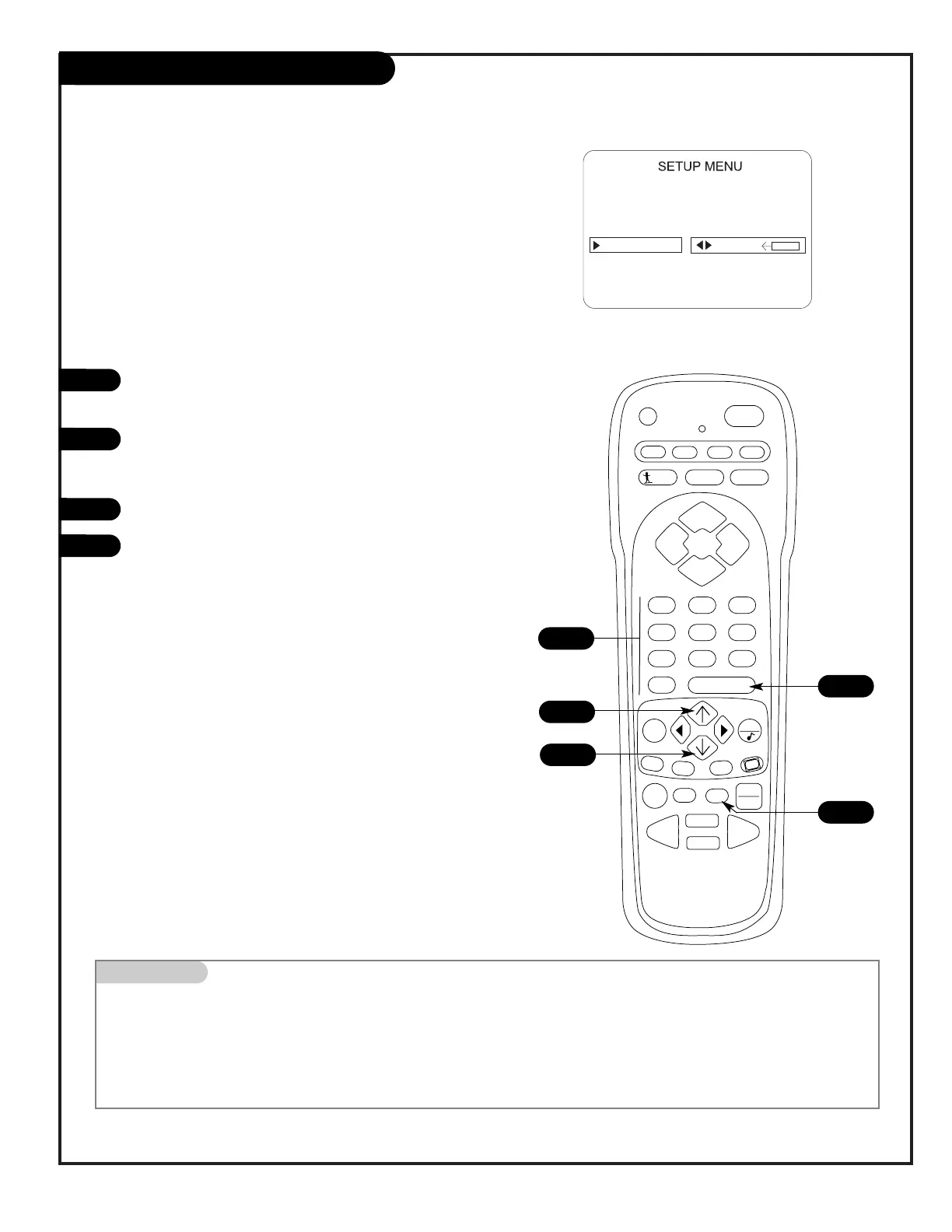
With the Setup menu displayed, use the Up/Down arrow to
highlight the Clock Set option as shown.
Set the current time; use the NUMBER keypad to key-in the
hours, then minutes. For example, press 06, then 30, to set
6:30 on the clock.
Use the TIMER key to set AM or PM, as shown on the menu.
Press ENTER to start the clock and return to TV viewing.
Mini glossary
TIME A four-digit figure broken down into hours and minutes, that is used to enter the current time when setting the clock.
HOURS The first two digits that are entered when setting the clock.
MINUTES The last two digits that are entered when setting the clock.
TIMER Used to choose AM or PM when setting the clock.
1




 To Next Page